Logitech Select
End-to-end UX/UI design for a services management platform. Read More
Problem Statement
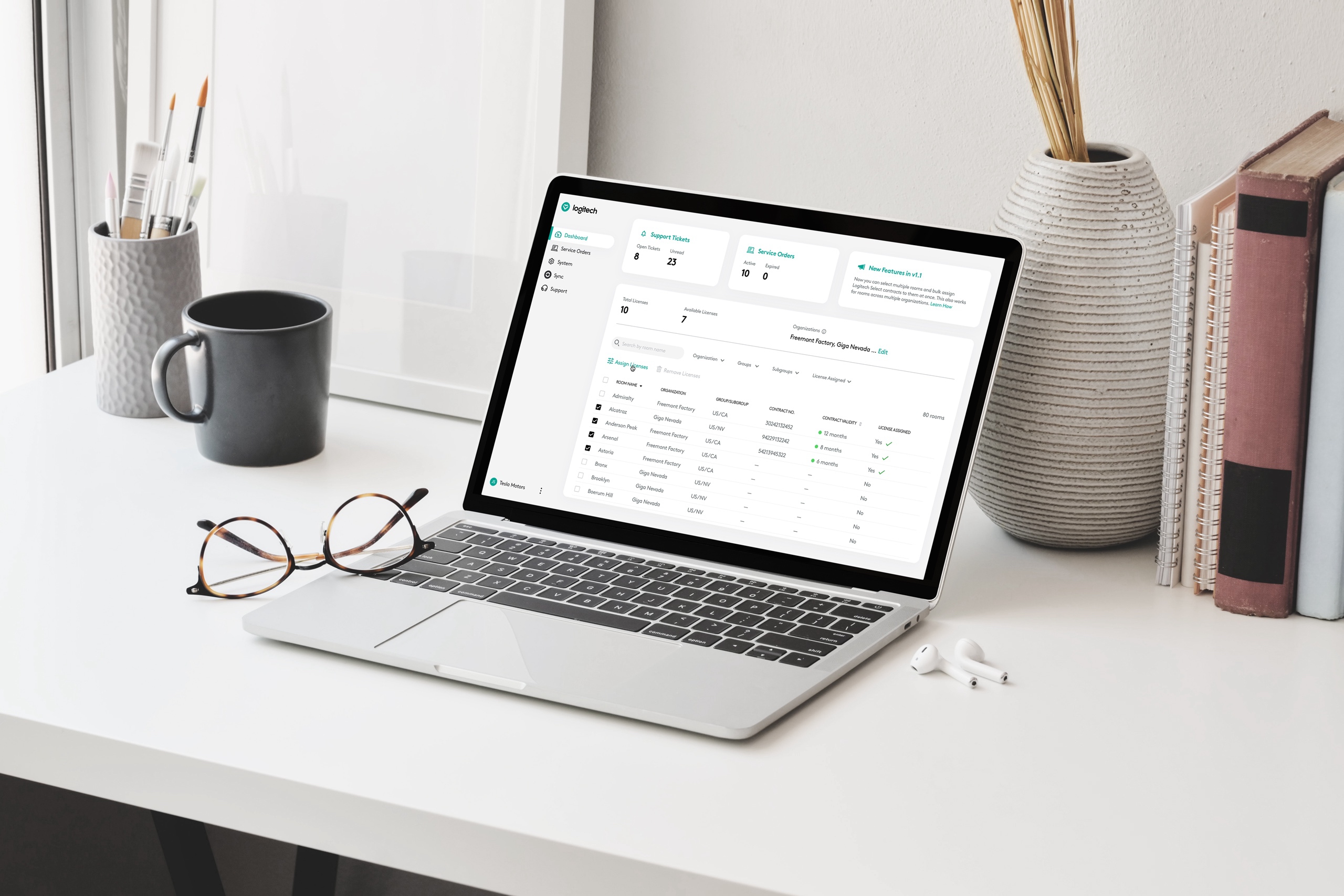
Design the digital customer experience for Logitech Select, an all-inclusive service offering premium support and insights for Logitech video conferencing room solutions.
Backstory
In 2020, Engine Service Design had worked with Logitech to define the customer experience for an all-inclusive service. The project described at a high-level how Logitech could offer premium support and insights for their video conferencing room solutions.
The team had created a set of low fidelity wireframes to describe the journey of a customer and a service blueprint identifying experience and build requirements. From this blueprint, the Logitech team had extracted user stories which they prioritized for an MVP and approached Engine in January 2021 to help them design and launch it.
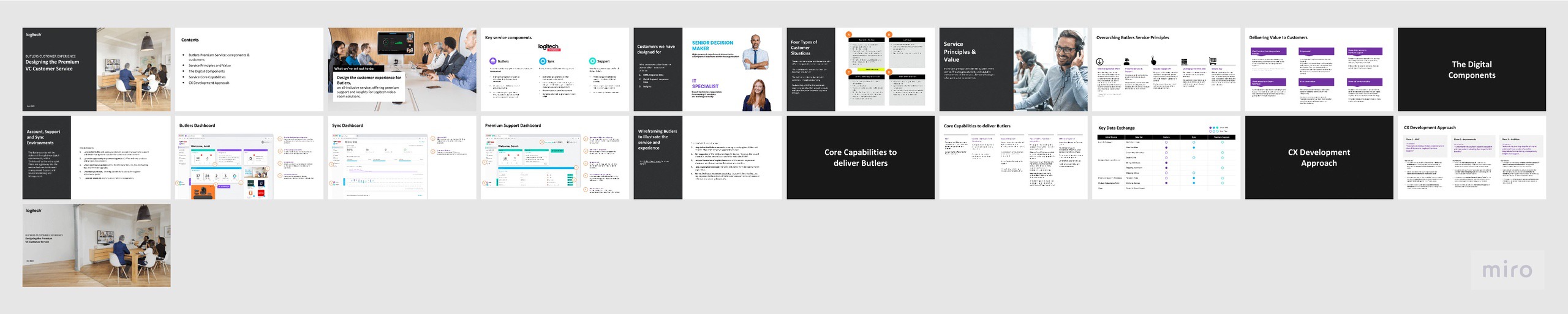
The service and CX summary document that was provided to me for context. Apart from this I was also provided with a service blueprint and a set of user stories.
Challenges & Obstacles
The previous project's wireframes and service blueprint provided only a high-level overview of the service, leaving many questions about its details and functionality. The answers to these questions had to be figured out in parallel while we designed the service management platform.
An external team of developers was going to help Logitech build the application during the MVP phase, this meant aligning with their ways of working in the beginning, but transitioning to a different way of handing off designs as the development work transitioned to internal teams.
There were limitations around what we could design, as the MVP application was going to be built using technologies that were different than what Logitech had been using to build their other applications.
The team was spread across multiple timezones in 5 countries, so keeping everyone in the loop and gathering feedback and comments was challenging.
Approach
In the first phase of the project, we designed and launched the Logitech Select MVP. To ensure a thorough understanding of the user stories provided by Logitech, we spent a week having our questions answered and another week developing the information architecture and the user flows.
We scheduled three weekly calls to ensure smooth progress on the project. During the first call, we shared our goals for the week and discussed any sprint-specific questions. The second call was an opportunity to update the wider product and engineering teams on our progress and ask questions related to feasibility. The final call at the end of the week was used to discuss design updates and the goals for the following week.
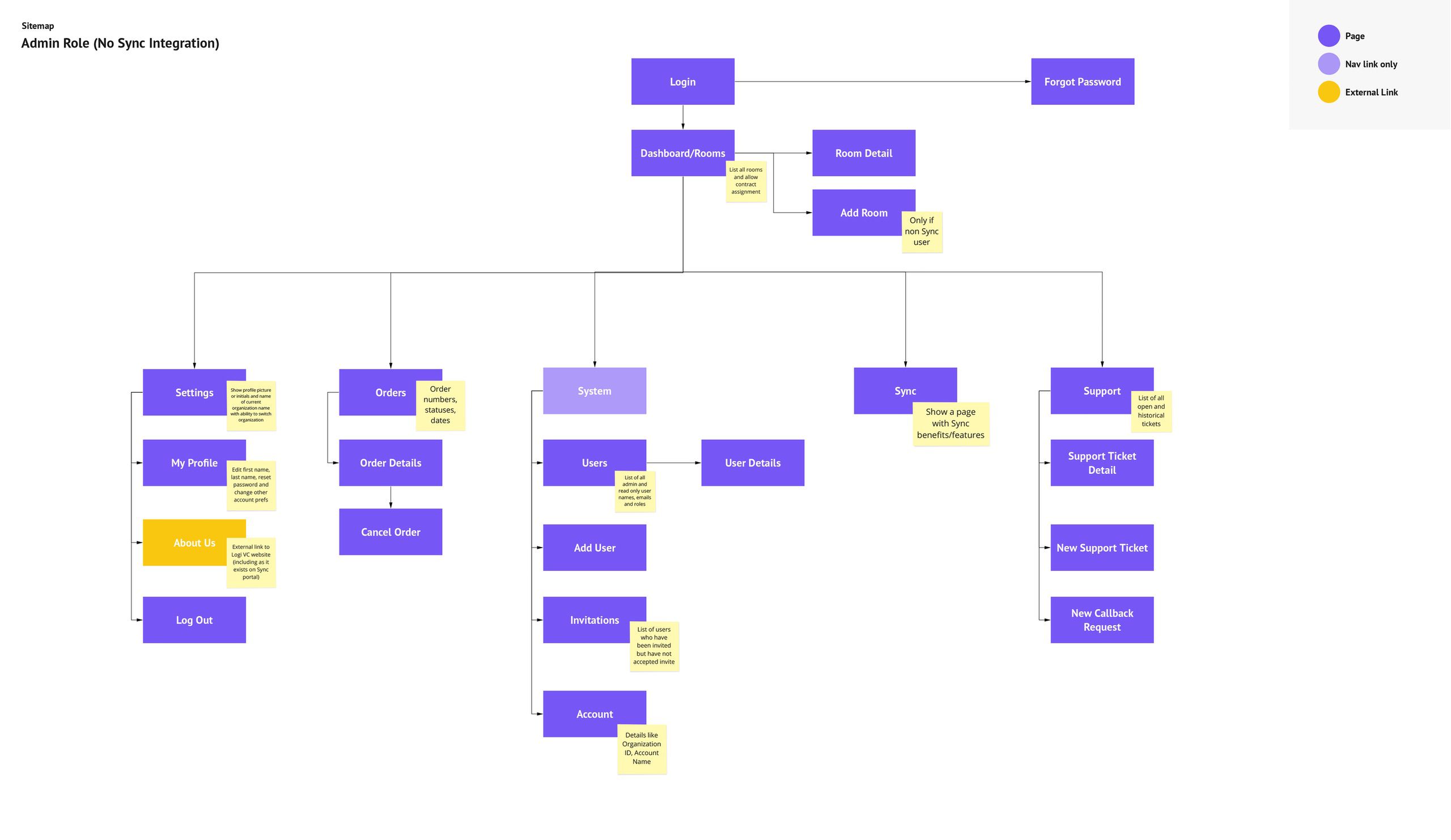
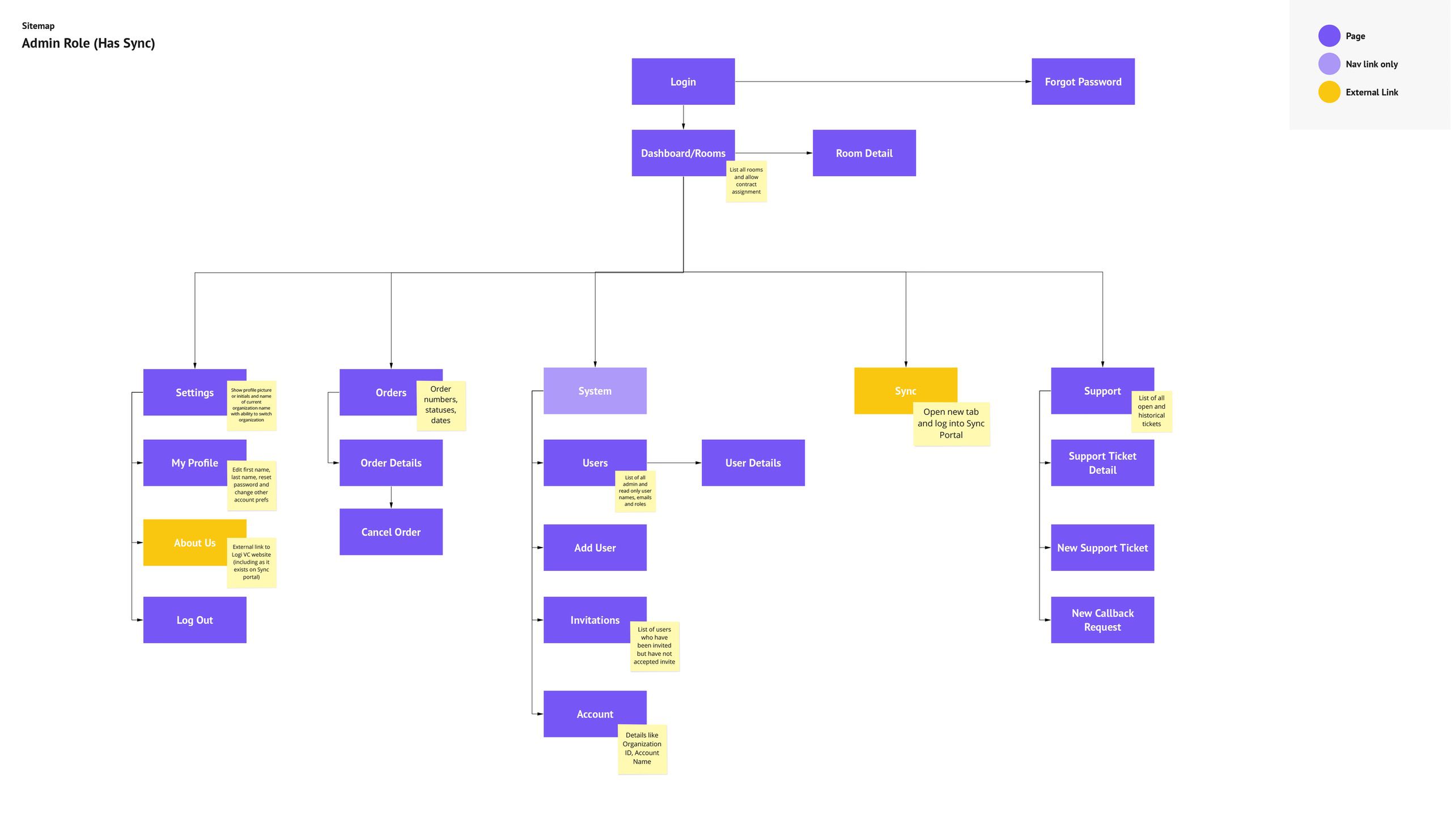
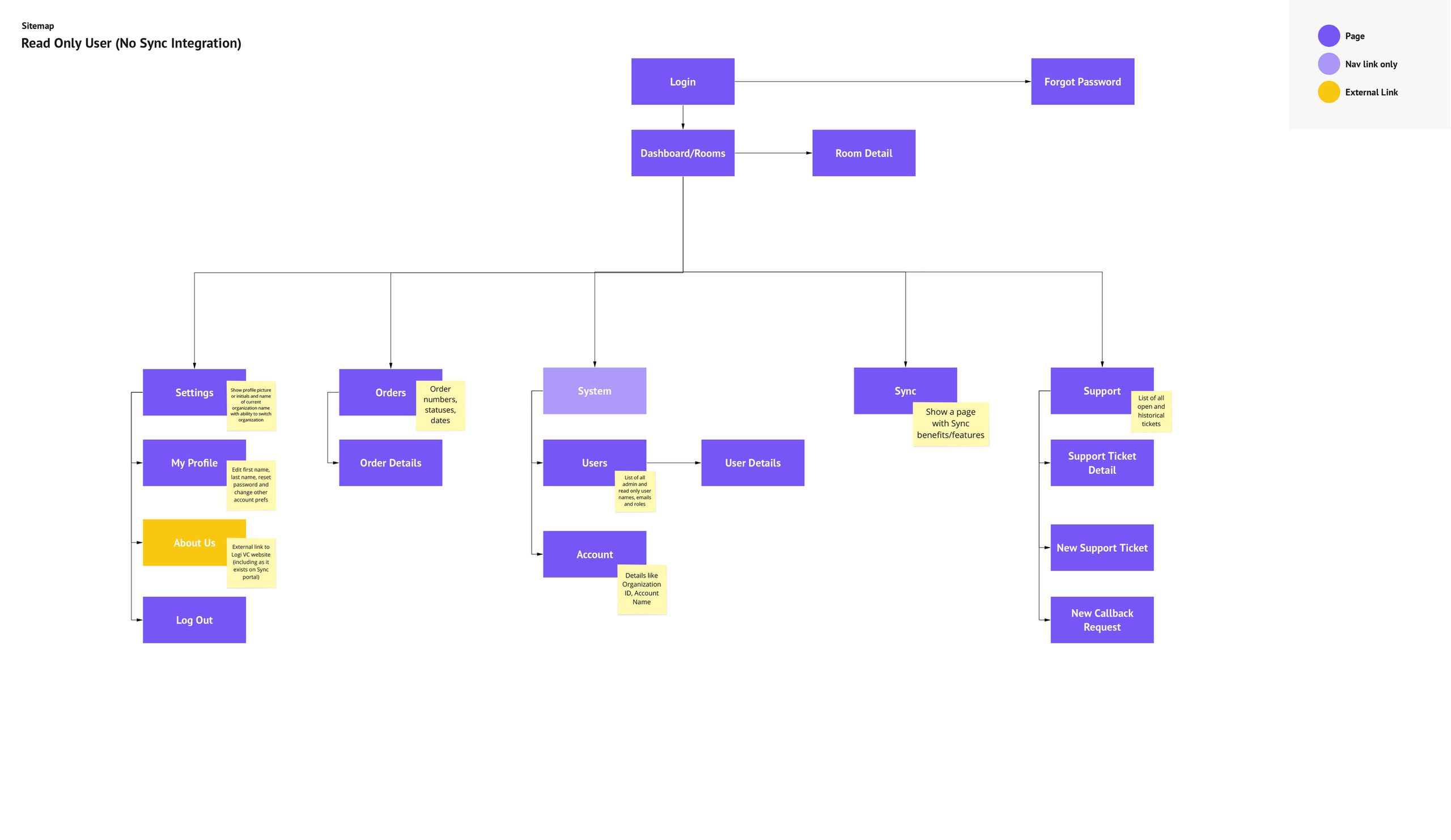
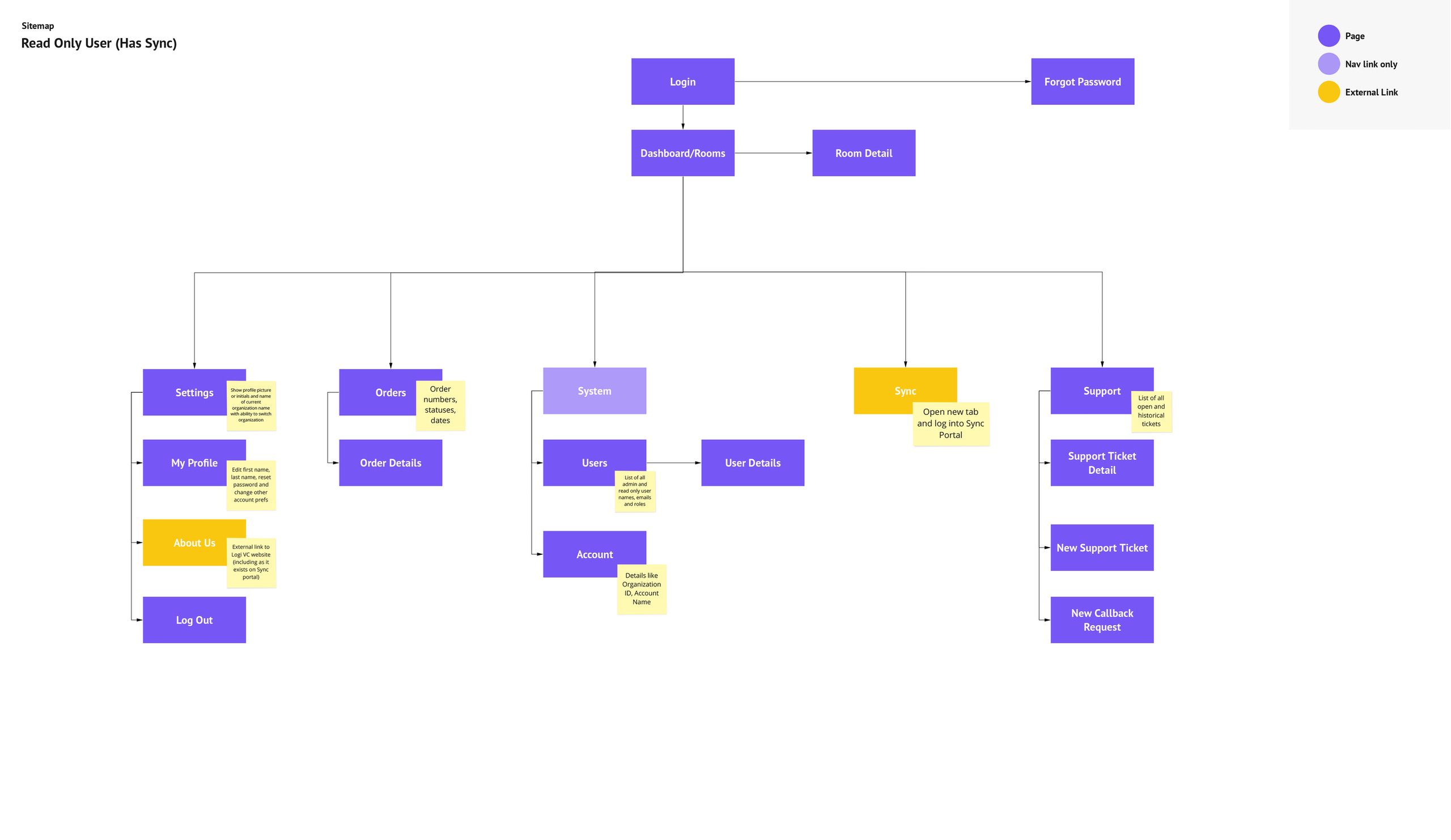
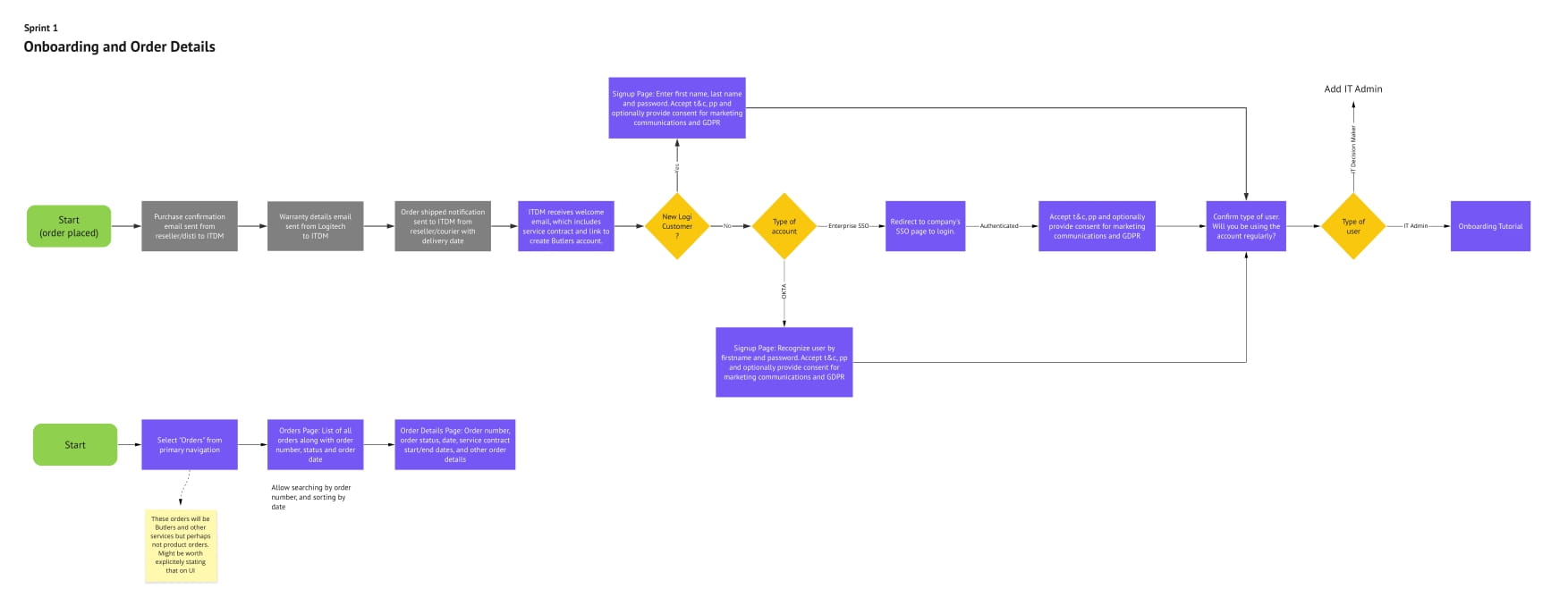
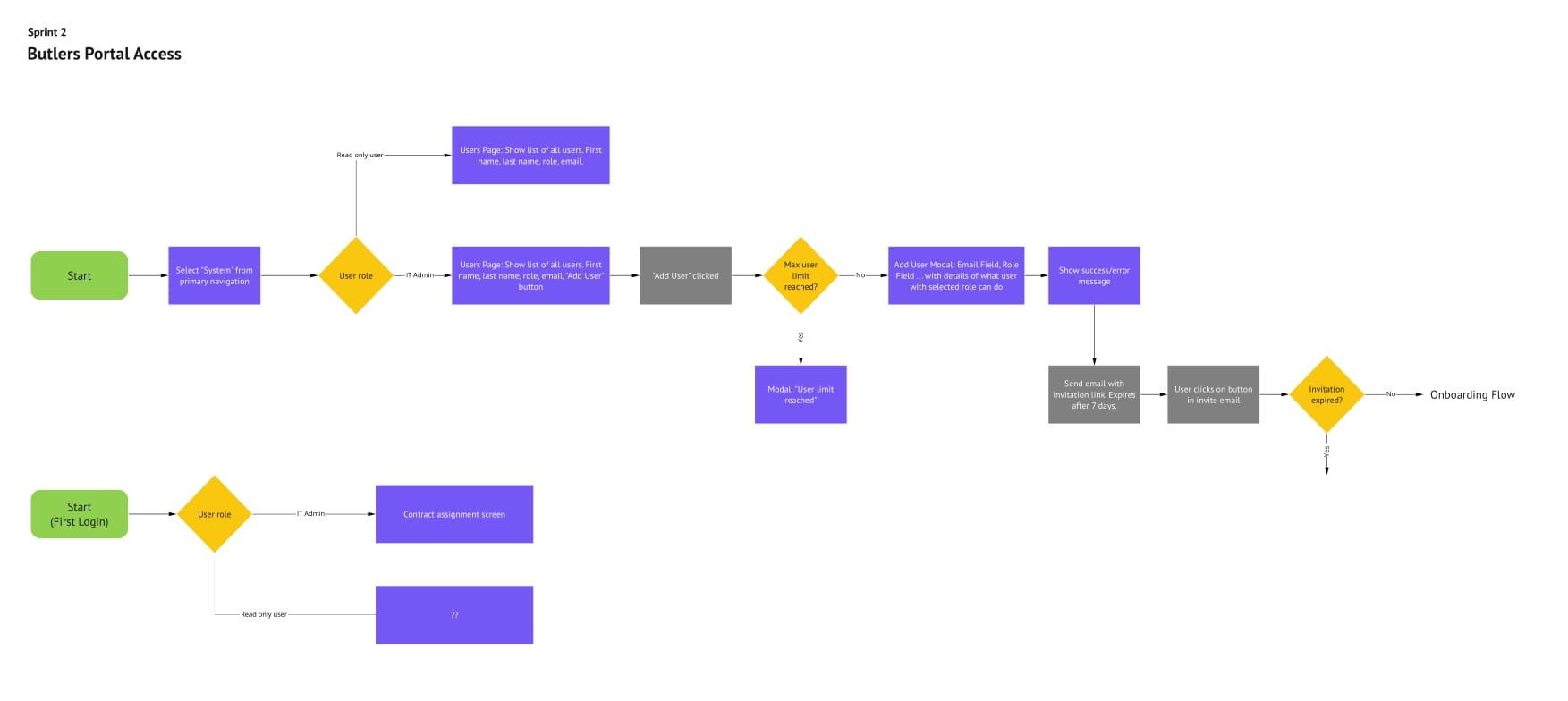
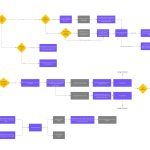
The user stories were divided into 6 sprints, each lasting 1-3 weeks. The sprints were: order fulfillment and onboarding, access and multi-tenancy, license assignment and dashboard, support tickets and help center, login and portal emails and cancellations.
To ensure a smooth hand-off of design files to the Logitech team in the future, we selected Sketch as the design tool, Miro as the brainstorming and diagramming tool, and Abstract for version control because they were already in widespread use within Logitech.
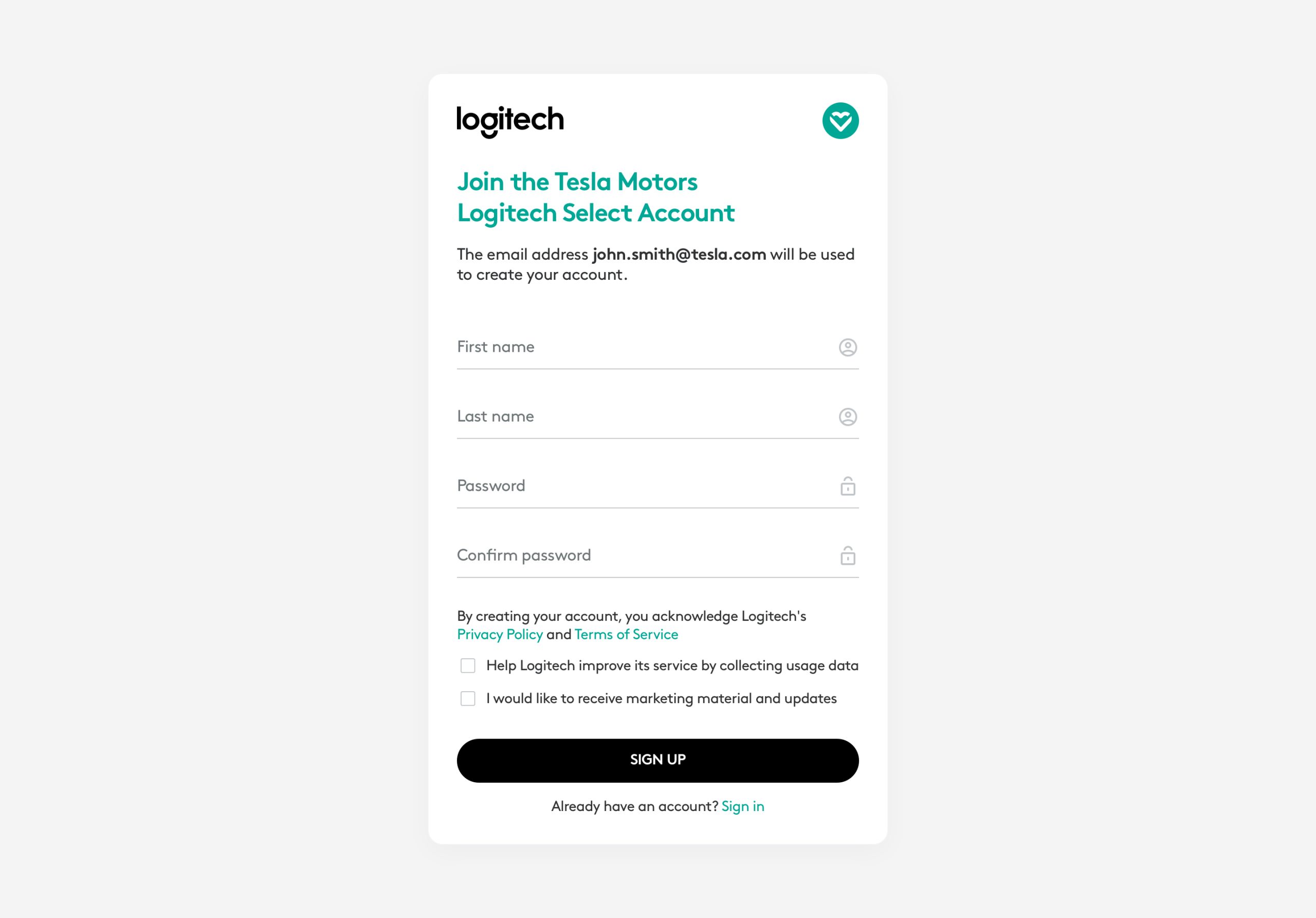
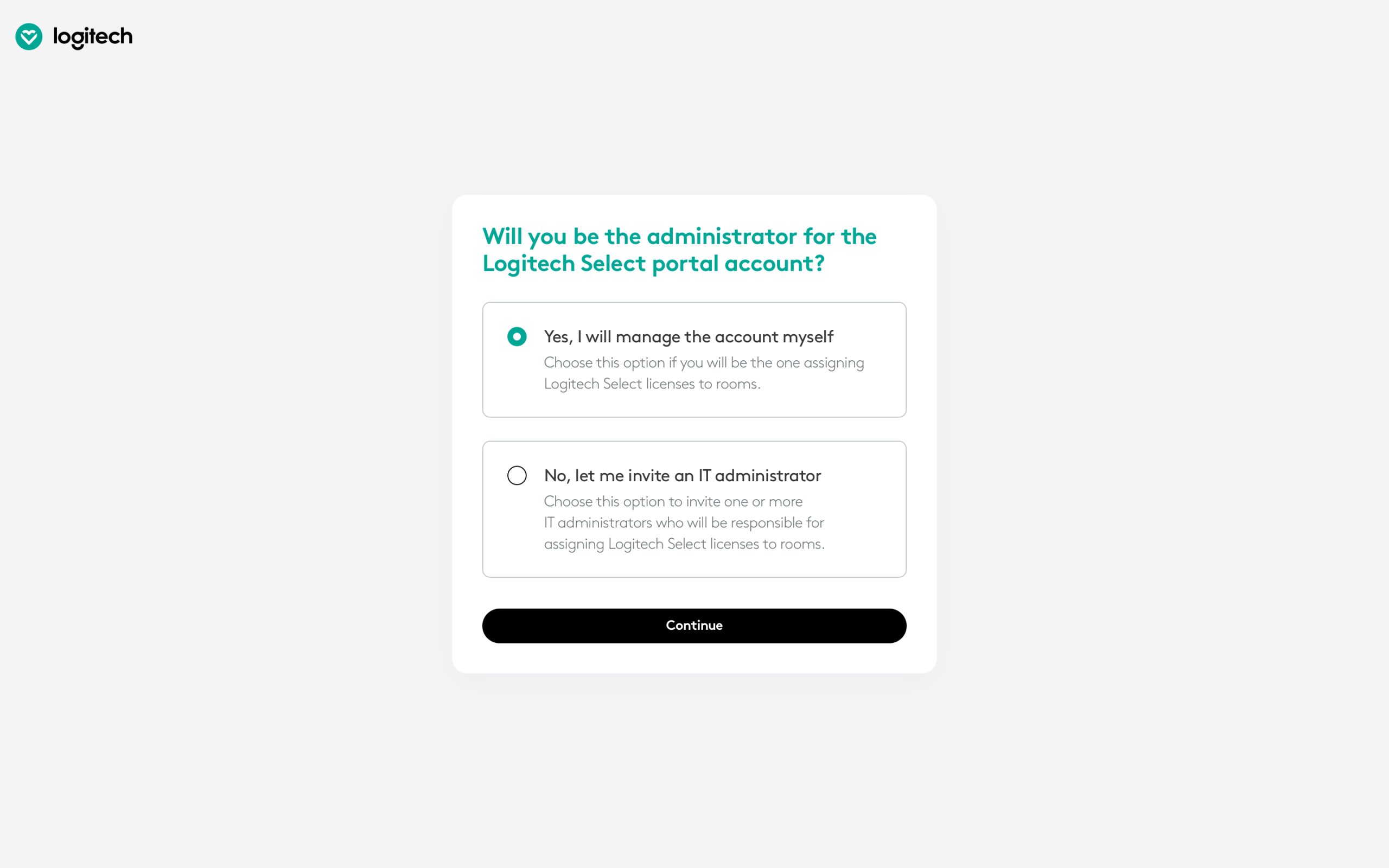
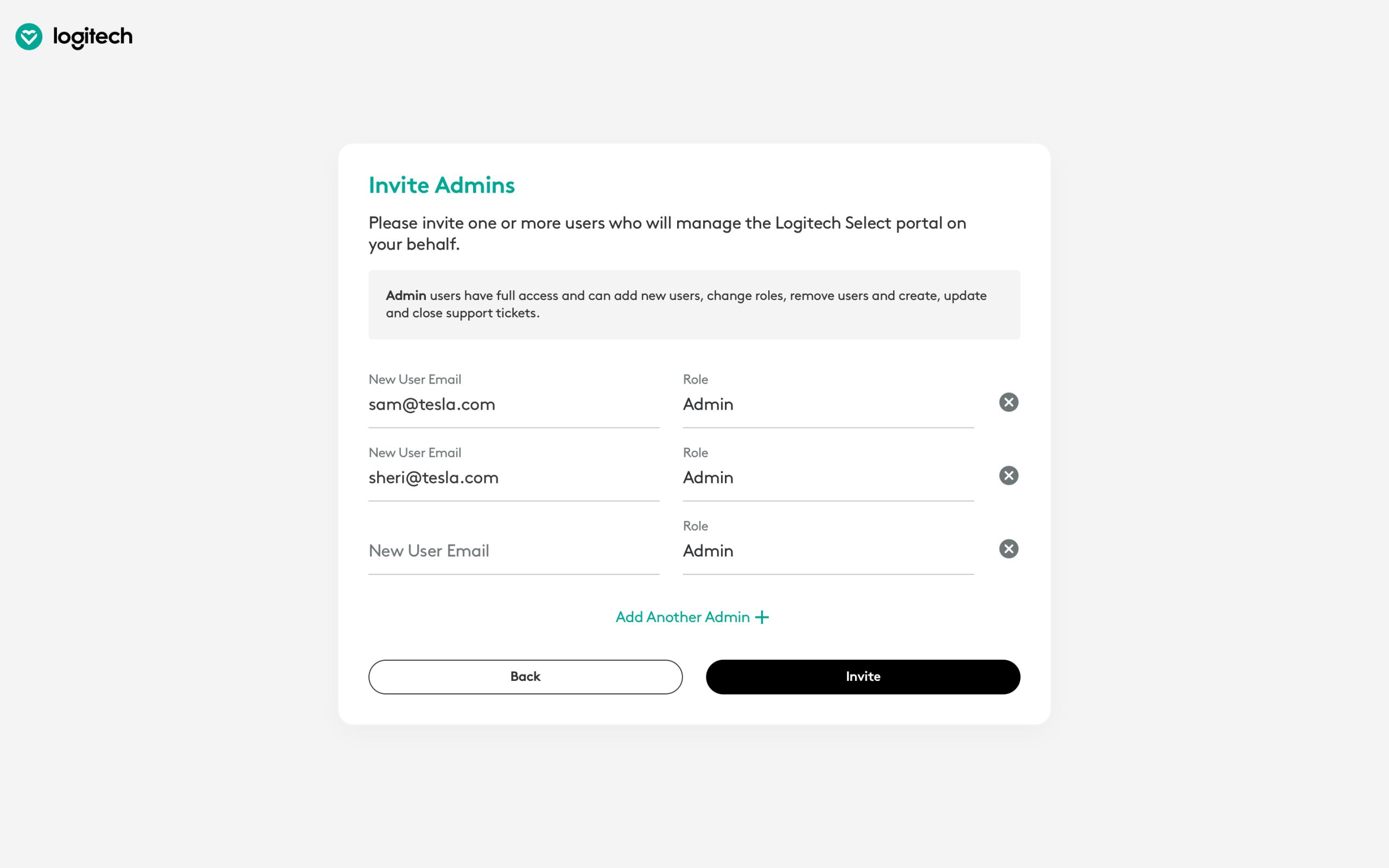
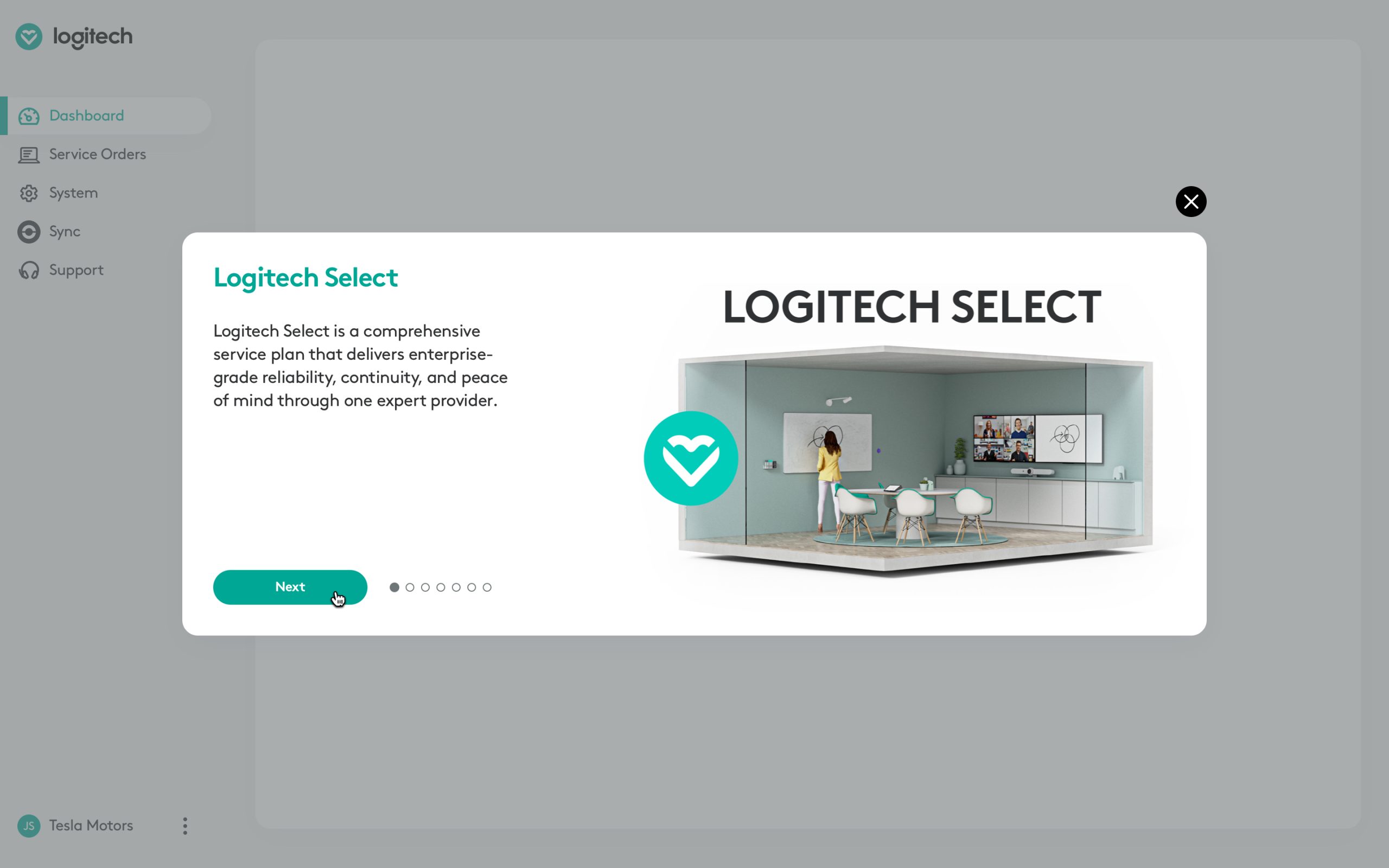
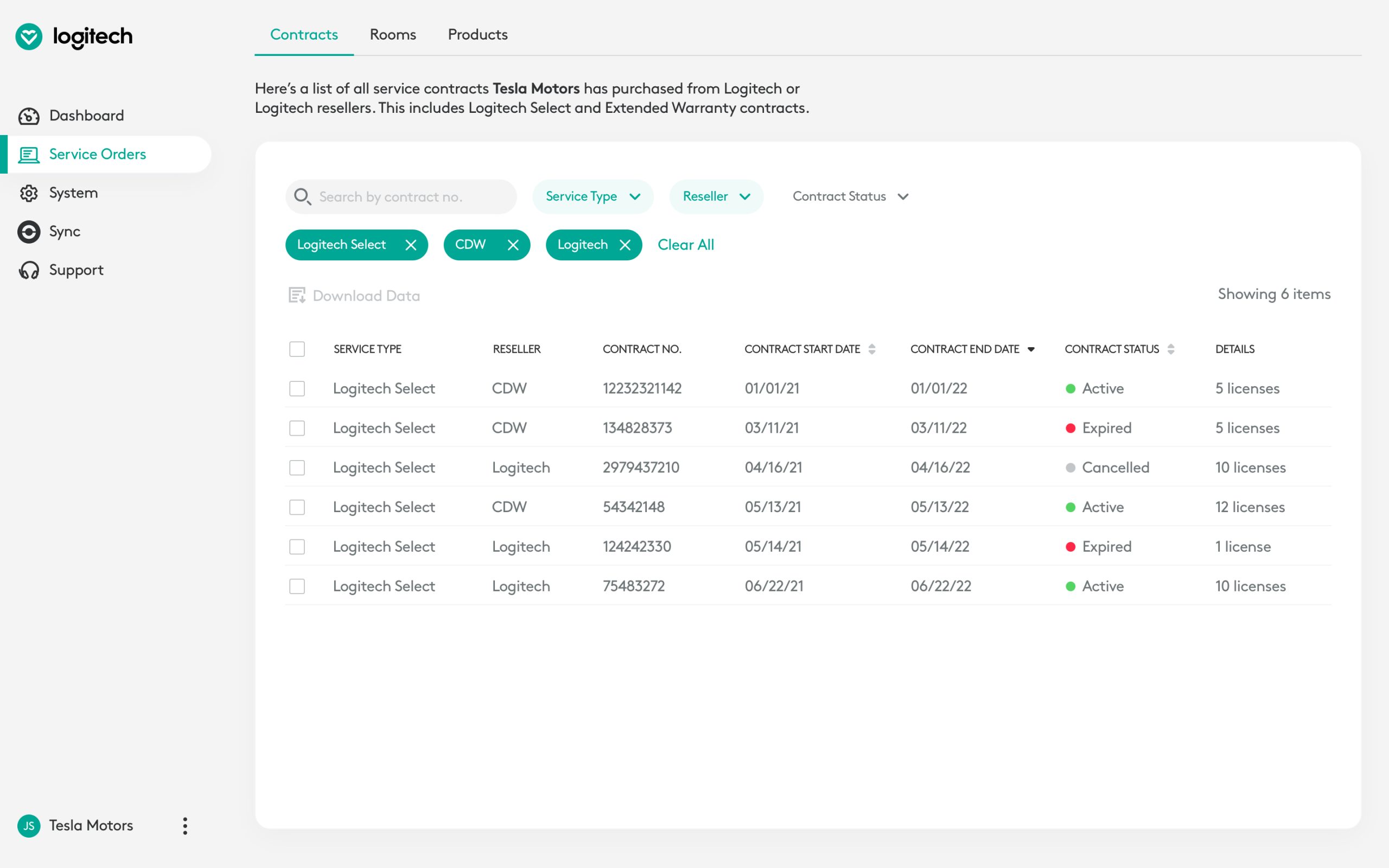
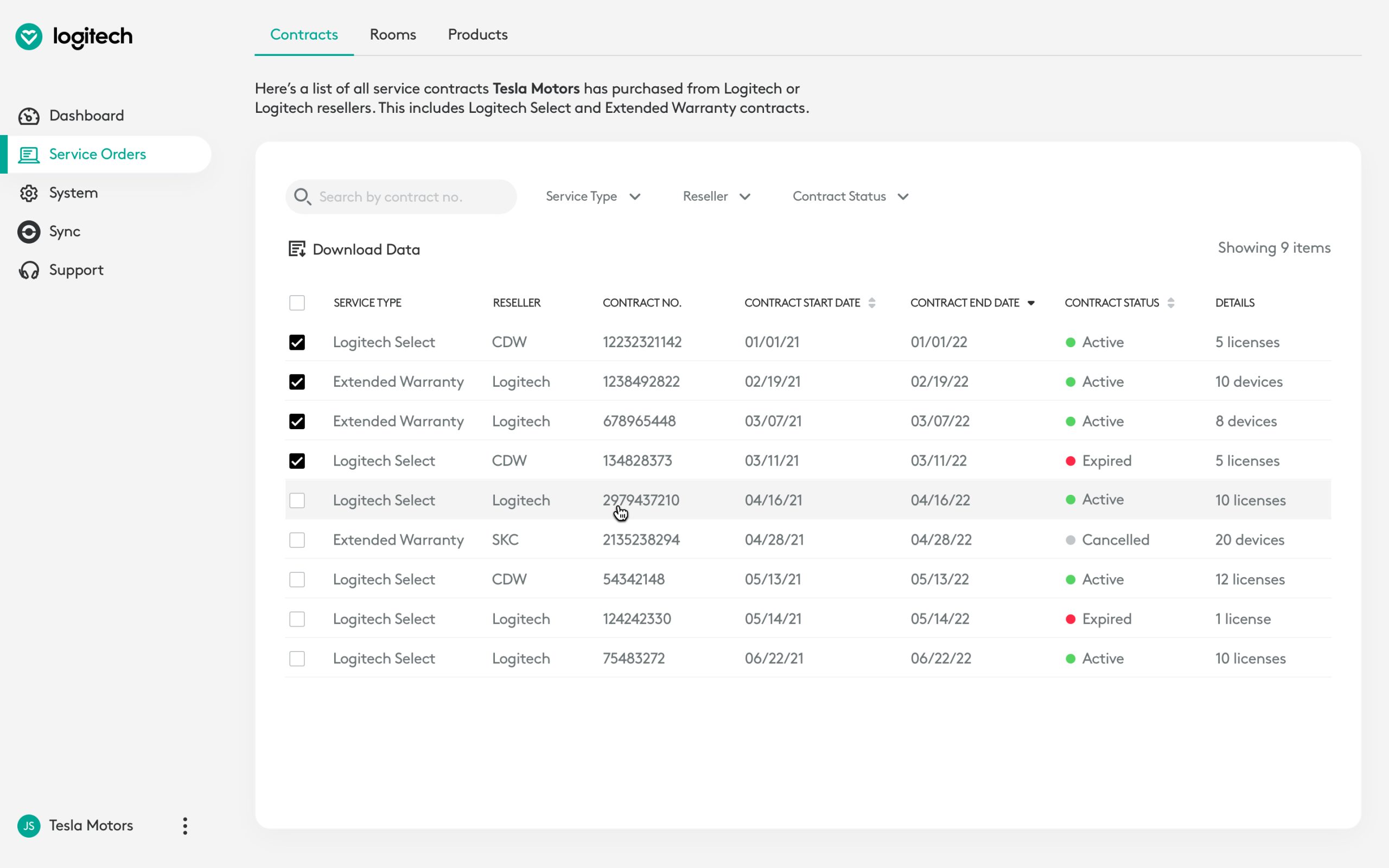
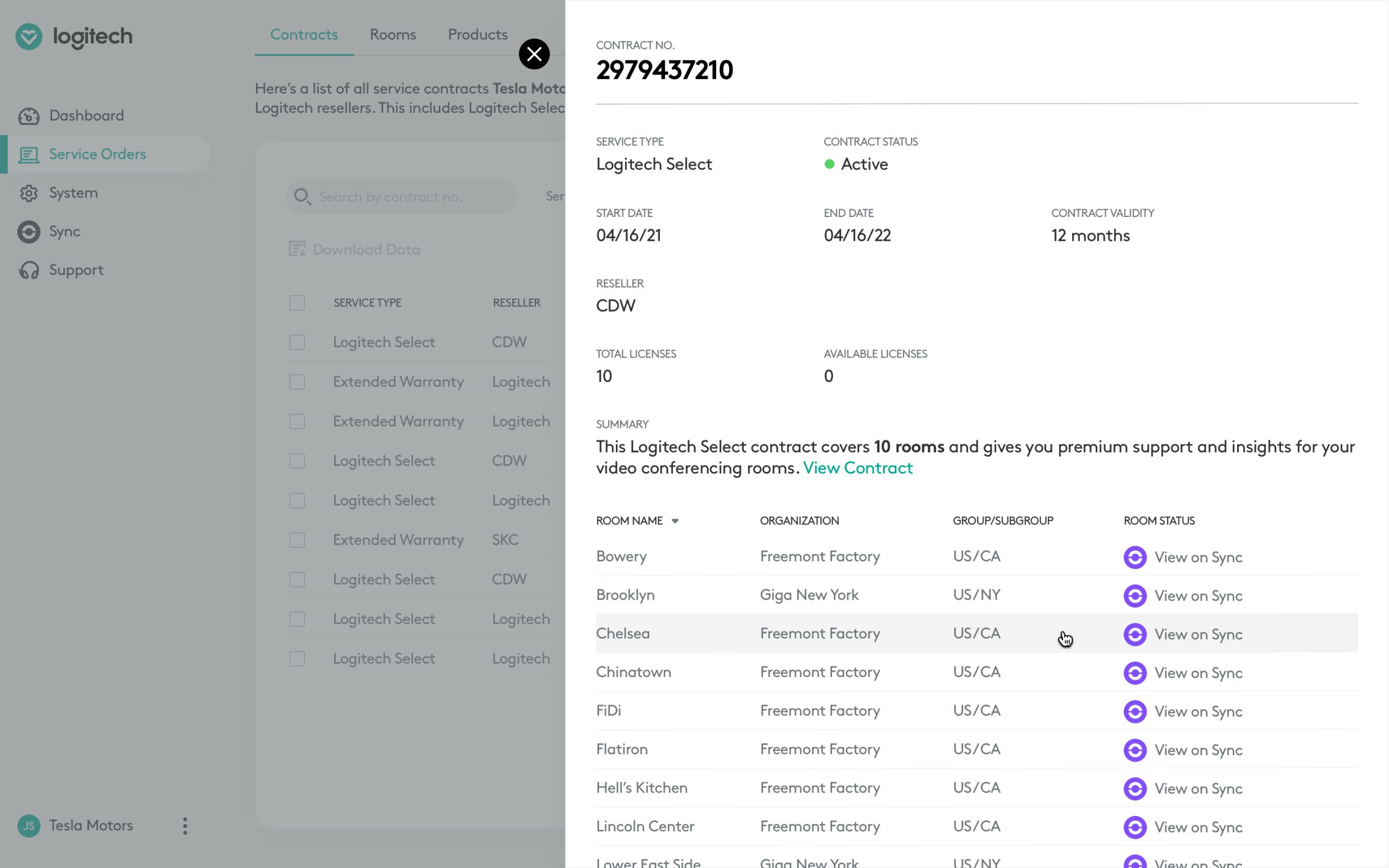
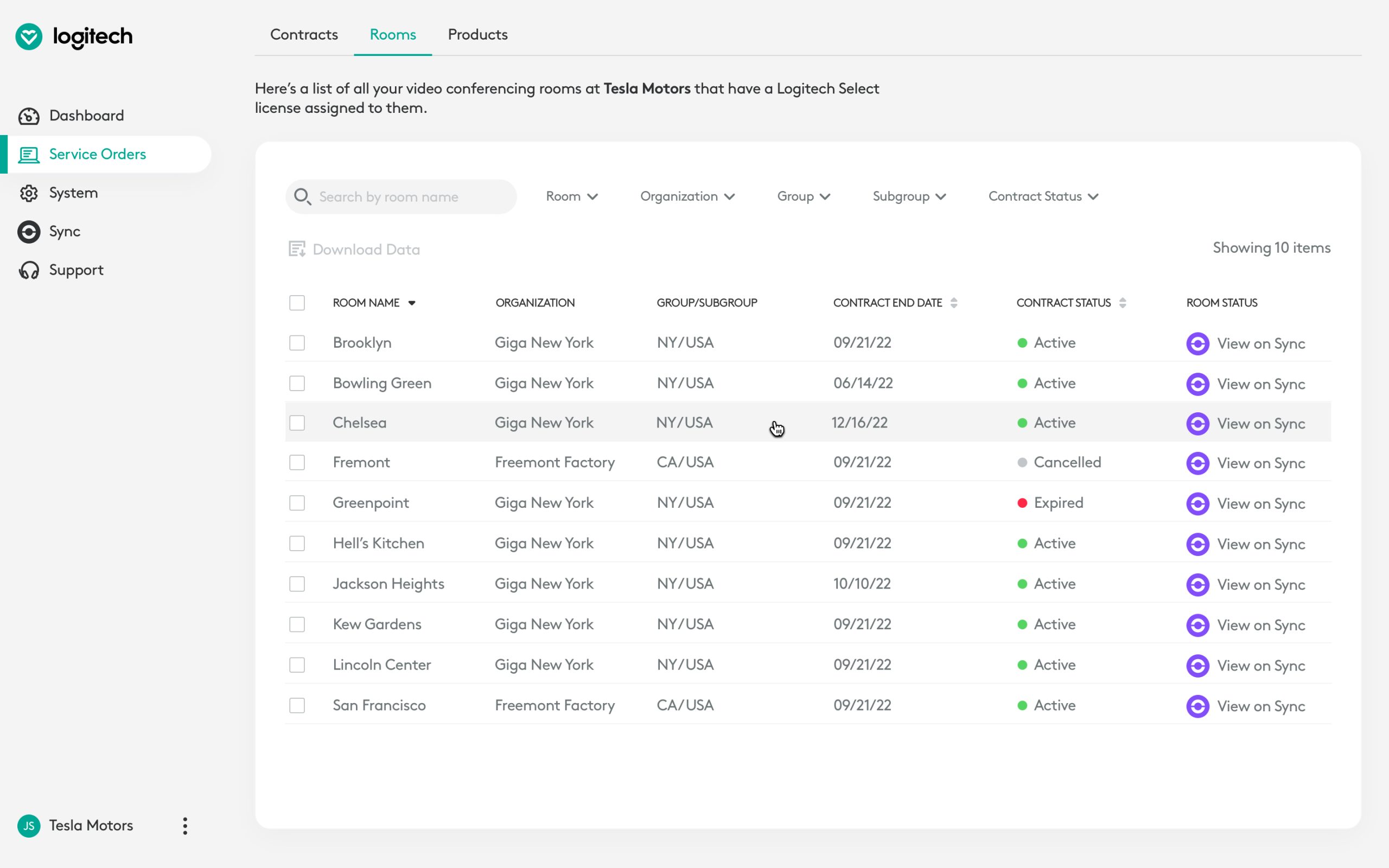
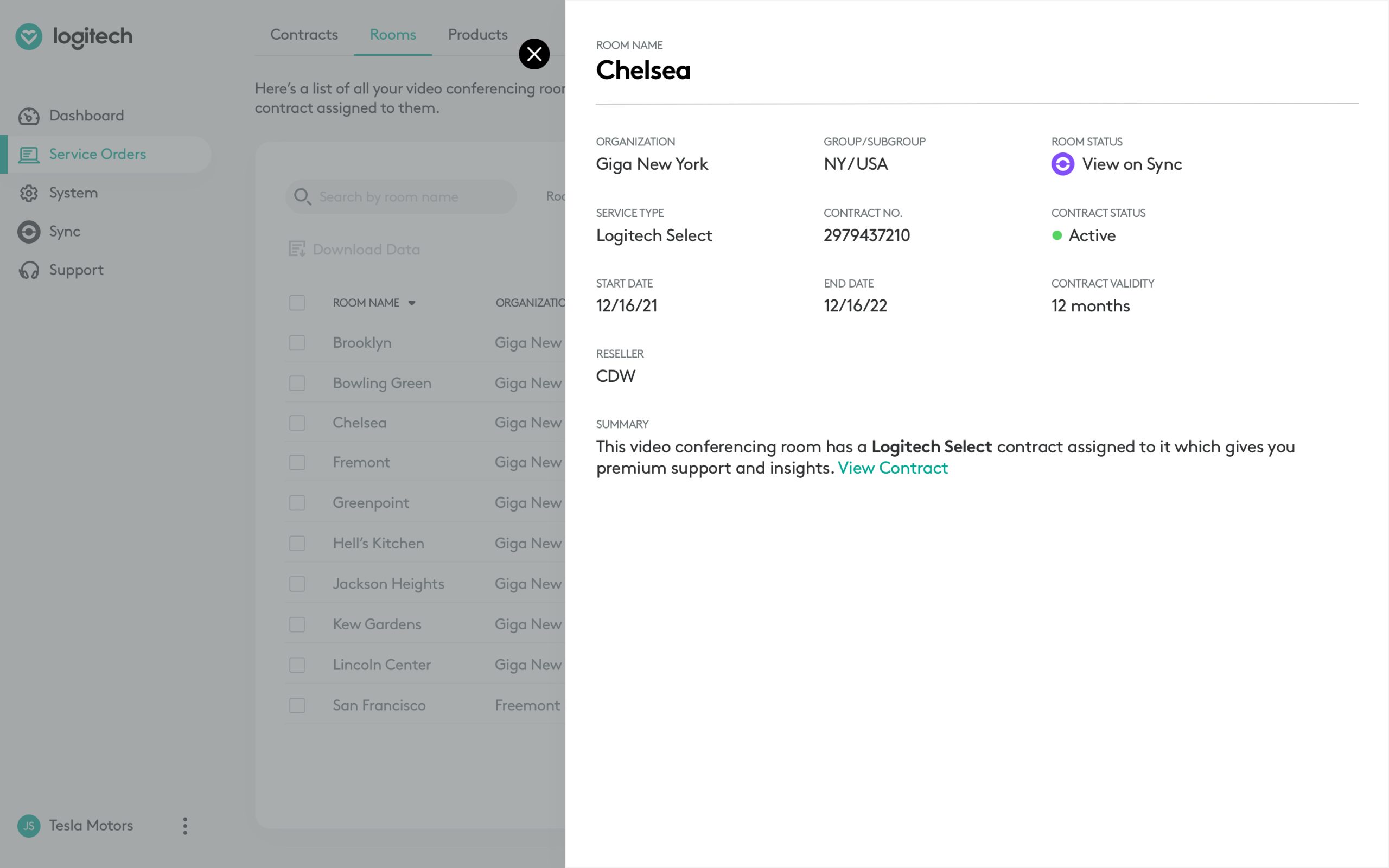
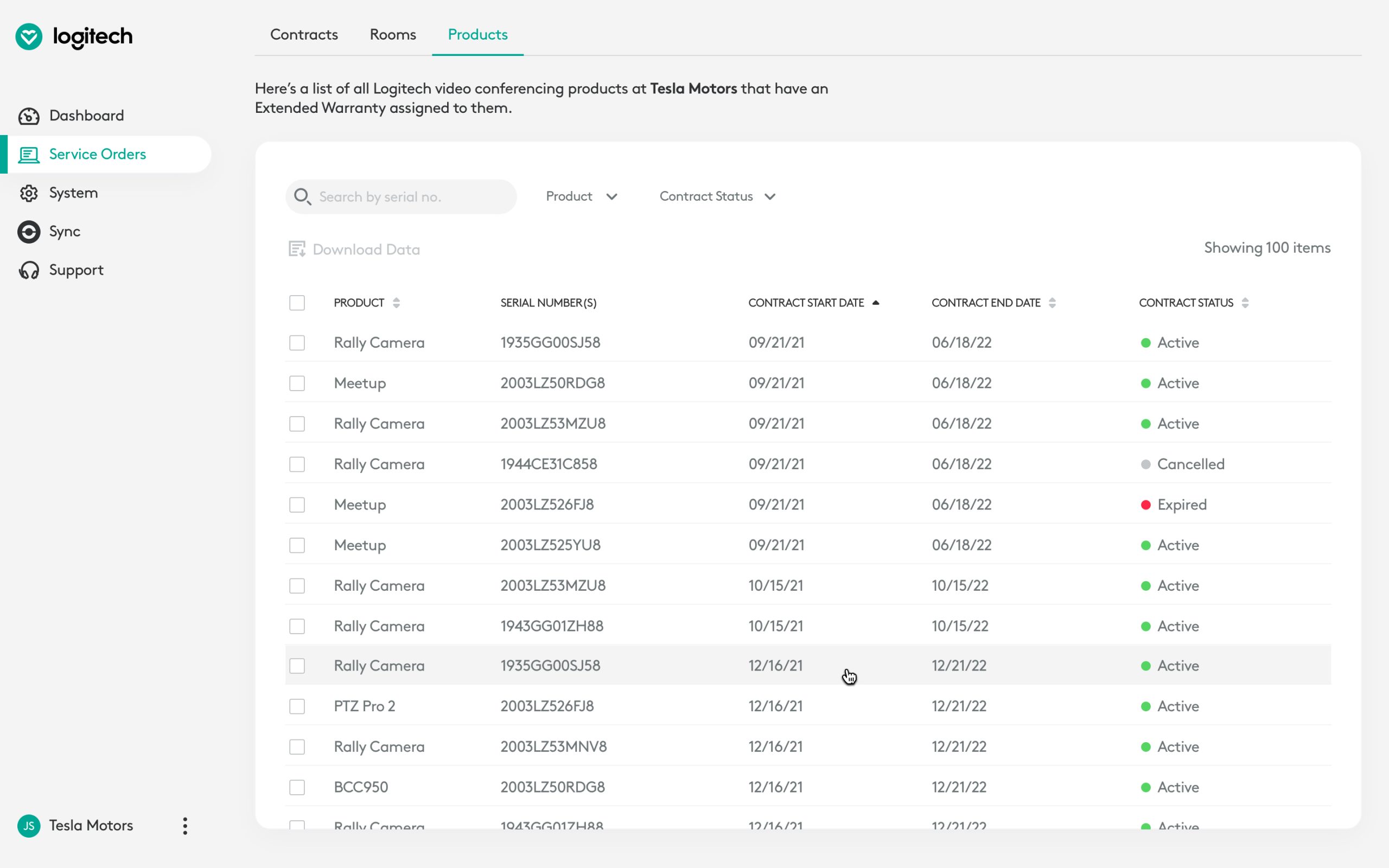
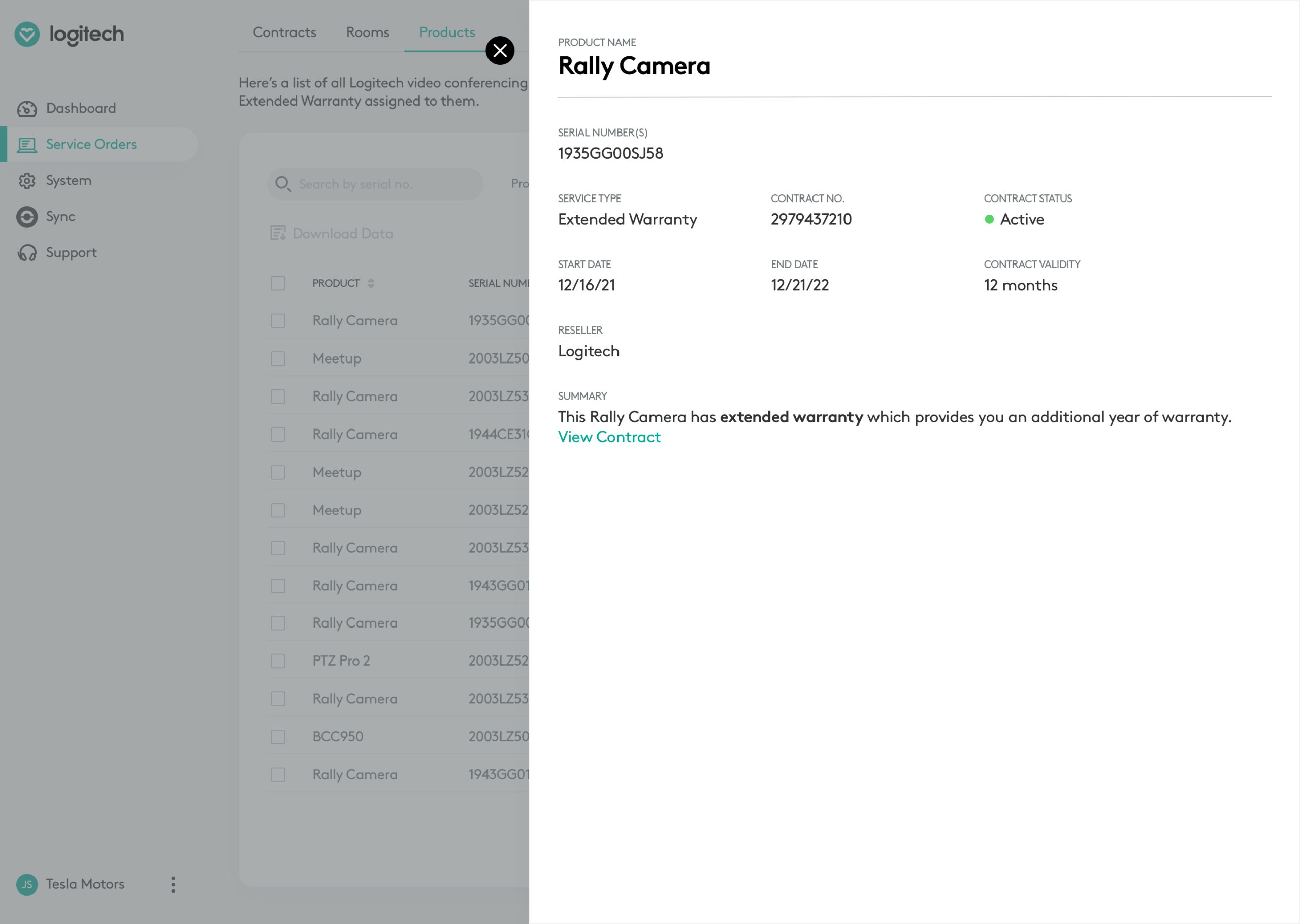
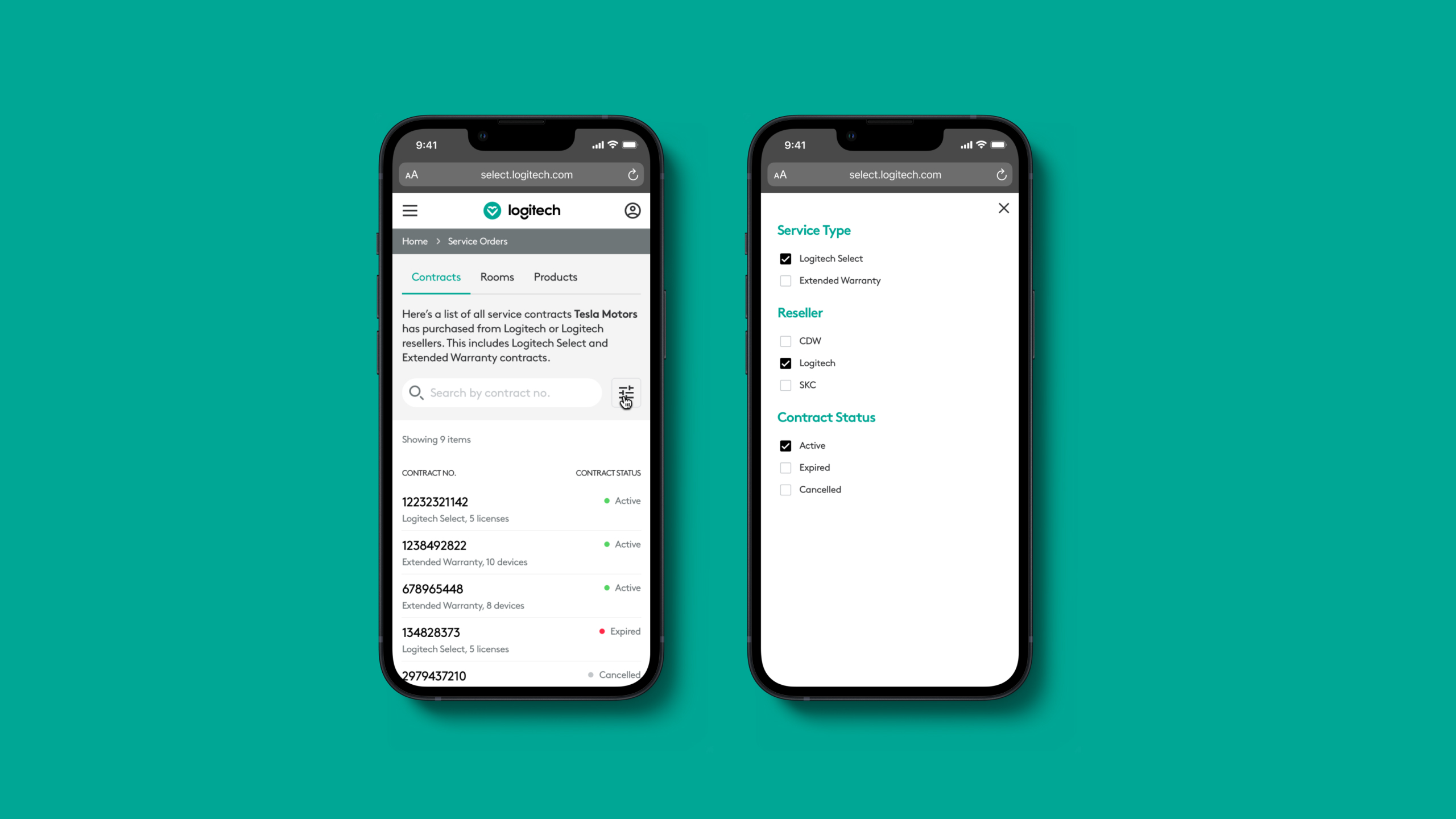
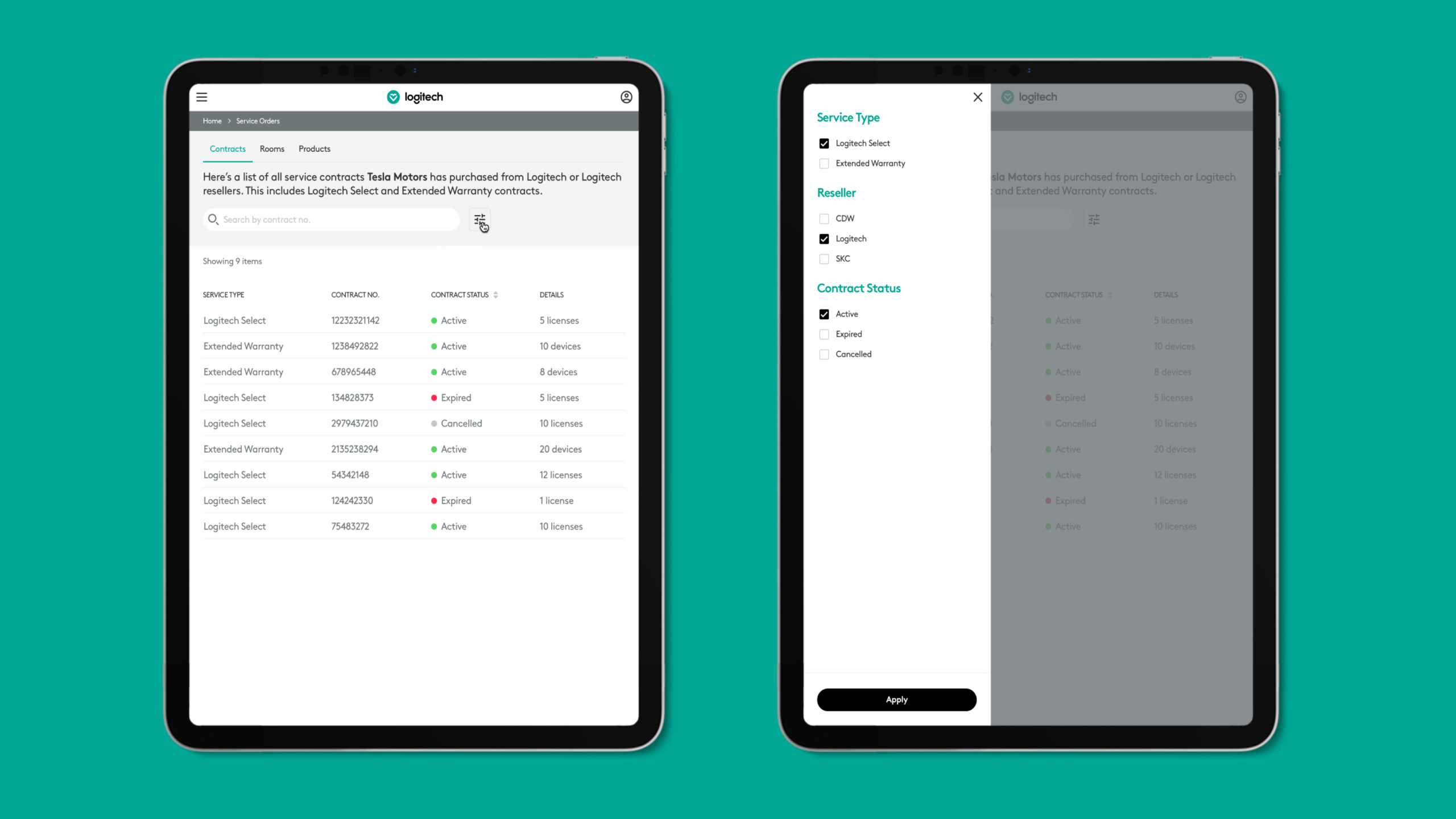
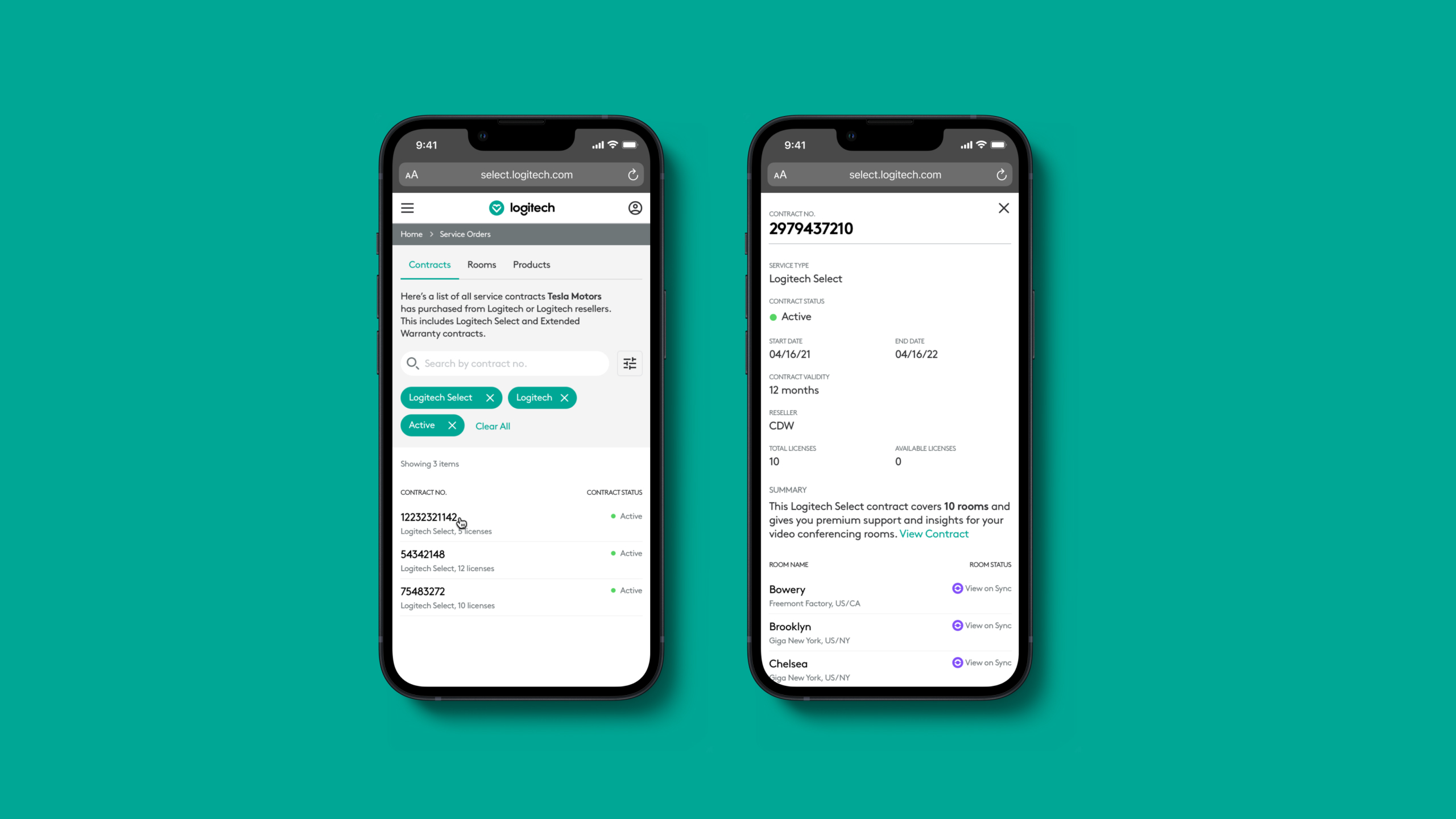
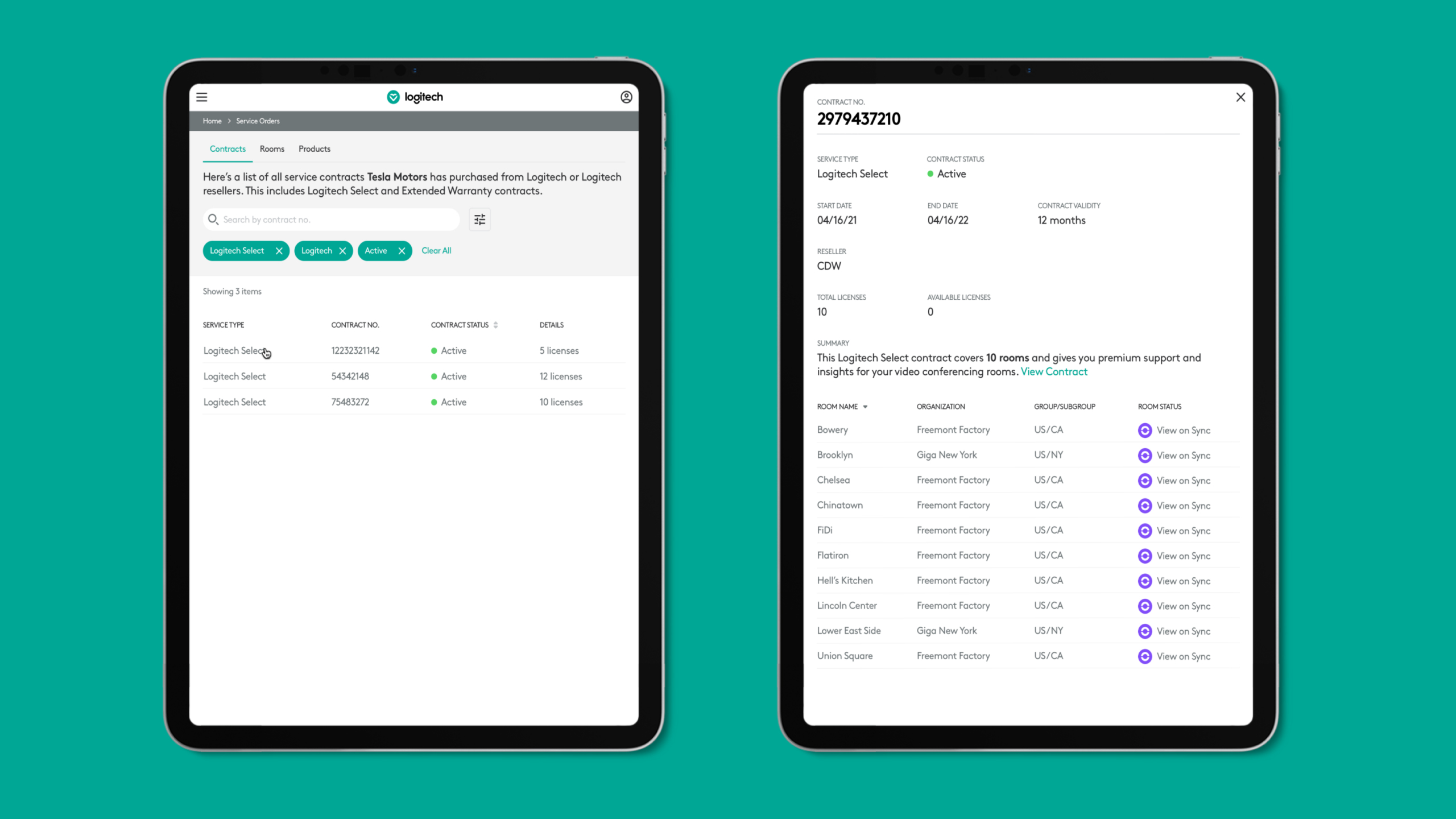
In sprint 1, we designed the new customer onboarding experience and the service orders section.
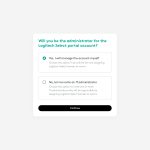
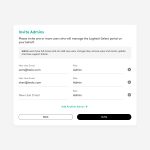
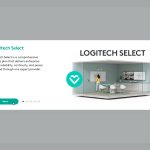
An email with the service contract details is sent when a customer purchases Select licenses from Logitech or a reseller. An invite email is also sent to the IT decision maker mentioned in the contract. This person can create an admin account or invite other admin users to manage the account on their behalf. Once they sign in for the first time, they see a carousel that explains the service benefits.
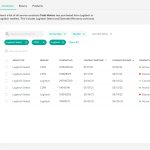
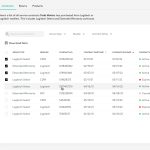
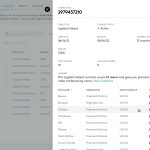
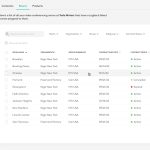
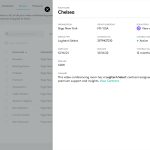
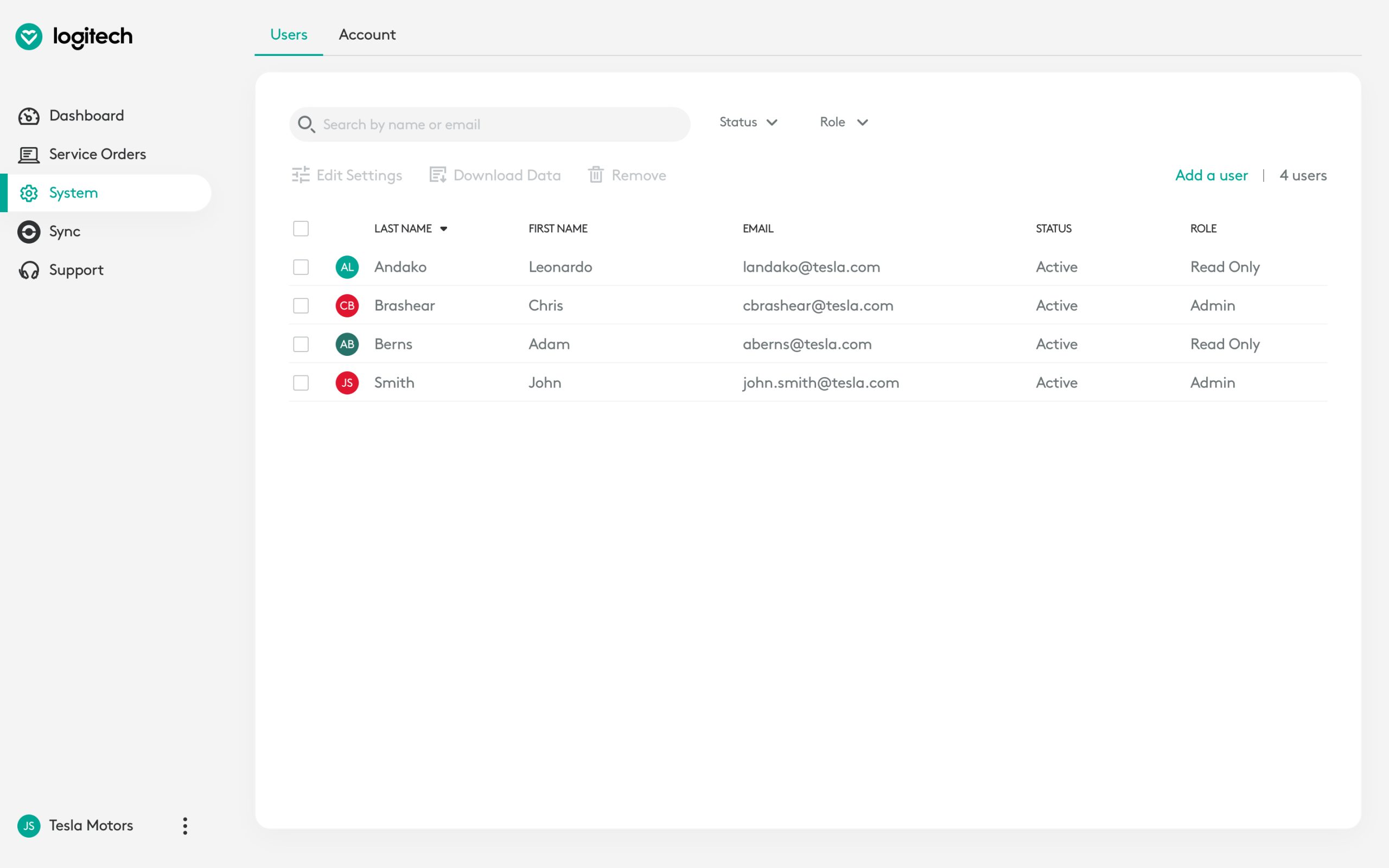
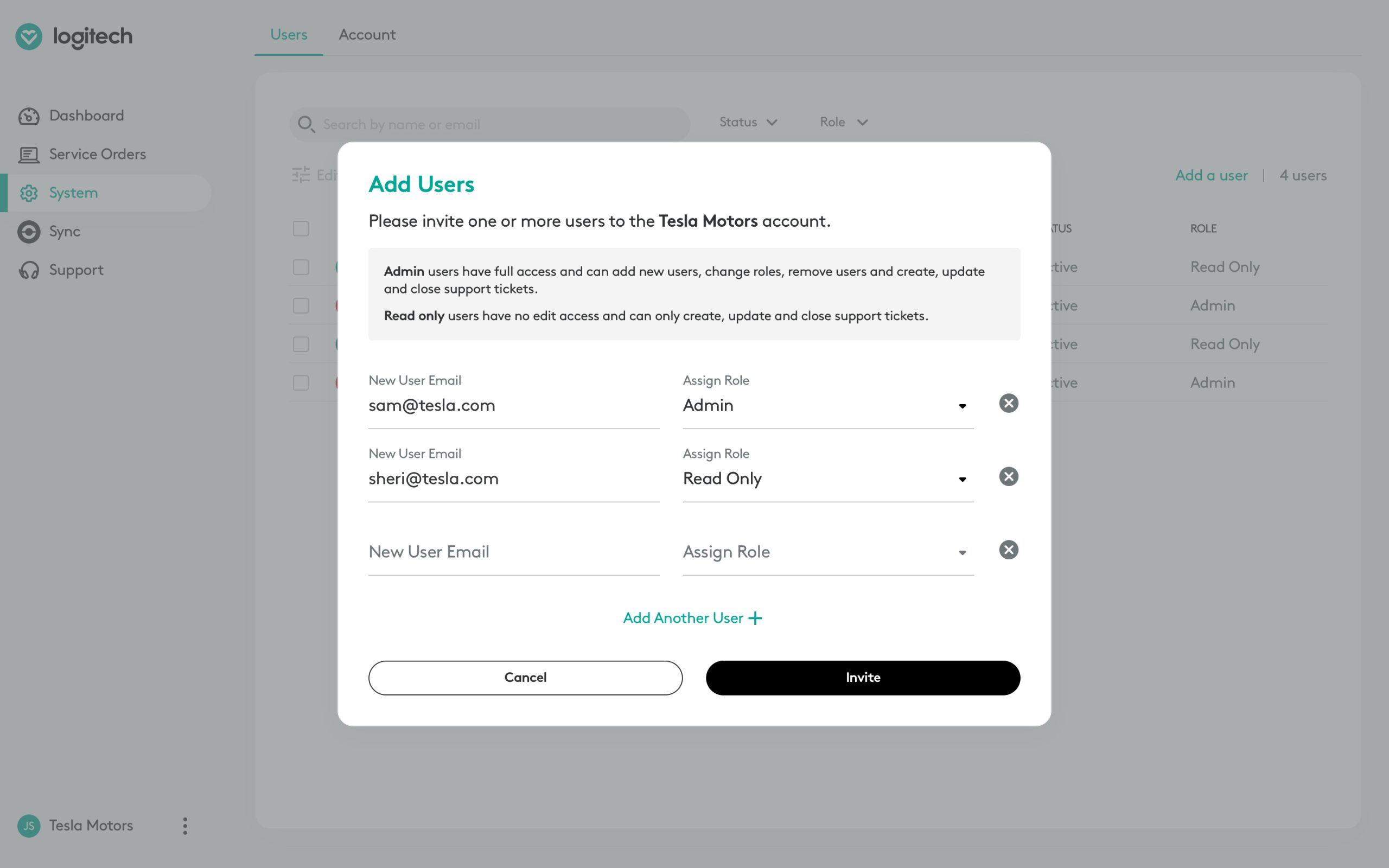
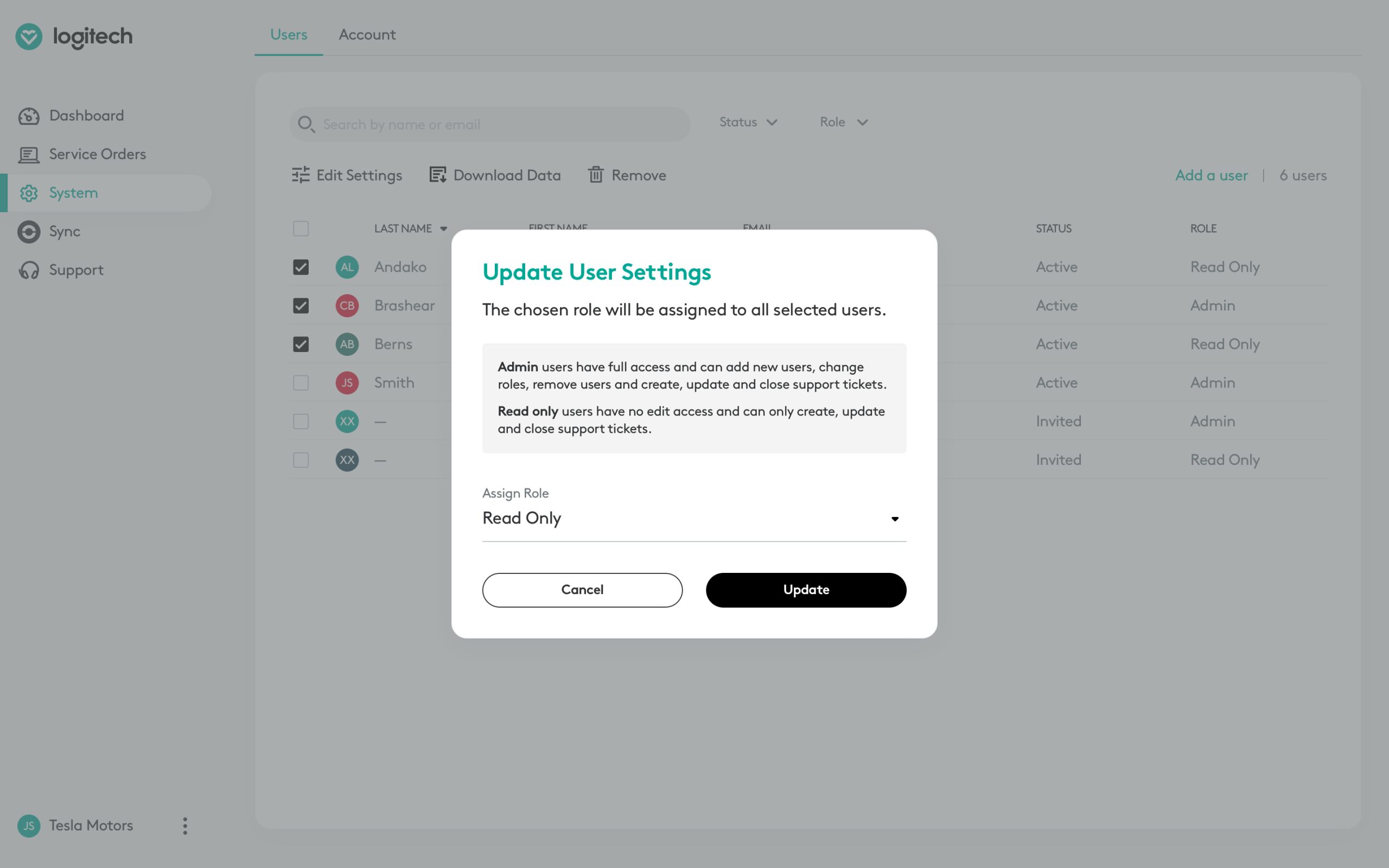
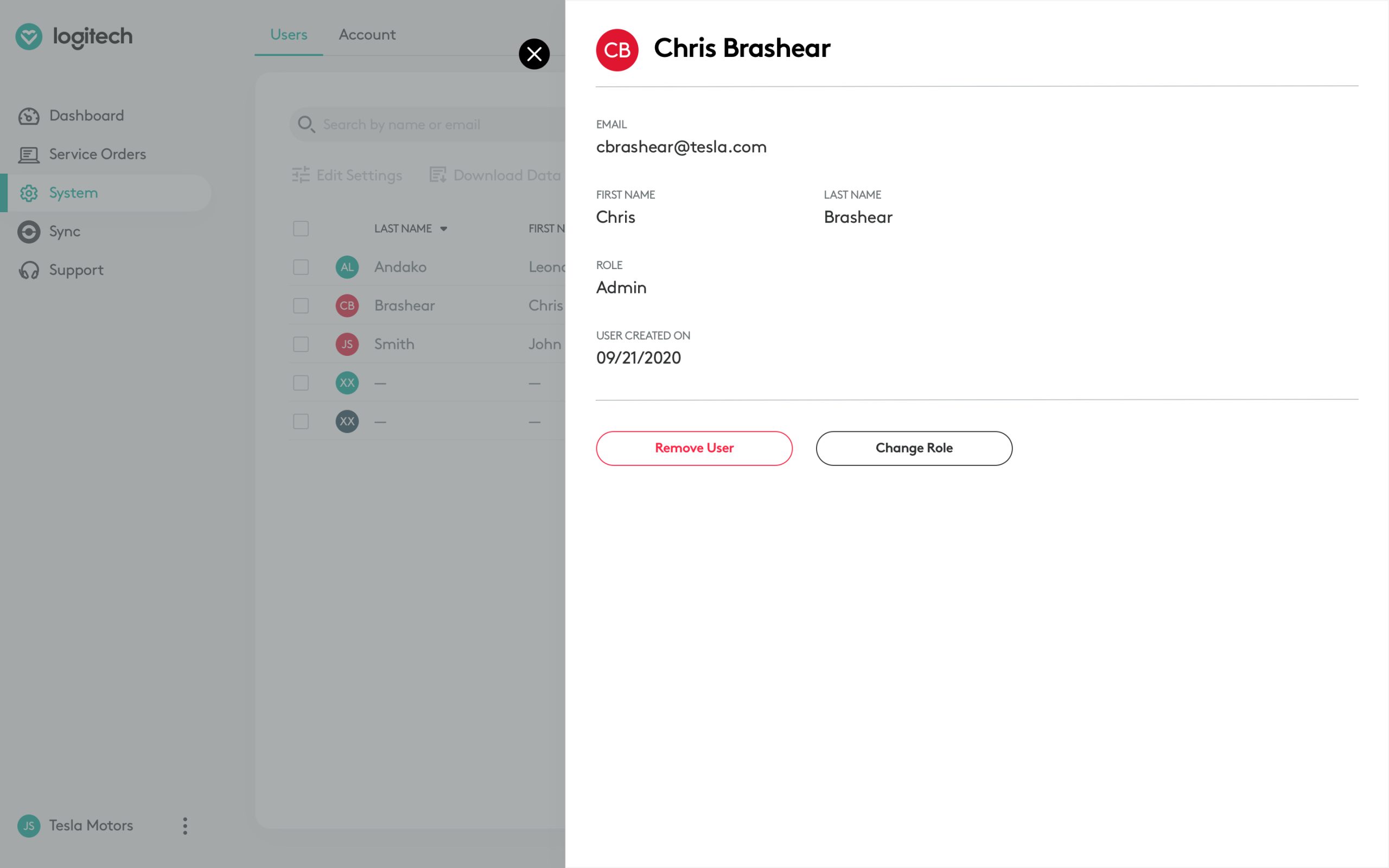
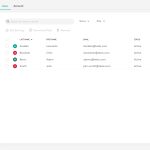
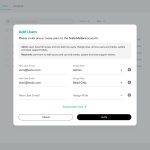
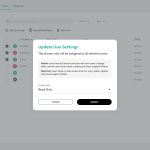
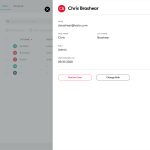
In sprint 2, we identified the user roles that would be required in the portal. For MVP, we added "admin" and "read-only" users. Admin users would have access to everything, whereas read-only users would only be able to raise and manage support tickets. Having these two roles would satisfy customers who wanted to manage everything in-house, but also those who preferred to outsource the portal management to a reseller.
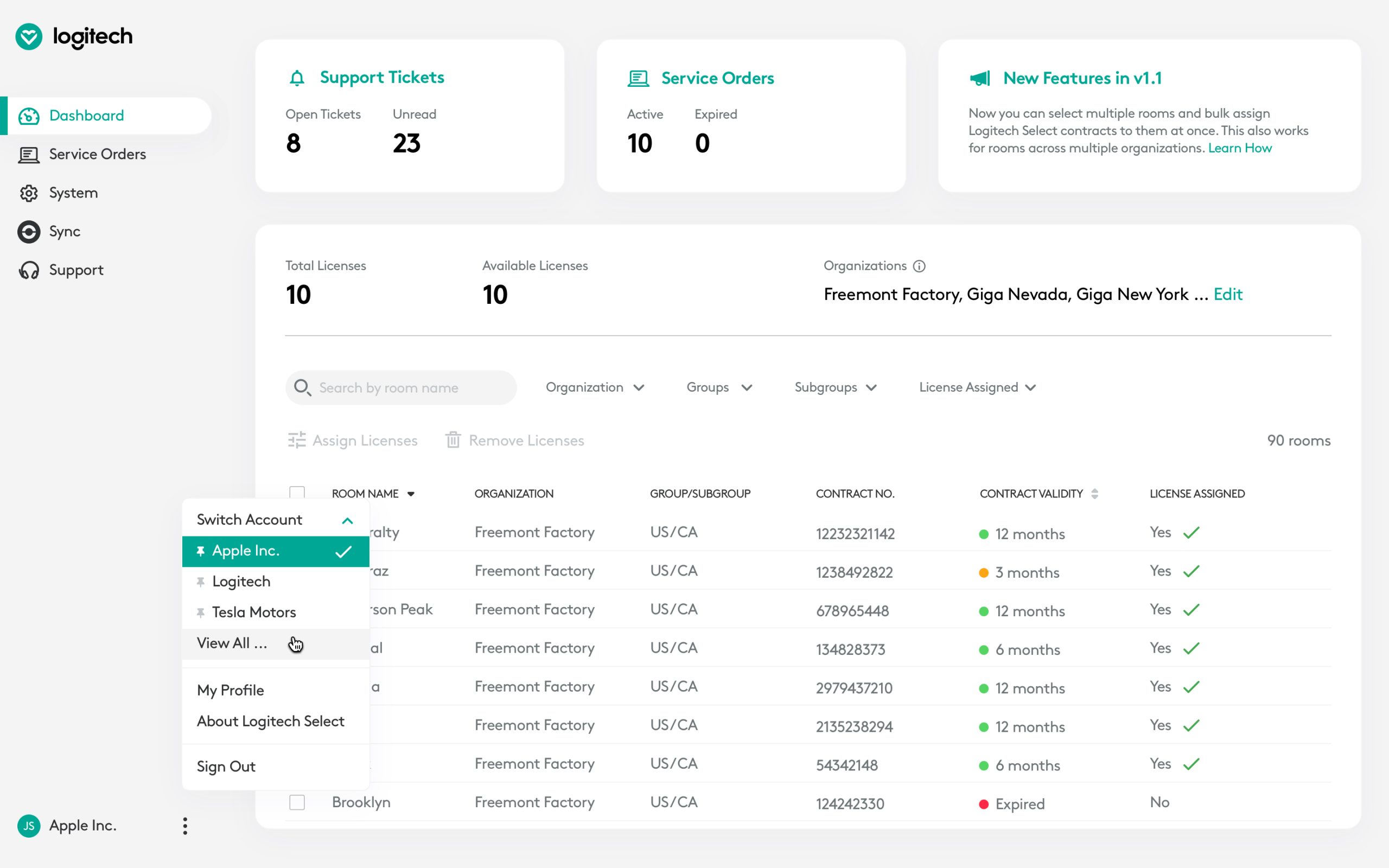
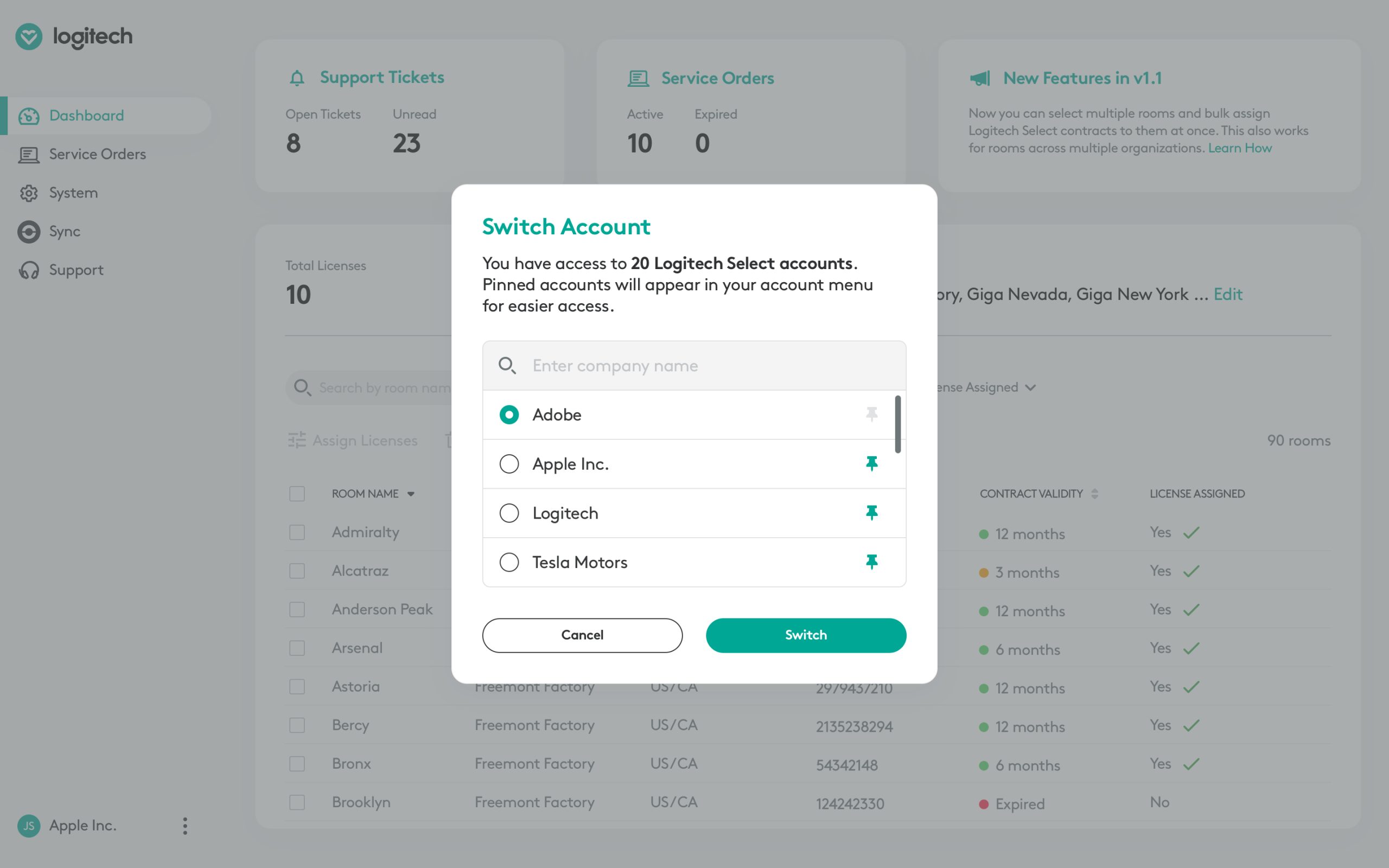
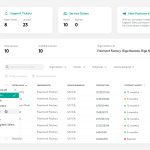
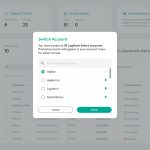
To address the potential need for resellers to manage multiple customer accounts, our team designed the multi-tenancy feature. This allows resellers to easily access and switch between multiple accounts. Additionally, we included the ability for users to "pin" frequently accessed customer accounts for even faster access.
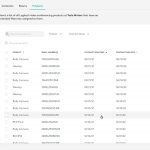
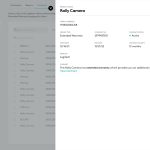
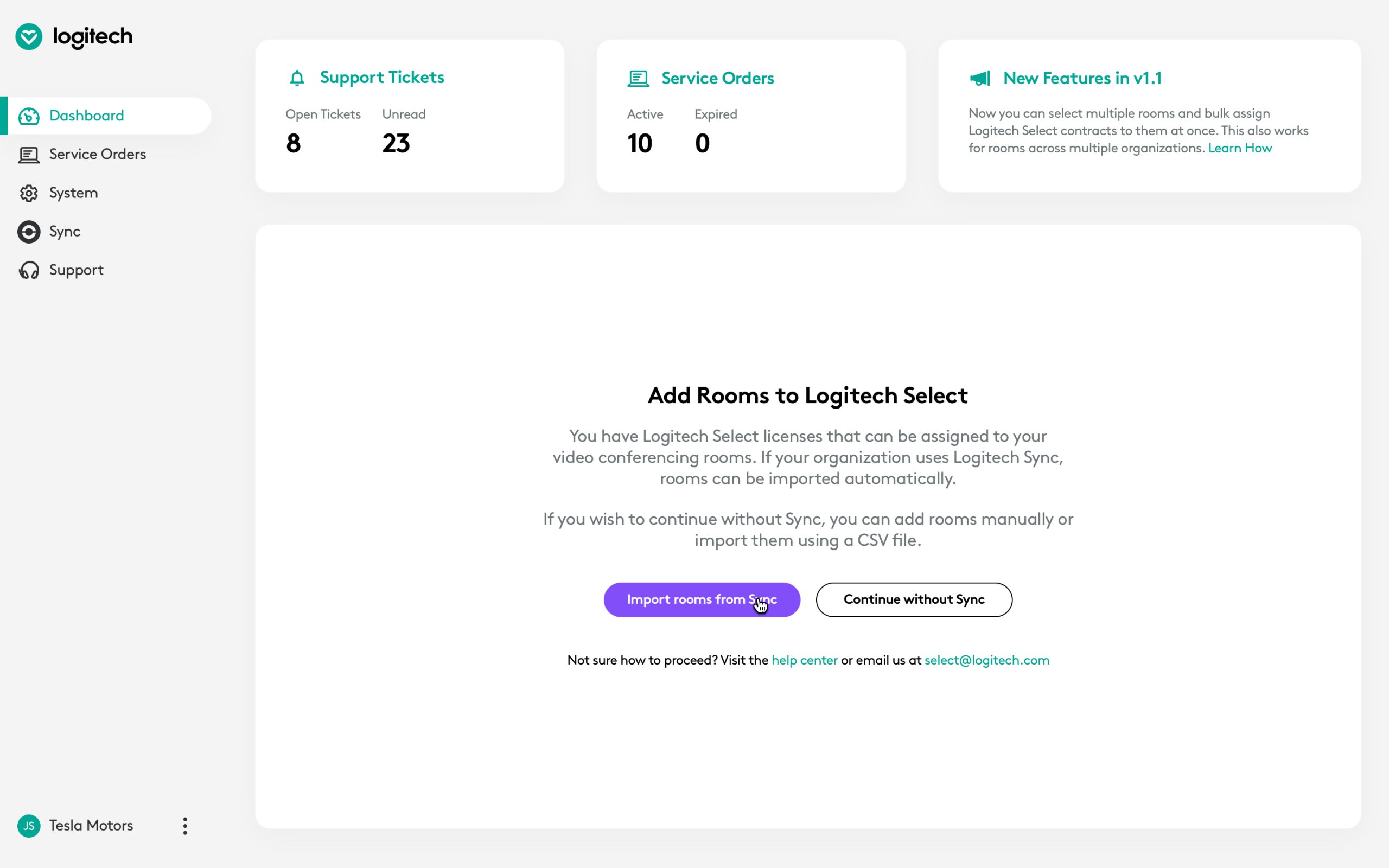
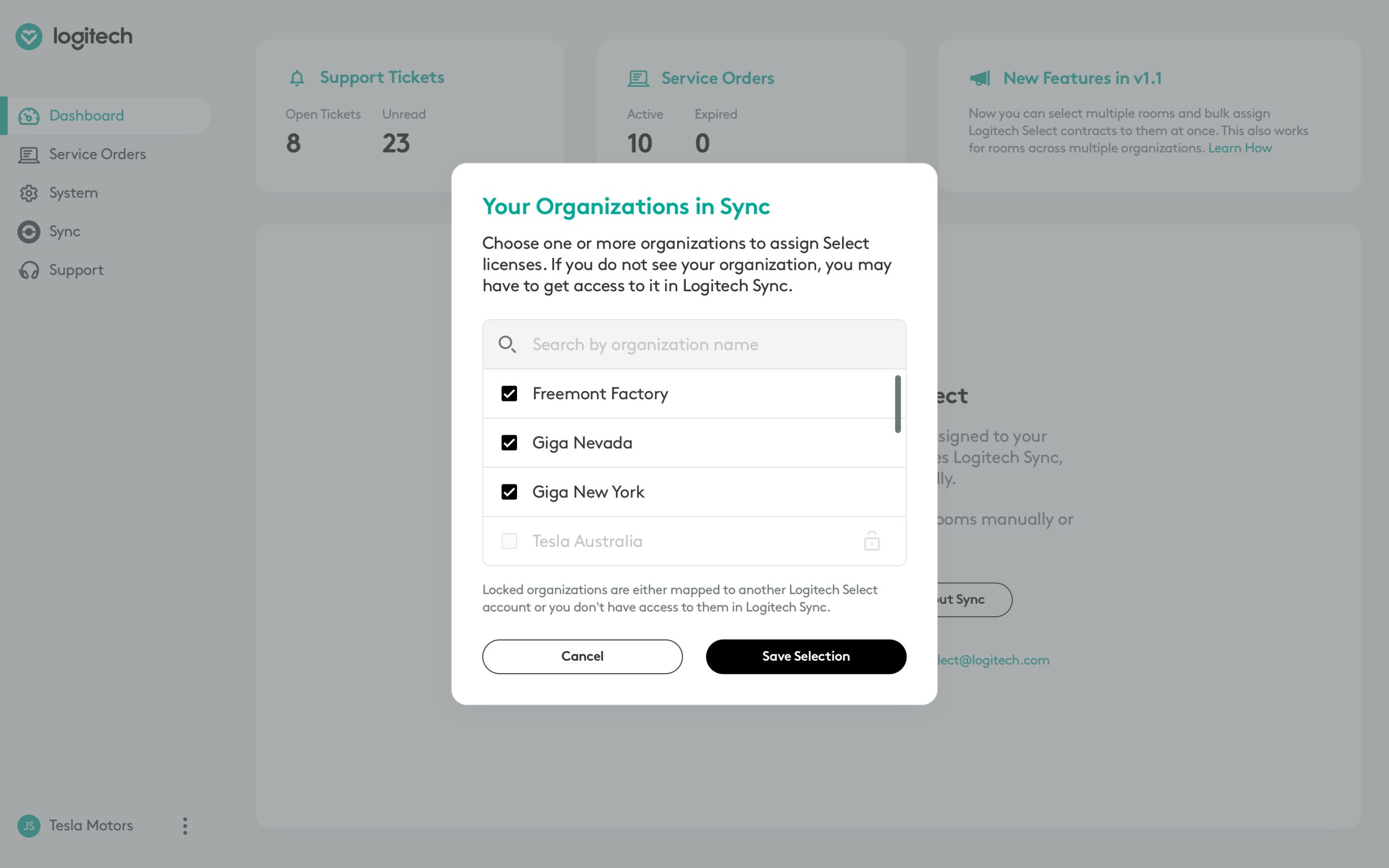
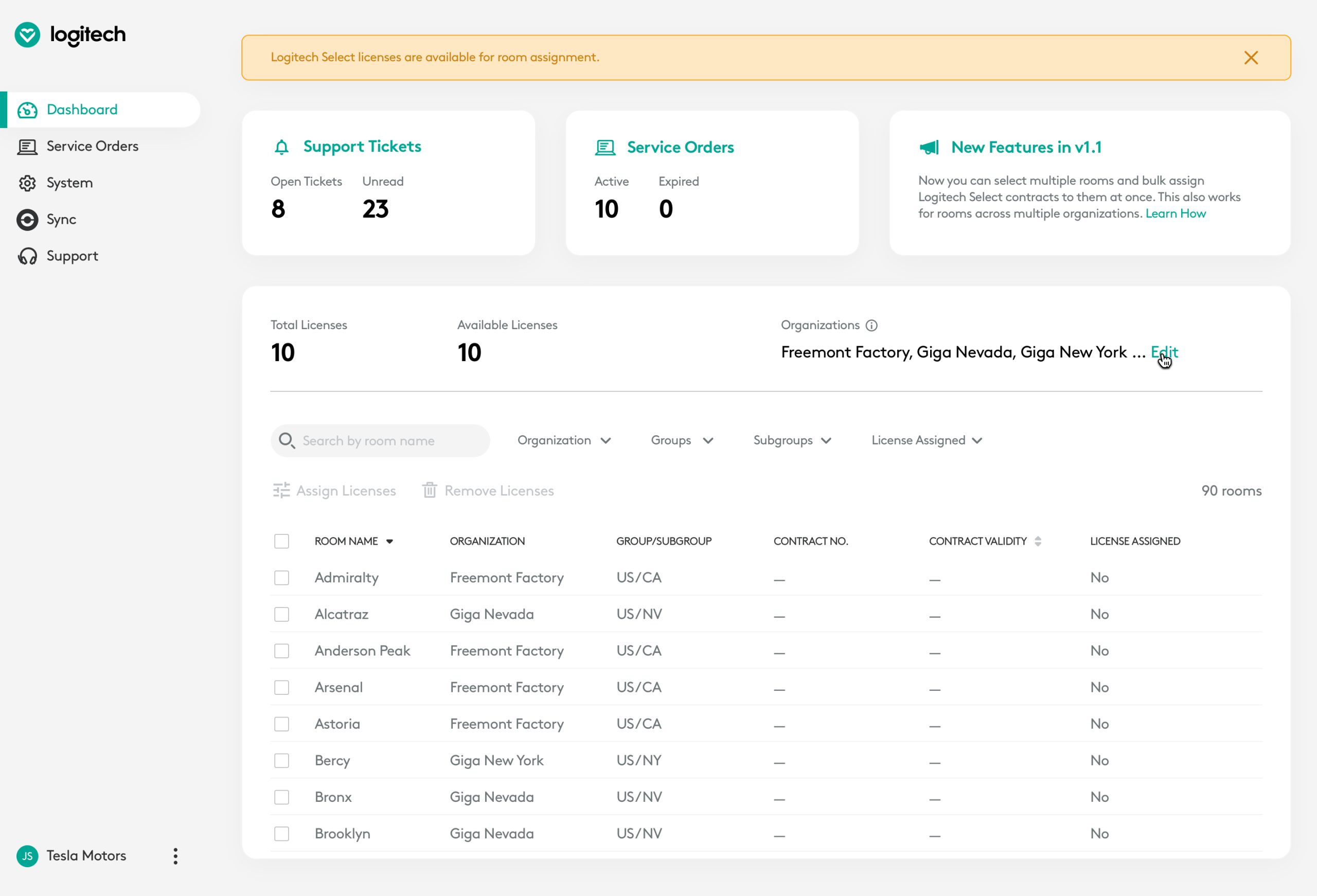
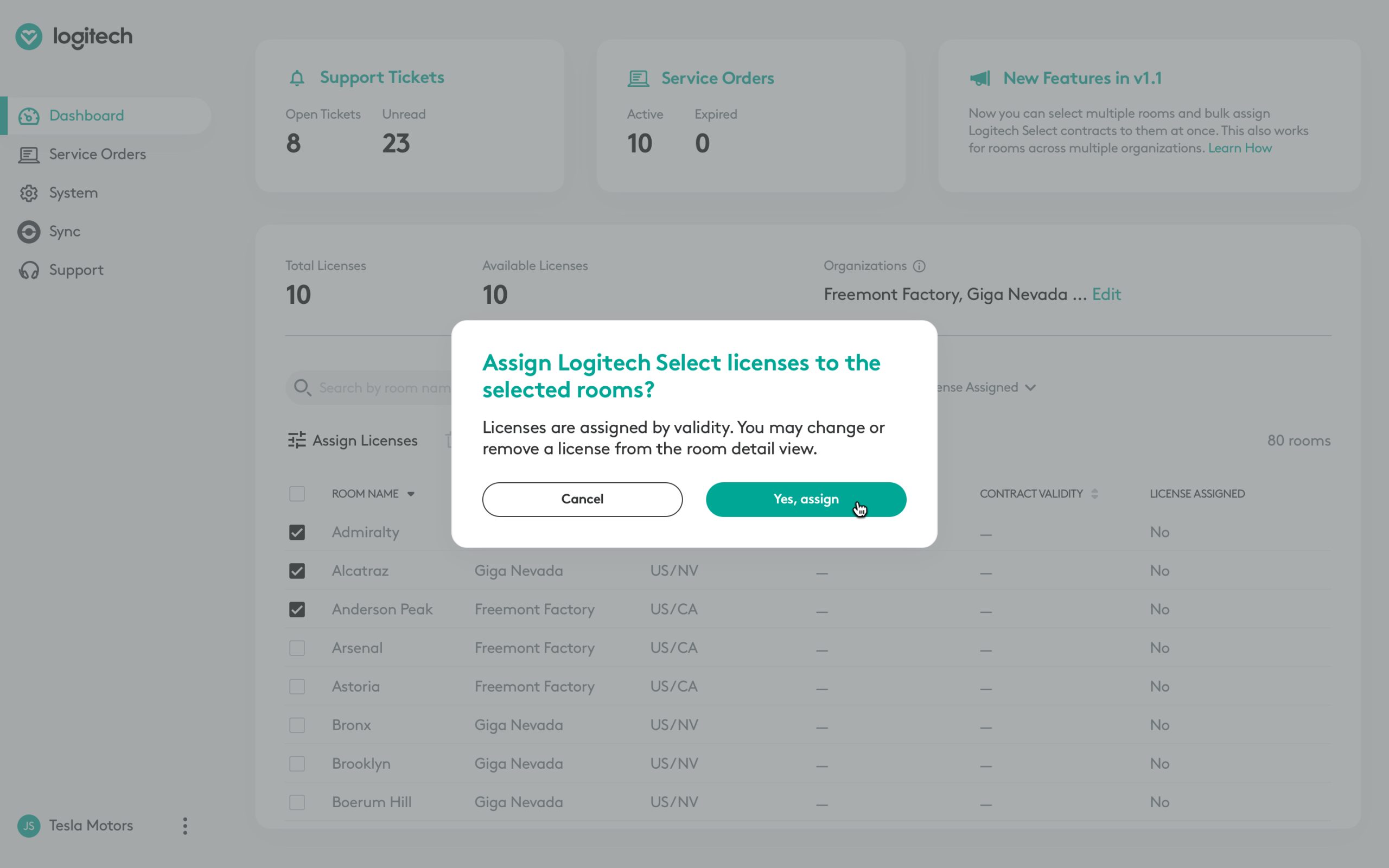
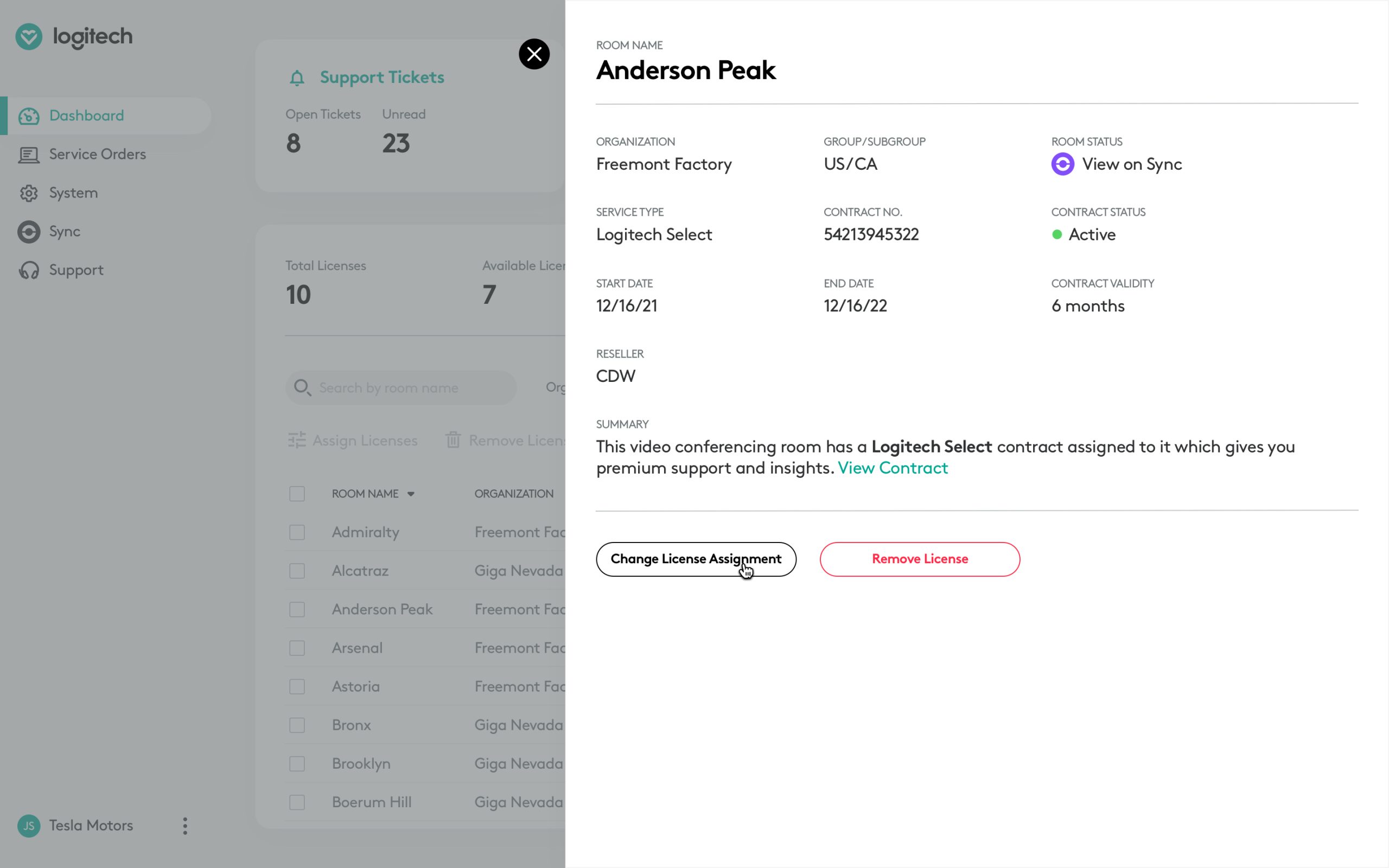
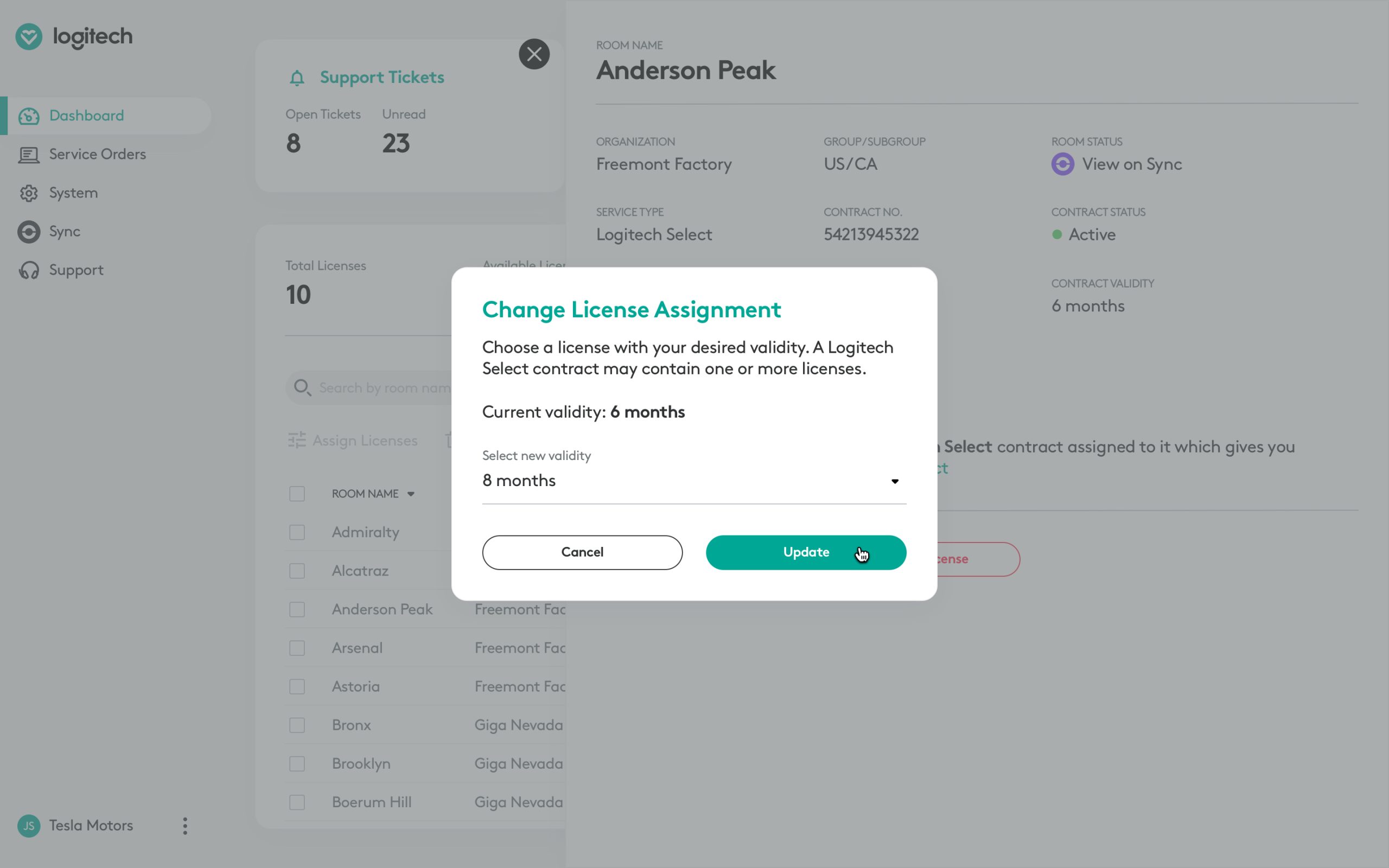
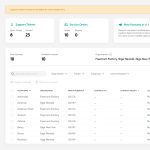
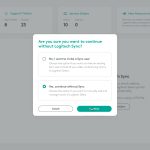
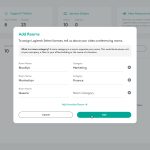
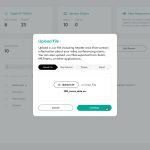
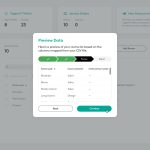
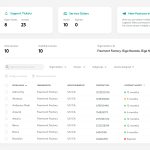
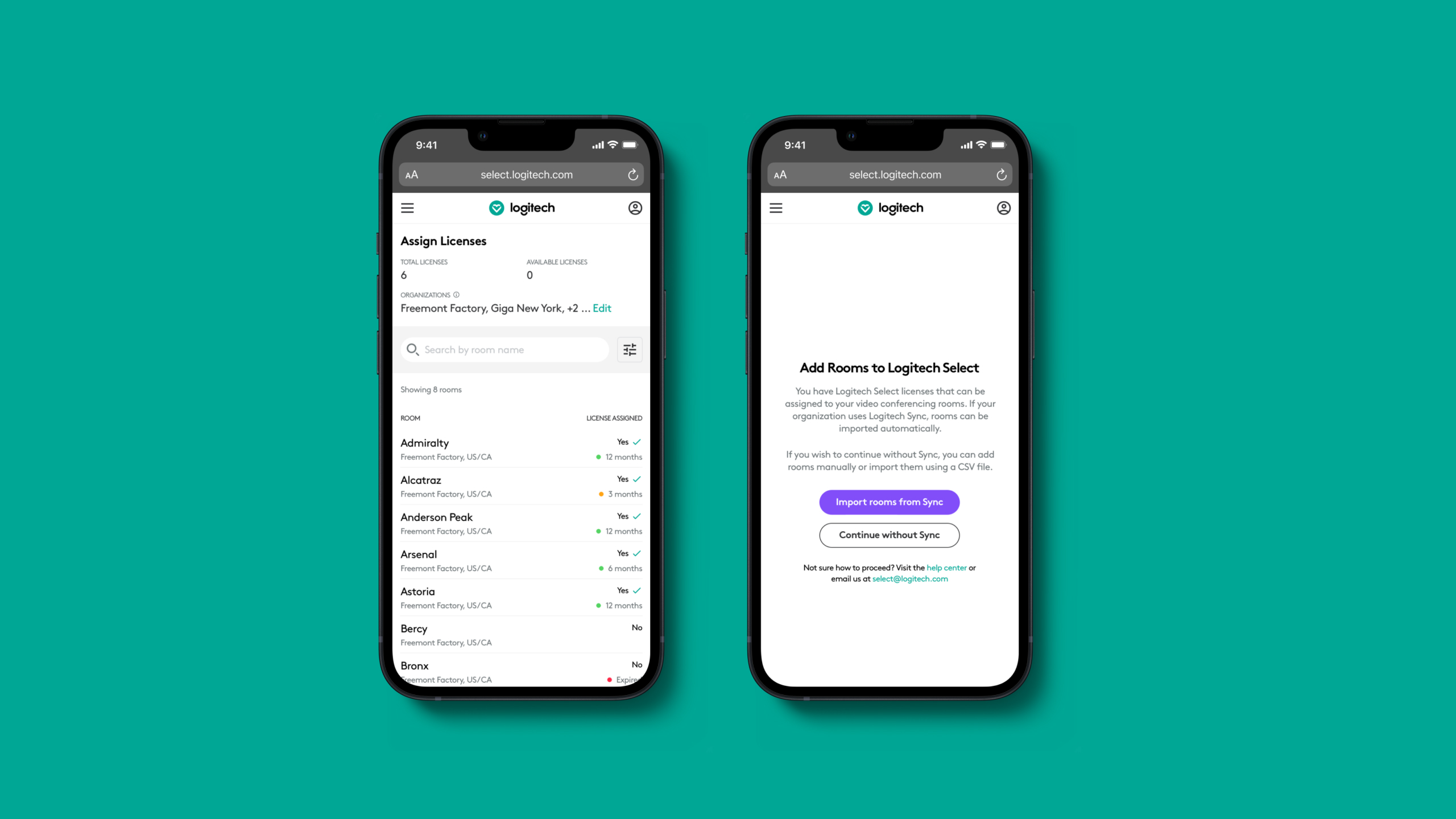
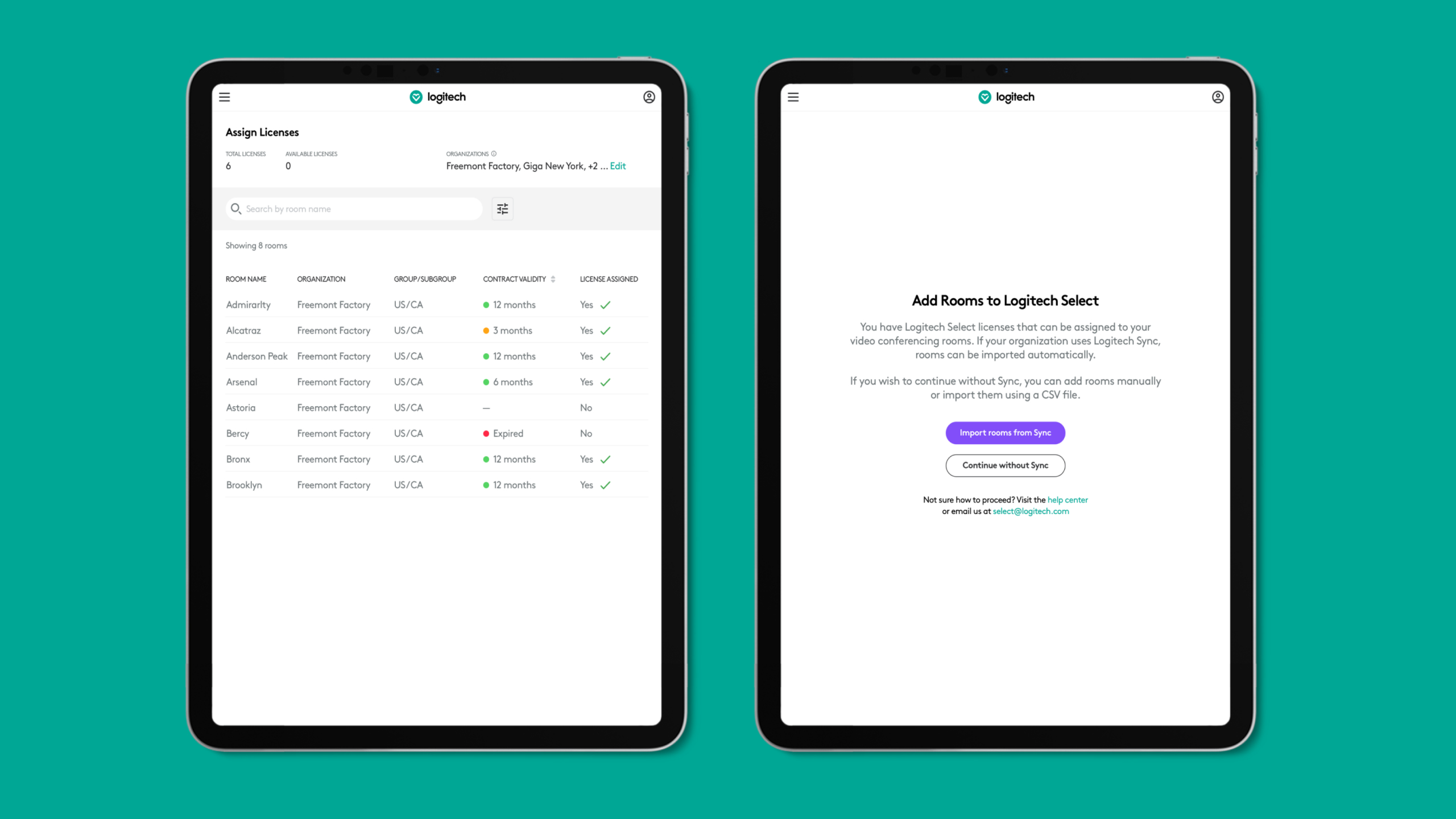
Sprint 3 was the longest sprint in the project as it contained the most complex user stories. Logitech had identified two types of customers, those who used Logitech Sync to manage their video conferencing devices and those who didn't. The room and device information for Sync customers would be imported automatically, whereas non-Sync customers would either have to manually enter their room and device information or import it via a CSV file generated from other room management solutions such as Zoom, Teams etc.
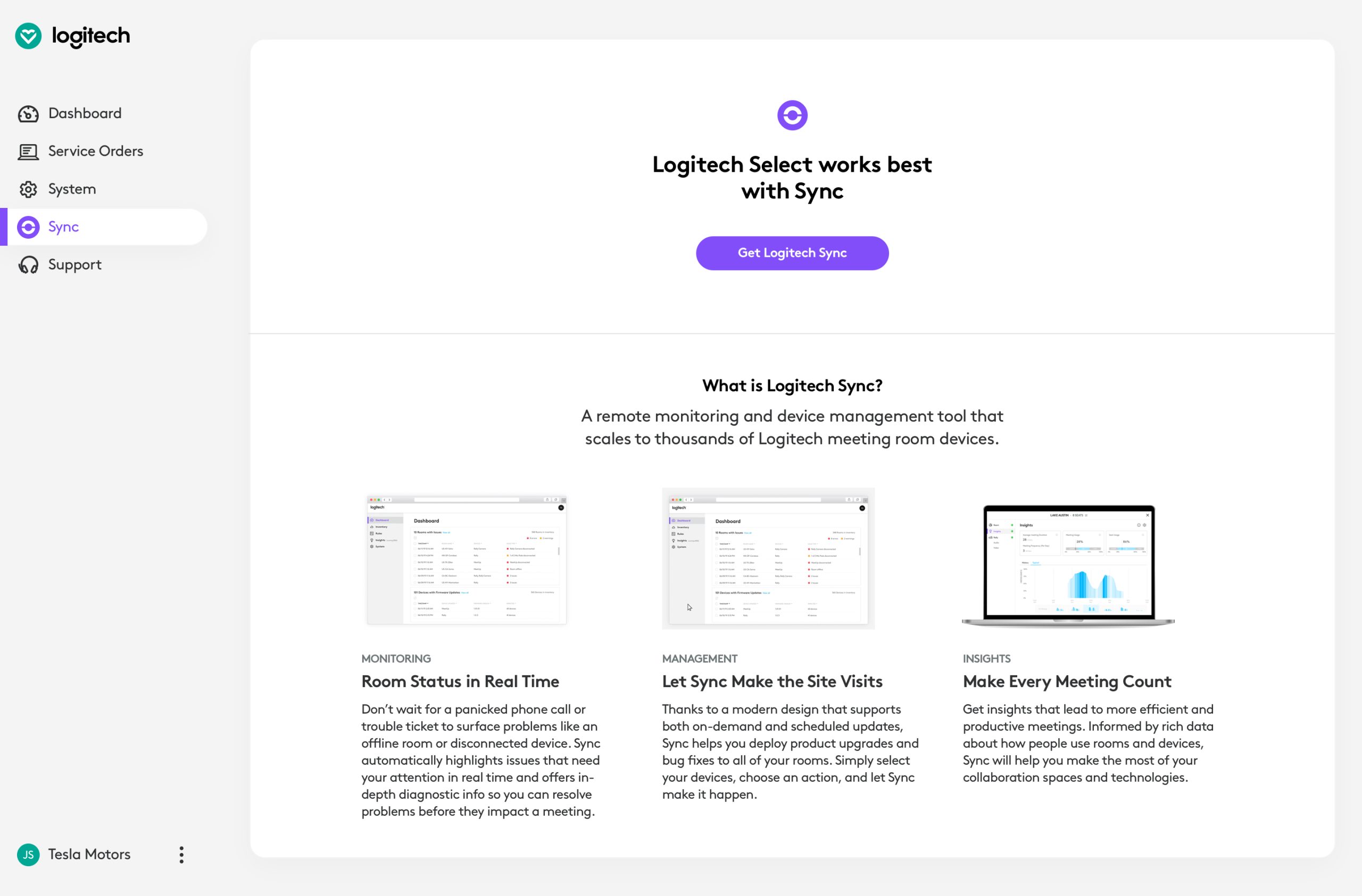
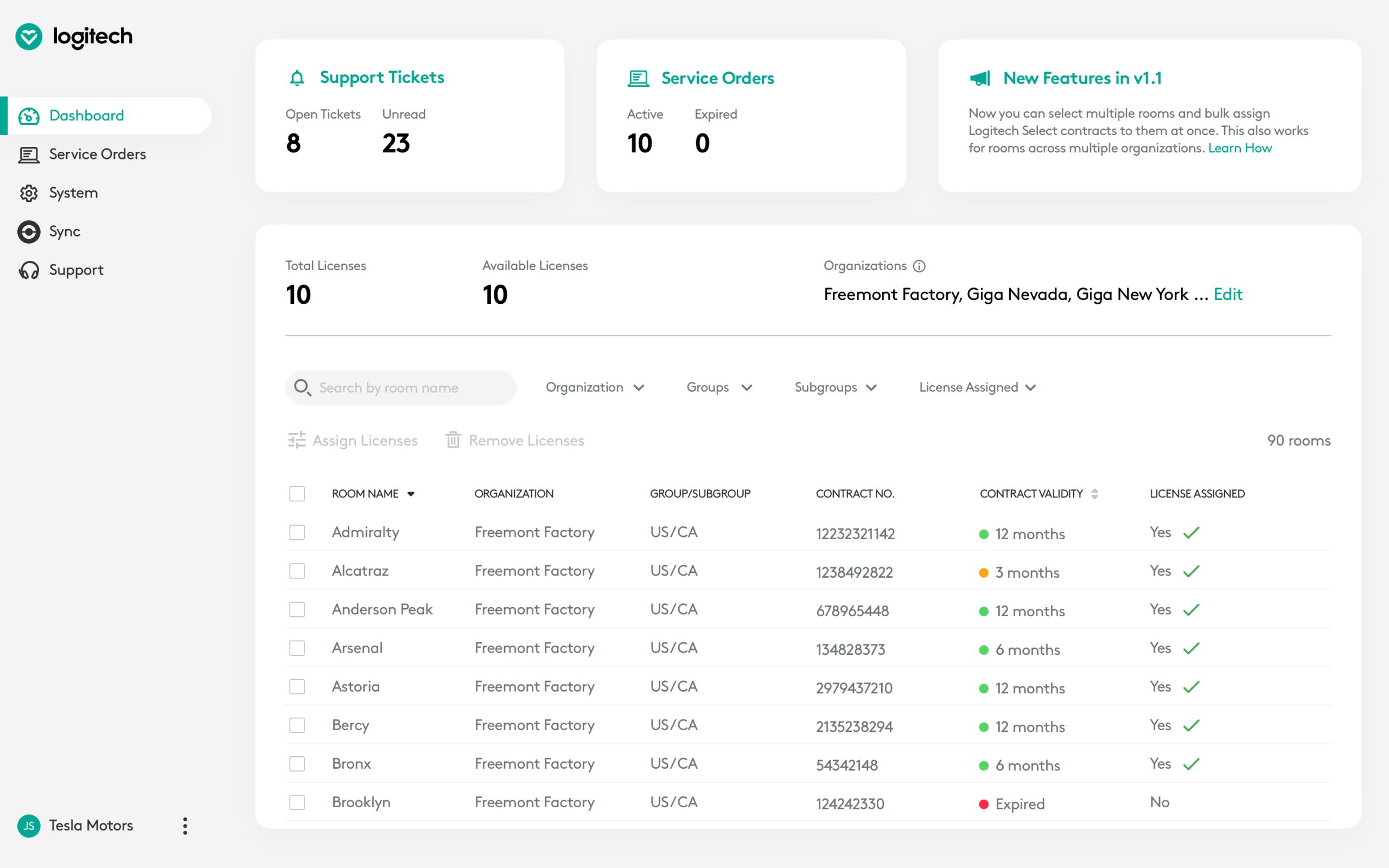
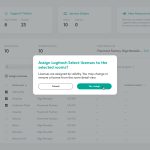
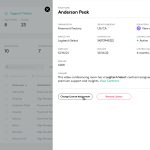
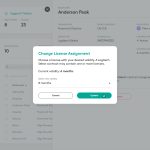
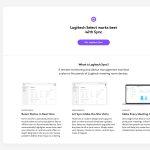
In this sprint, I designed all the flows for adding/importing meeting rooms to Logitech Select and then assigning licenses to them. The concept of license assignment was important as "licensed" rooms were the only ones that could avail premium support, expedited device replacement and room insights. Logitech wanted to encourage users to adopt Sync, so we also designed a page that would list the benefits of Sync for non-Sync users but act as a hyperlink to the actual Sync app for customers who already had Sync enabled.
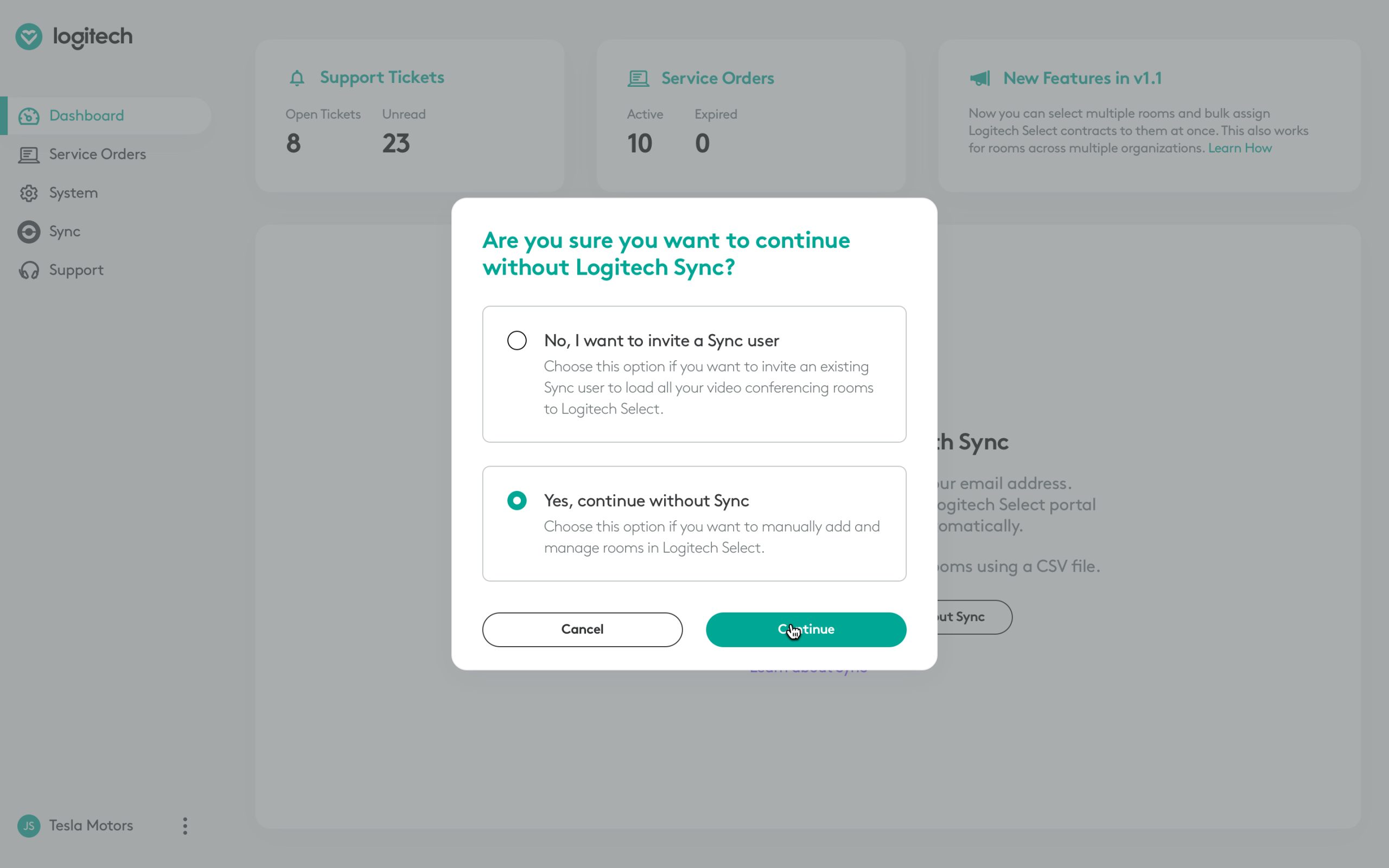
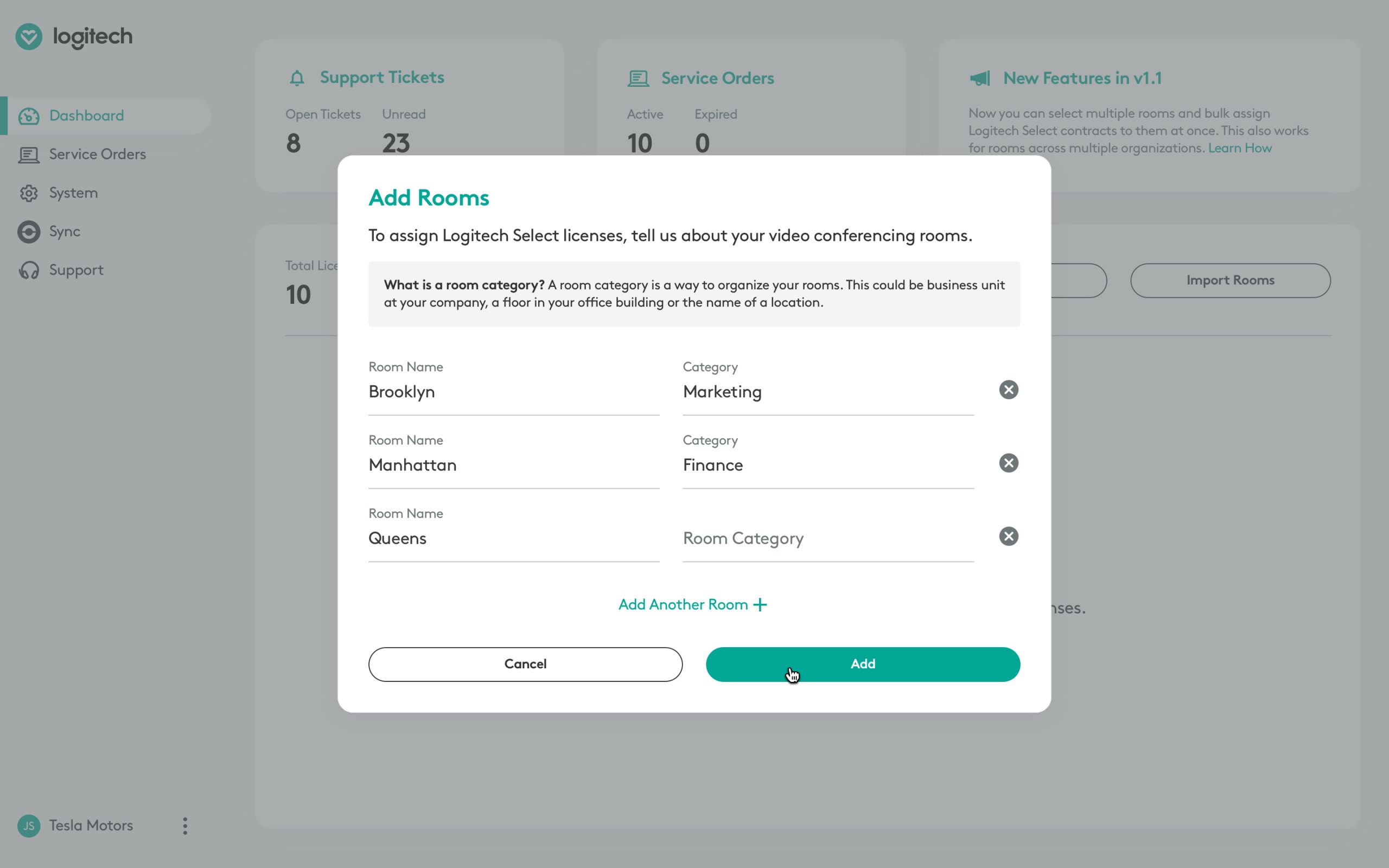
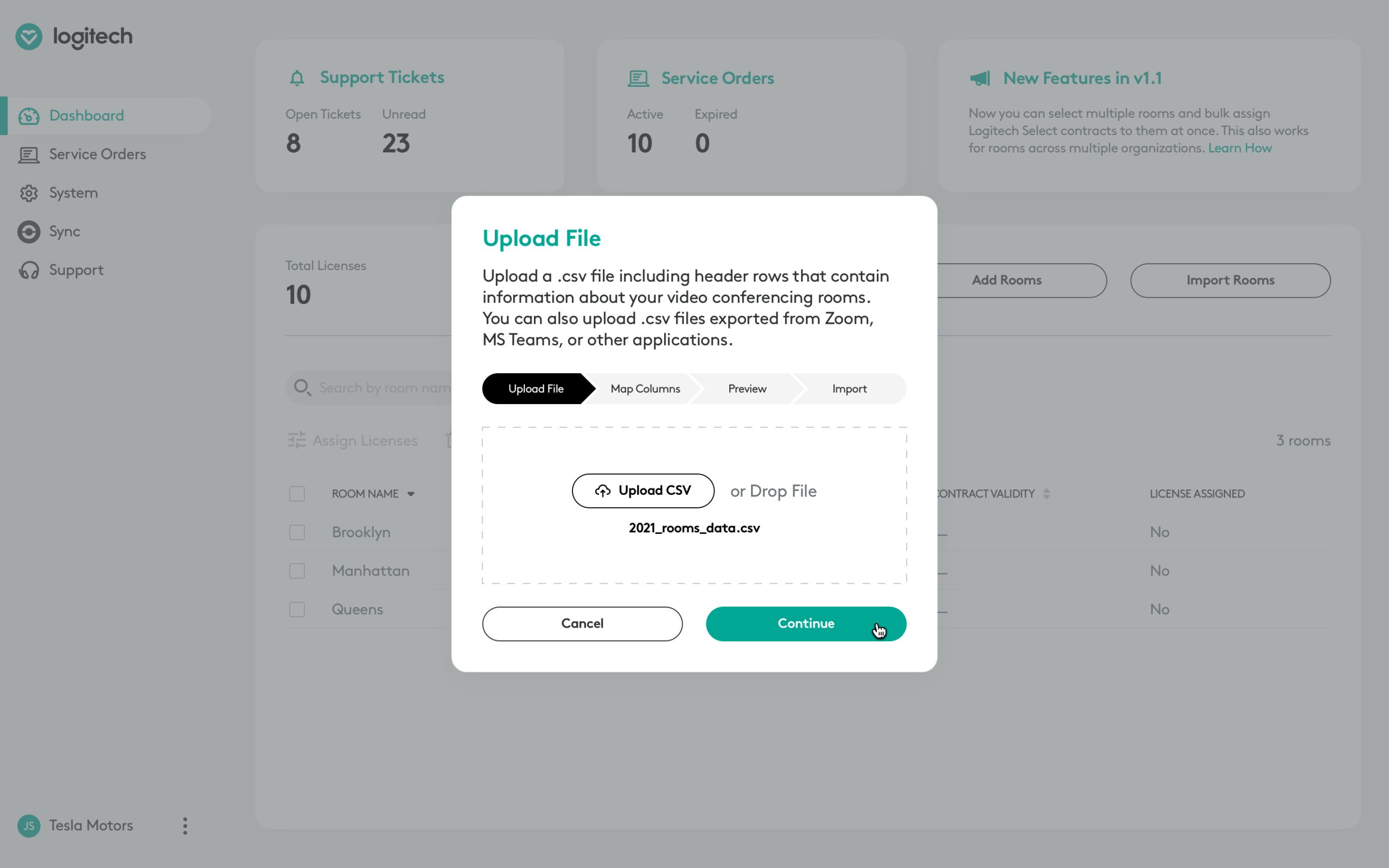
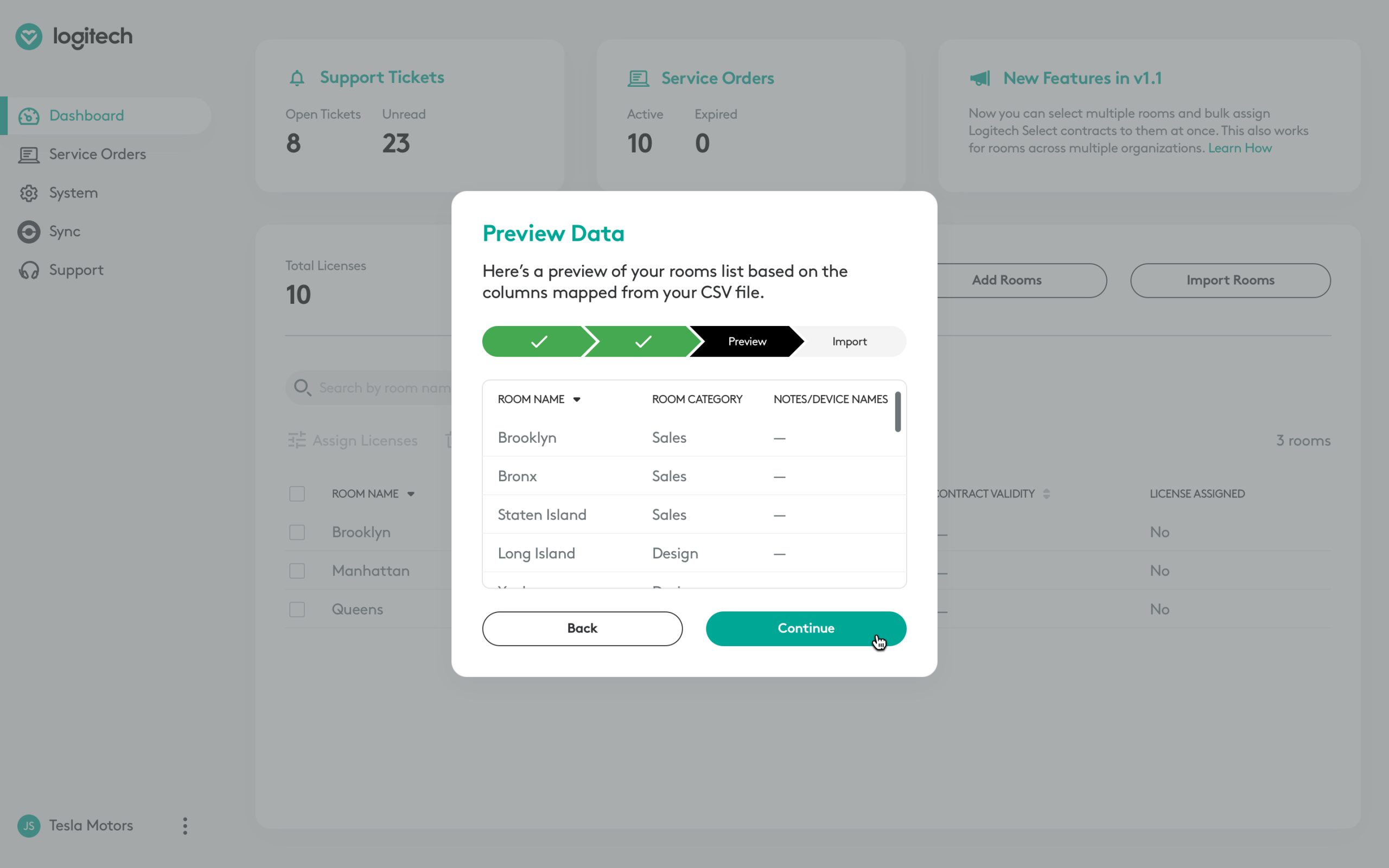
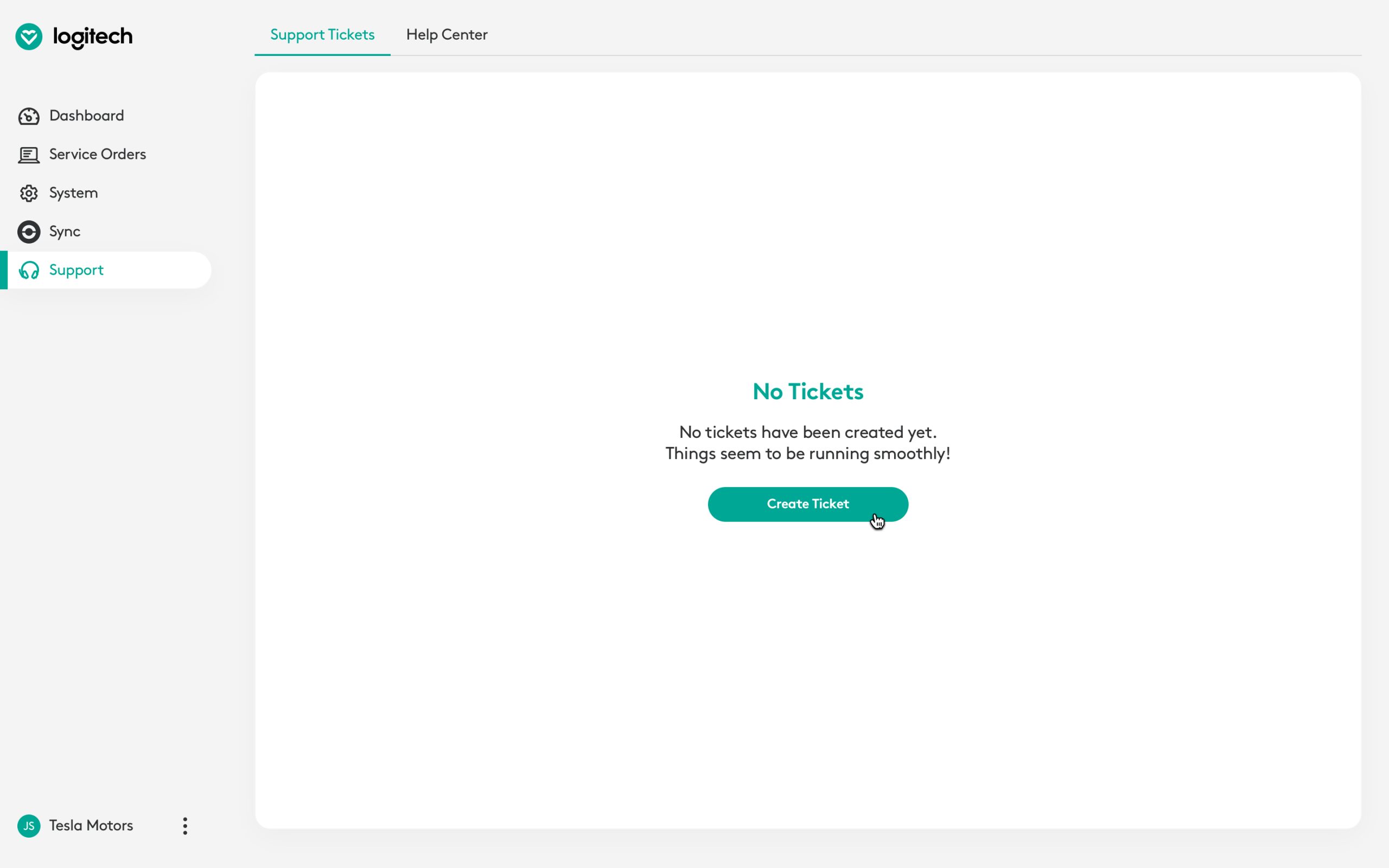
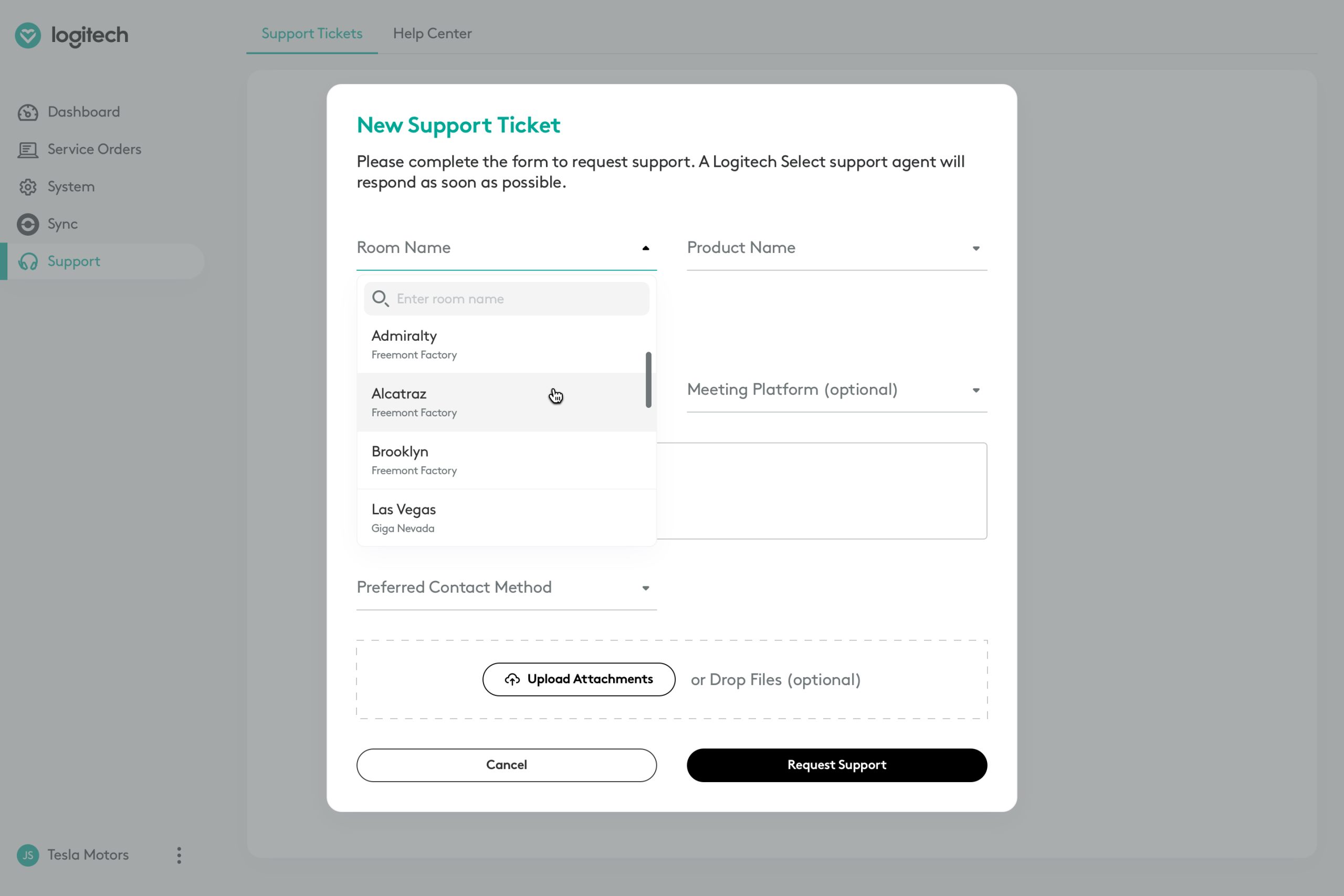
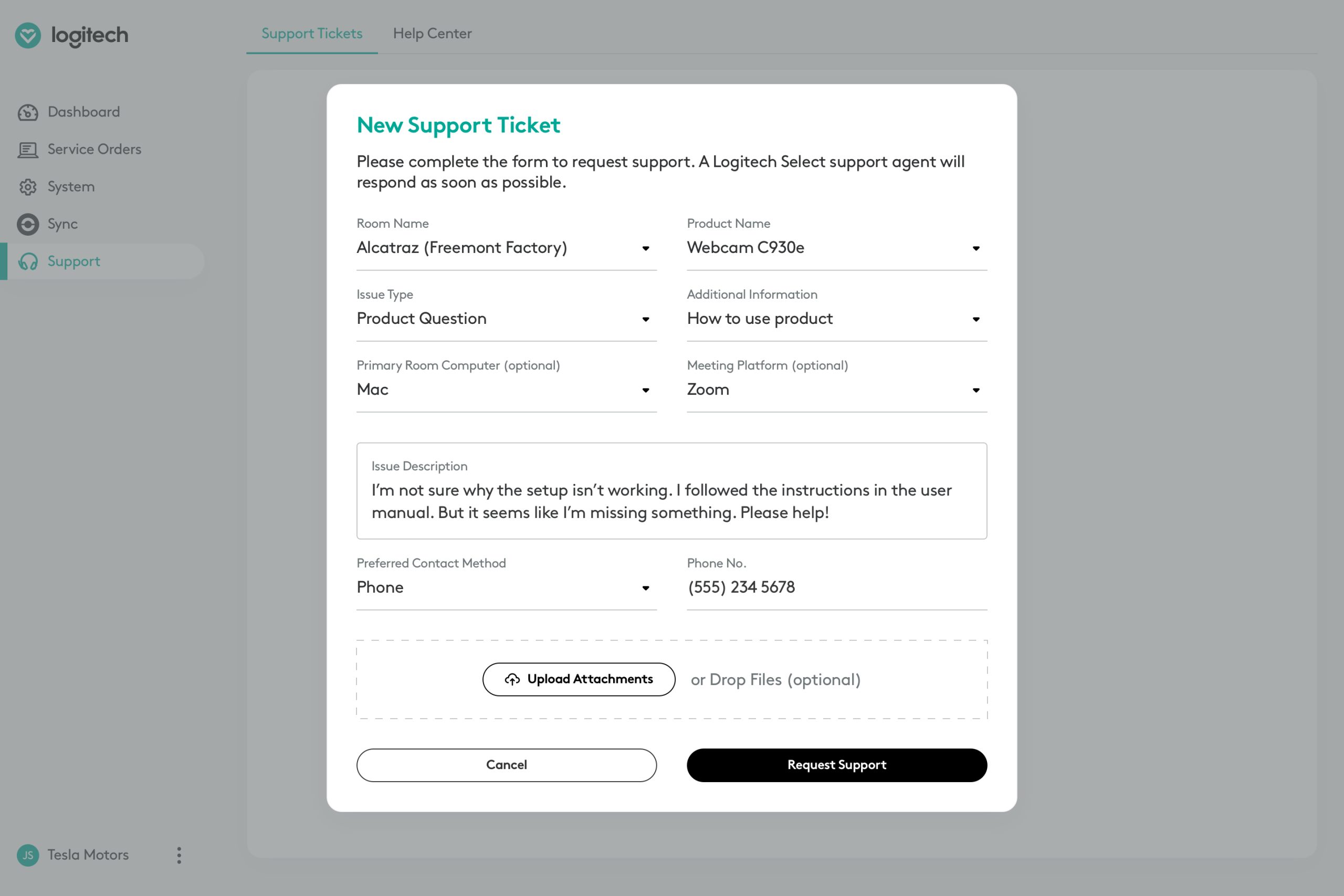
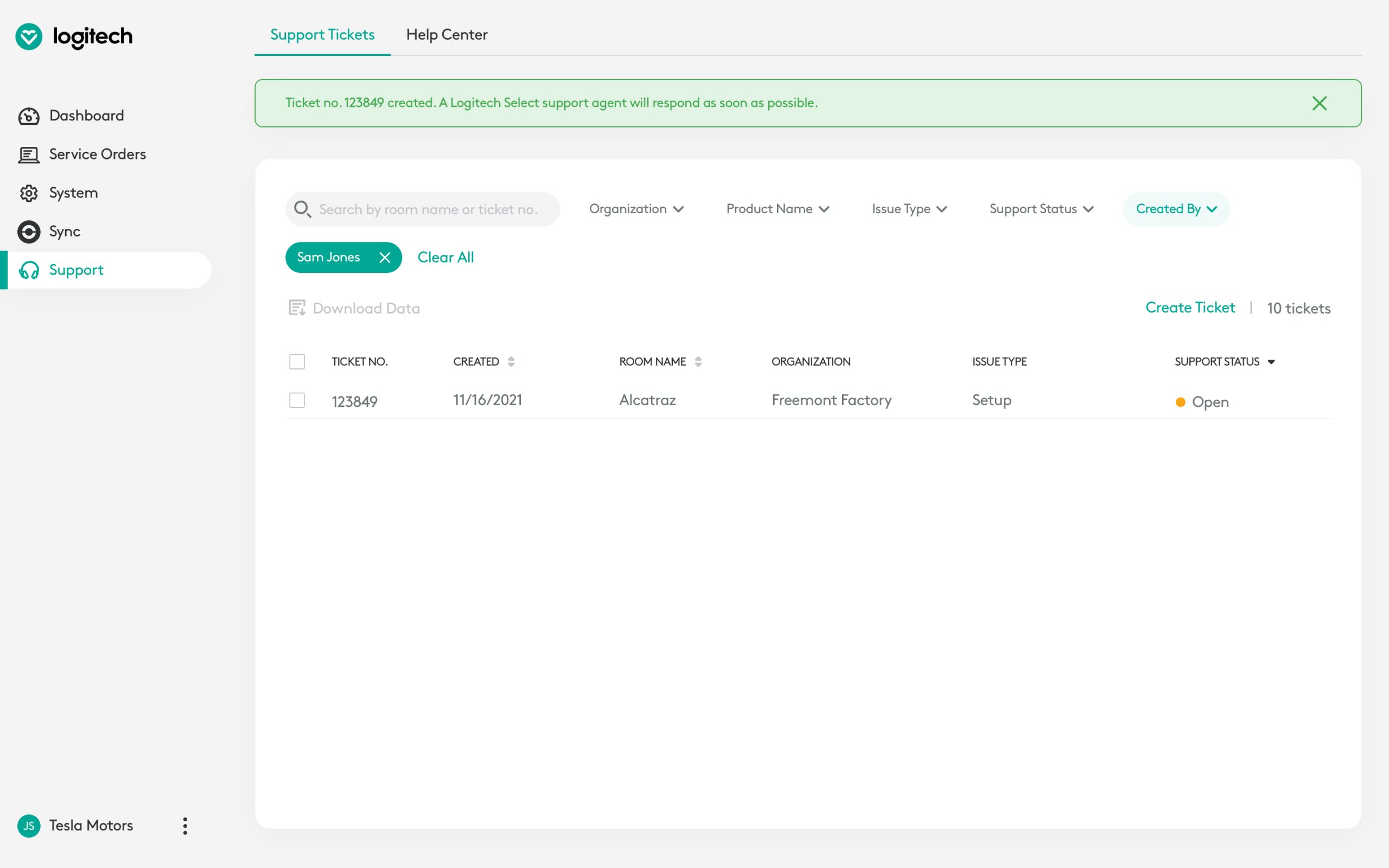
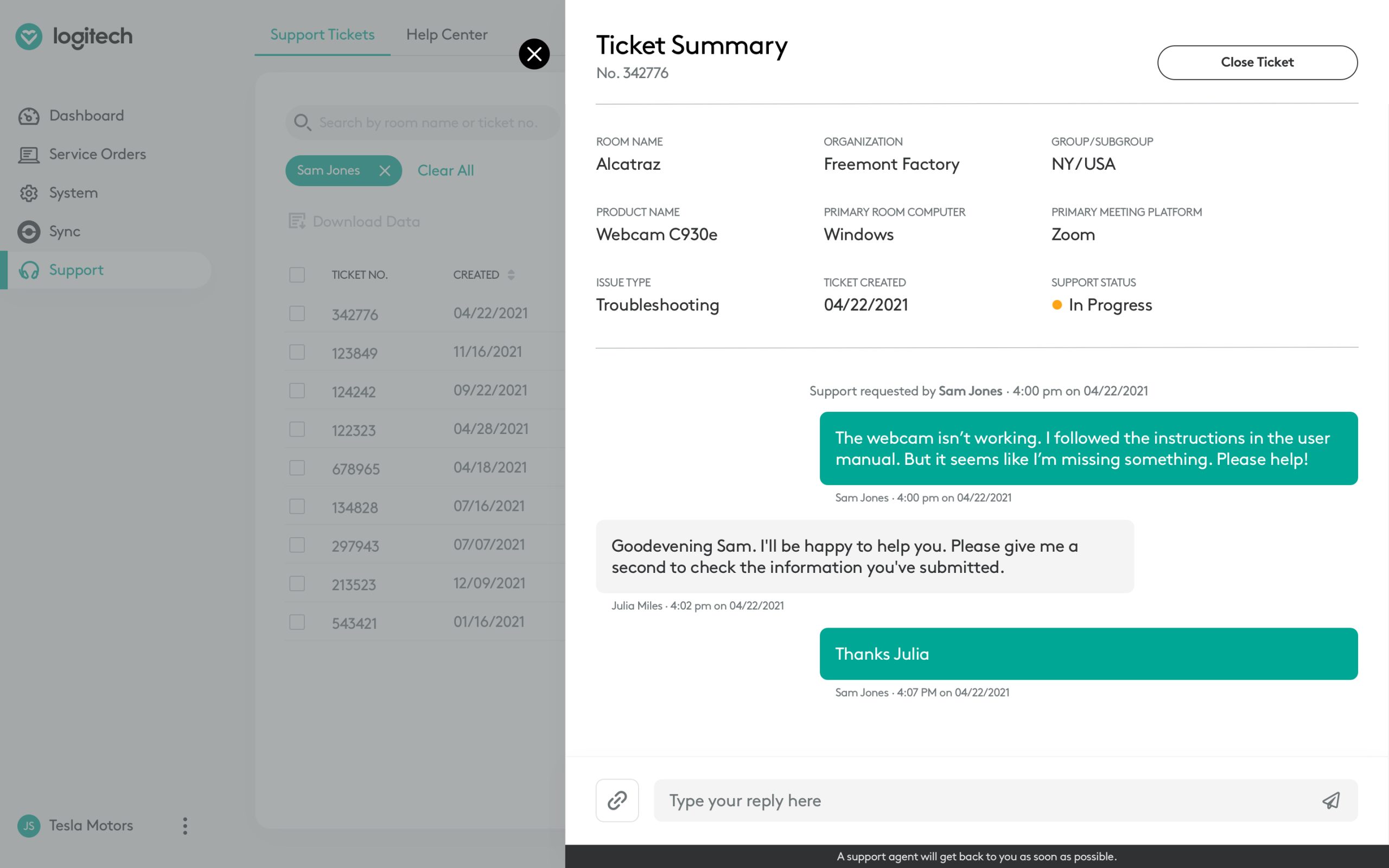
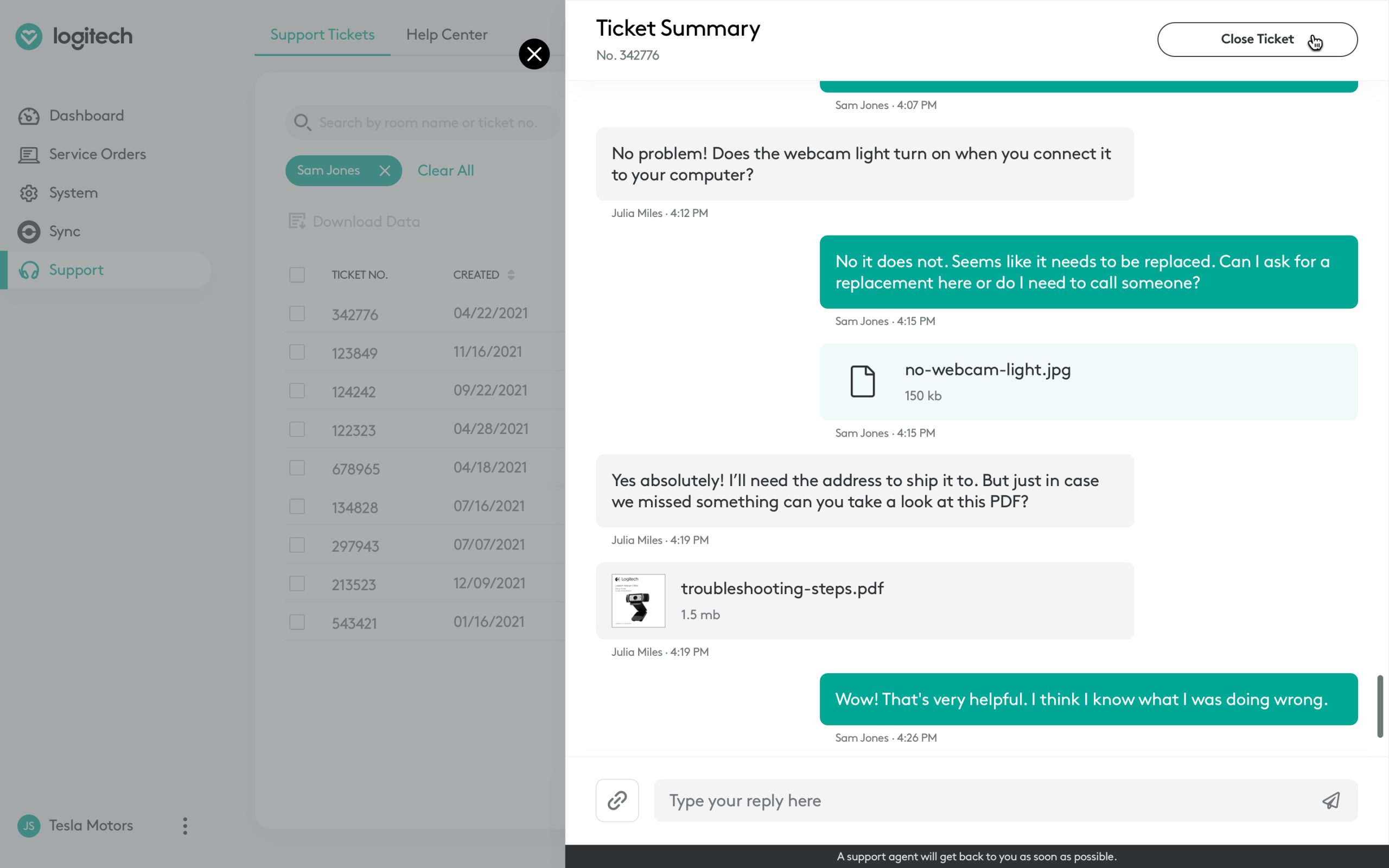
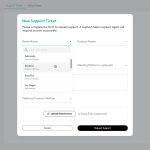
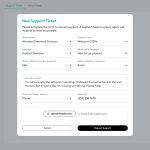
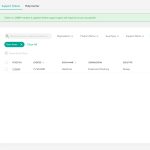
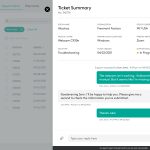
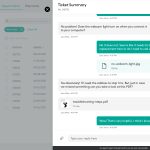
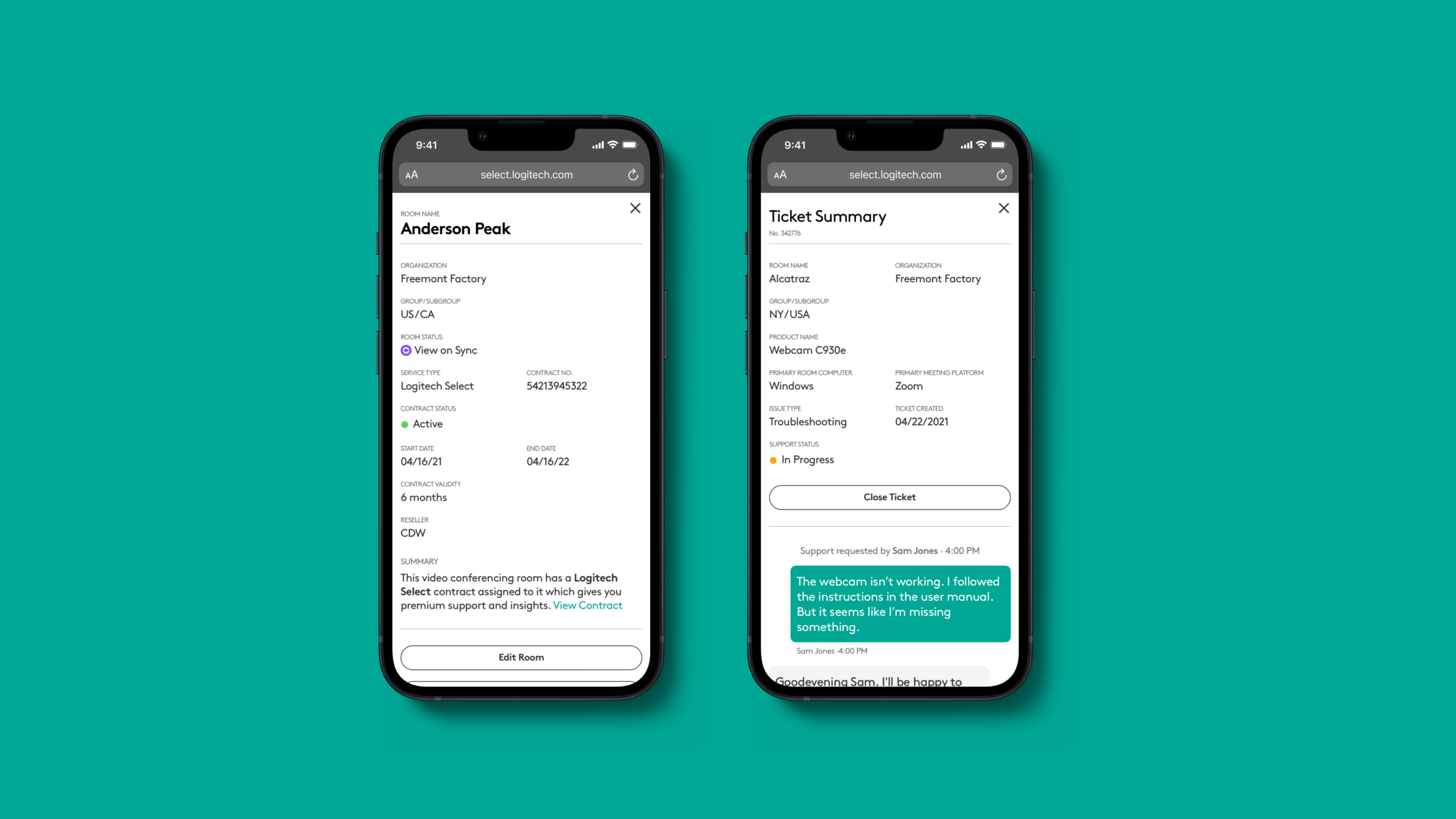
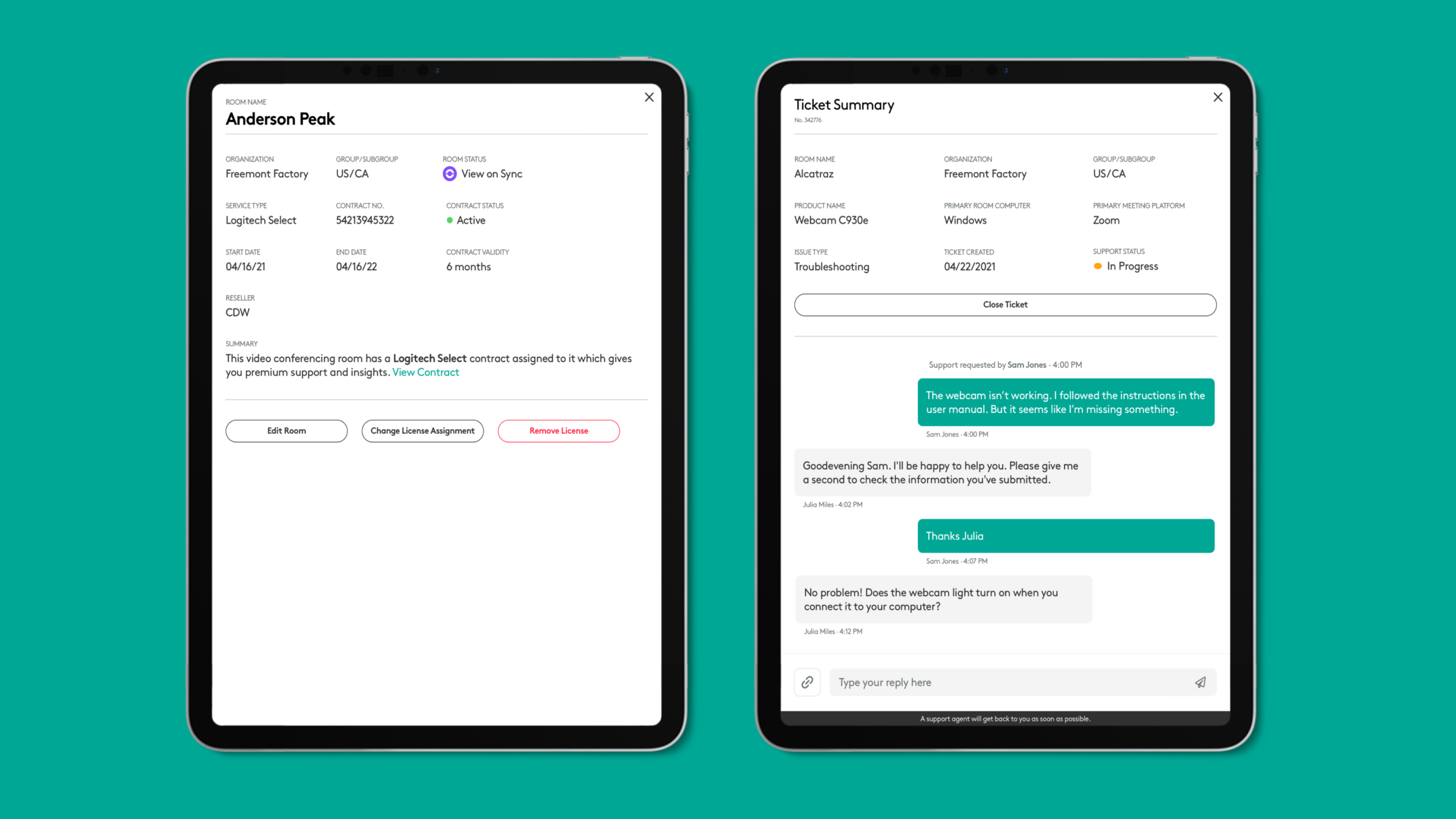
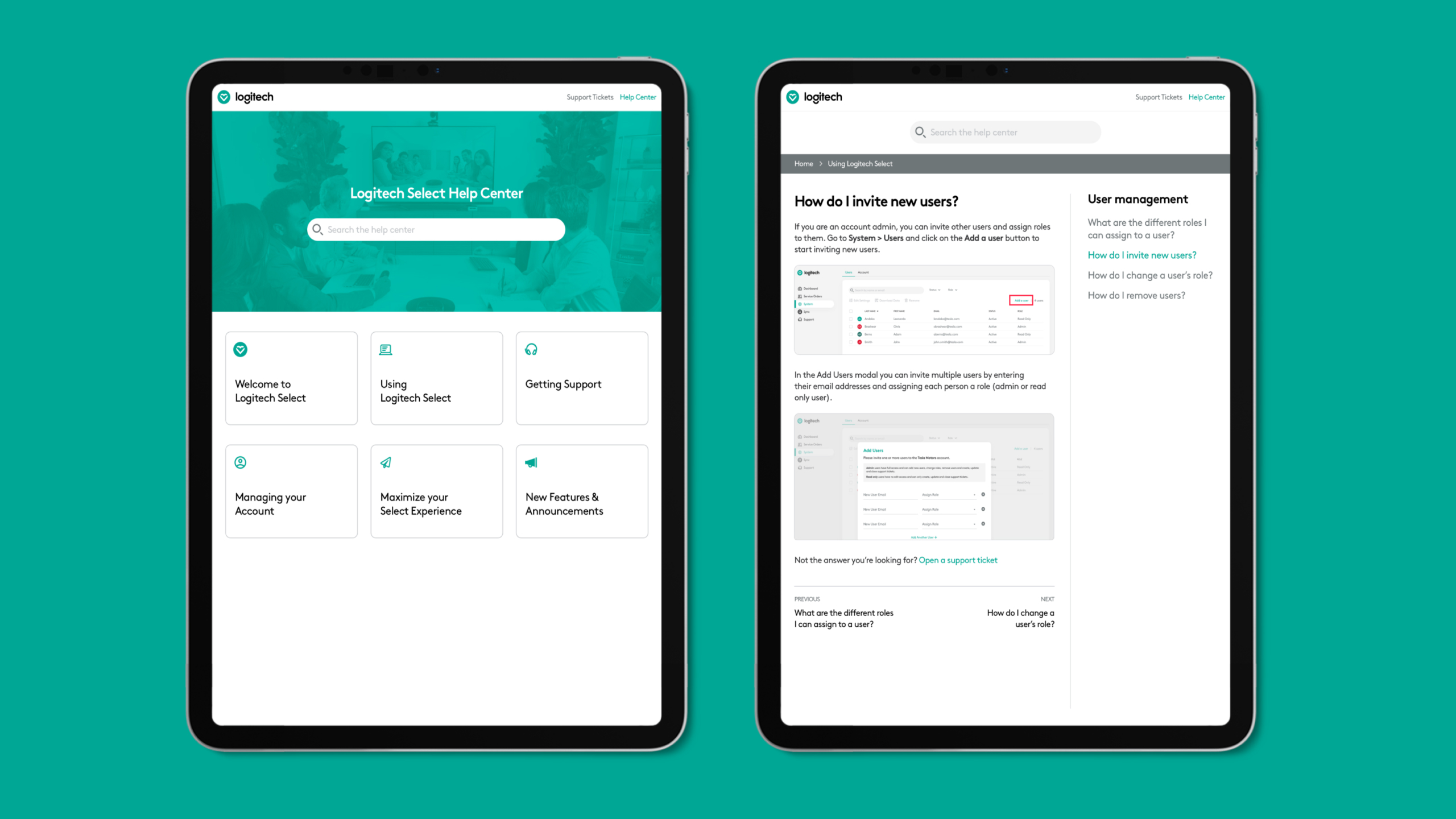
One of the key features of the service was access to 24/7 premium support directly through the Select portal. In sprint 4, we designed the support section of the portal where users could create and manage tickets for licensed rooms and view the support summary. The form in the create ticket modal went through multiple iterations during the project, as it was also used for requesting RMAs, spare devices etc.
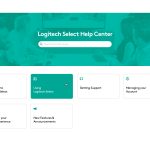
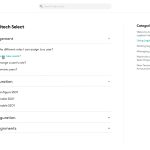
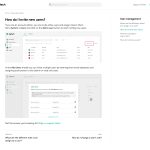
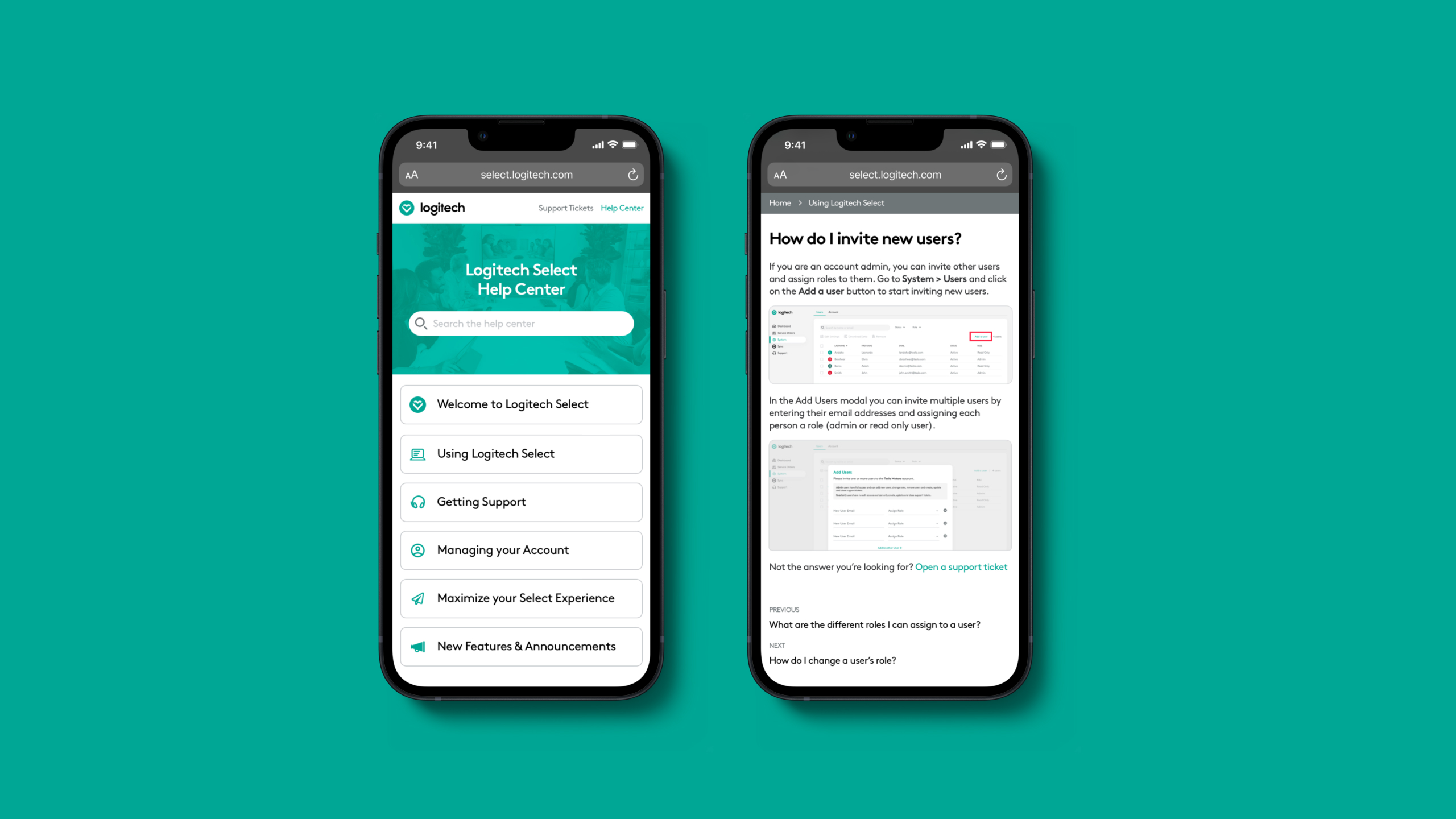
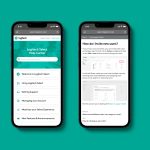
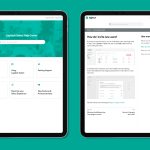
The team felt that the existing business support pages did not feel premium, so we also came up with a new information architecture and design for the premium support articles. This wasn't fully implemented during the MVP stage due to time constraints, but helped Logitech lay the groundwork for organizing their premium support articles.
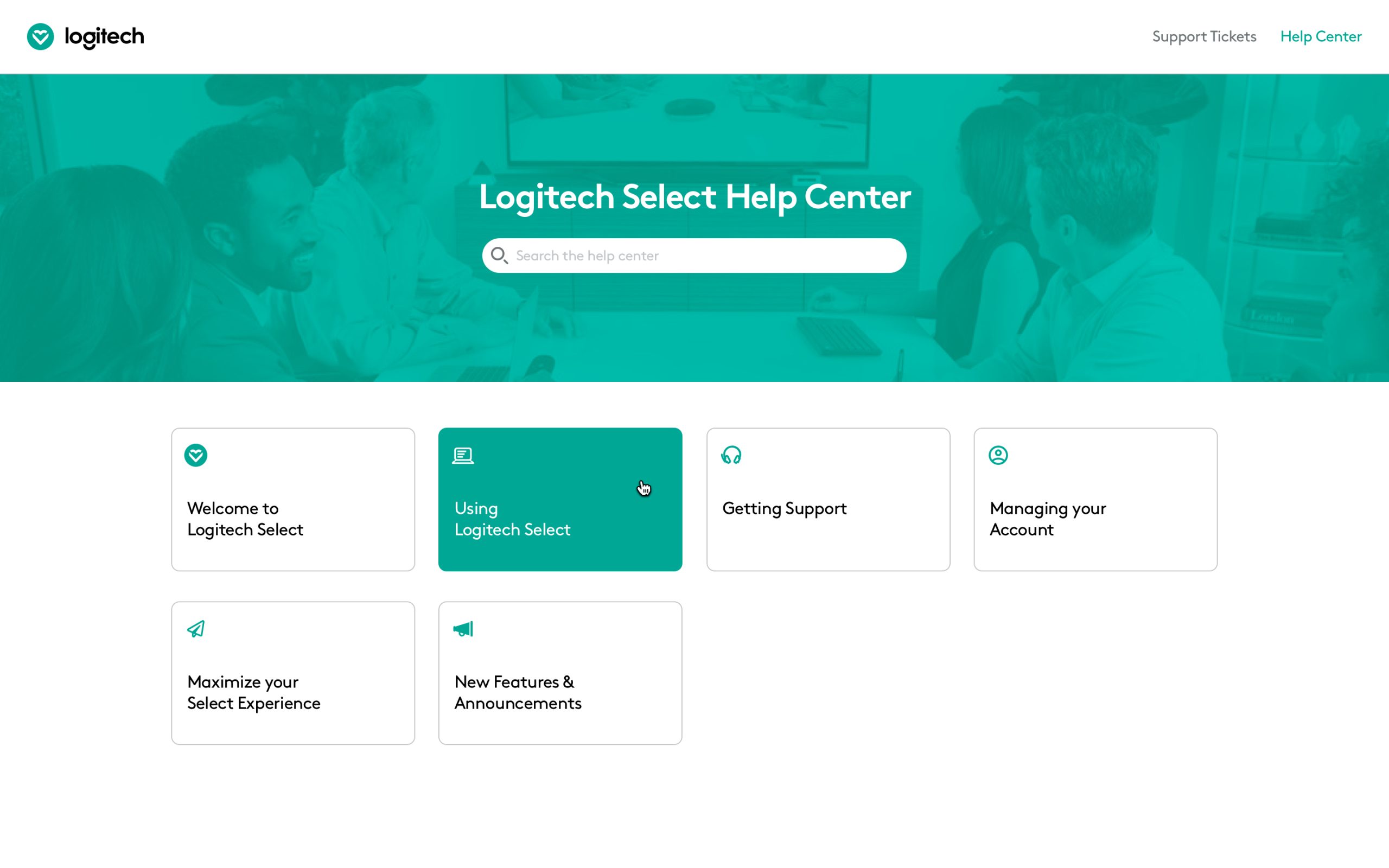
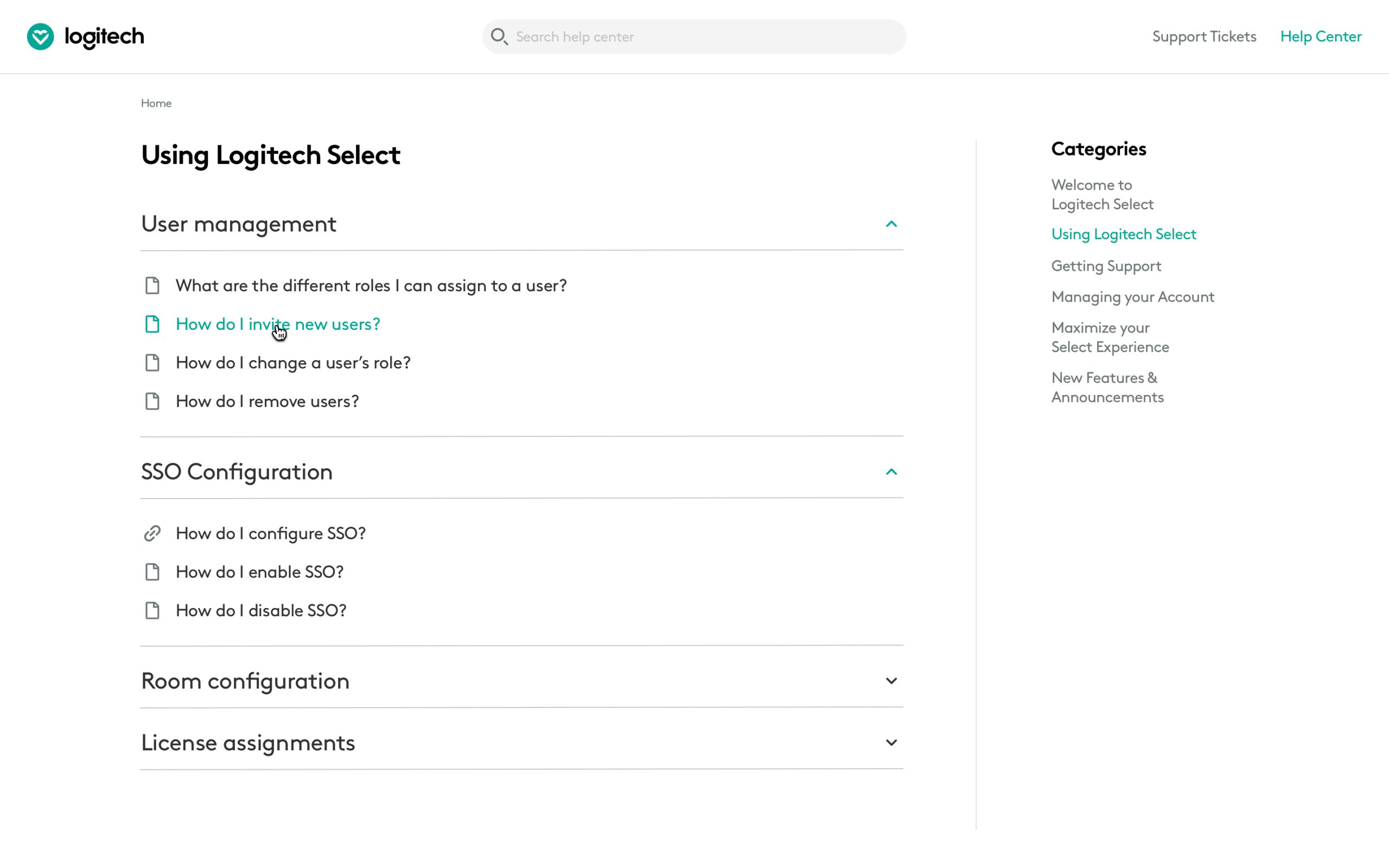
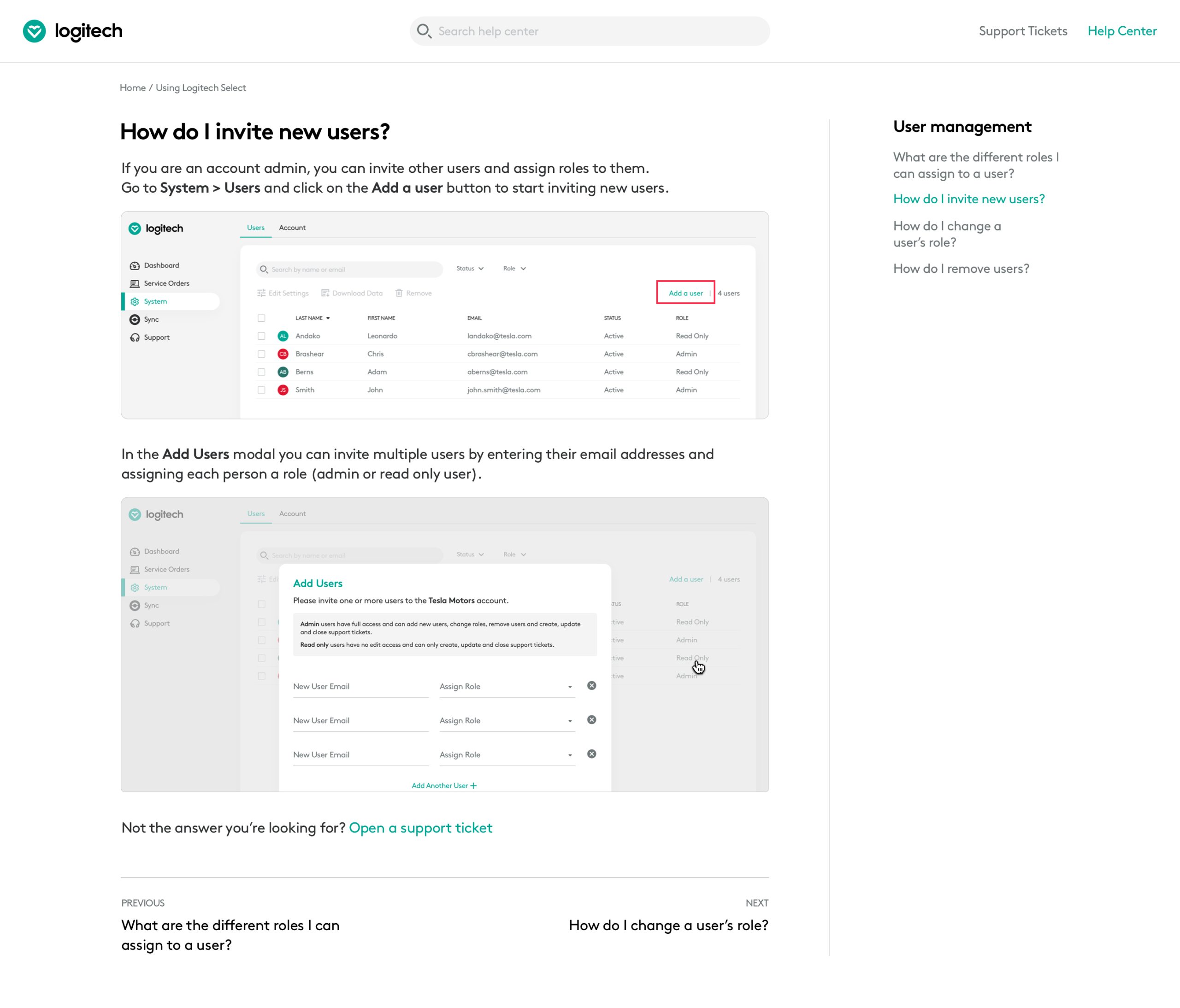
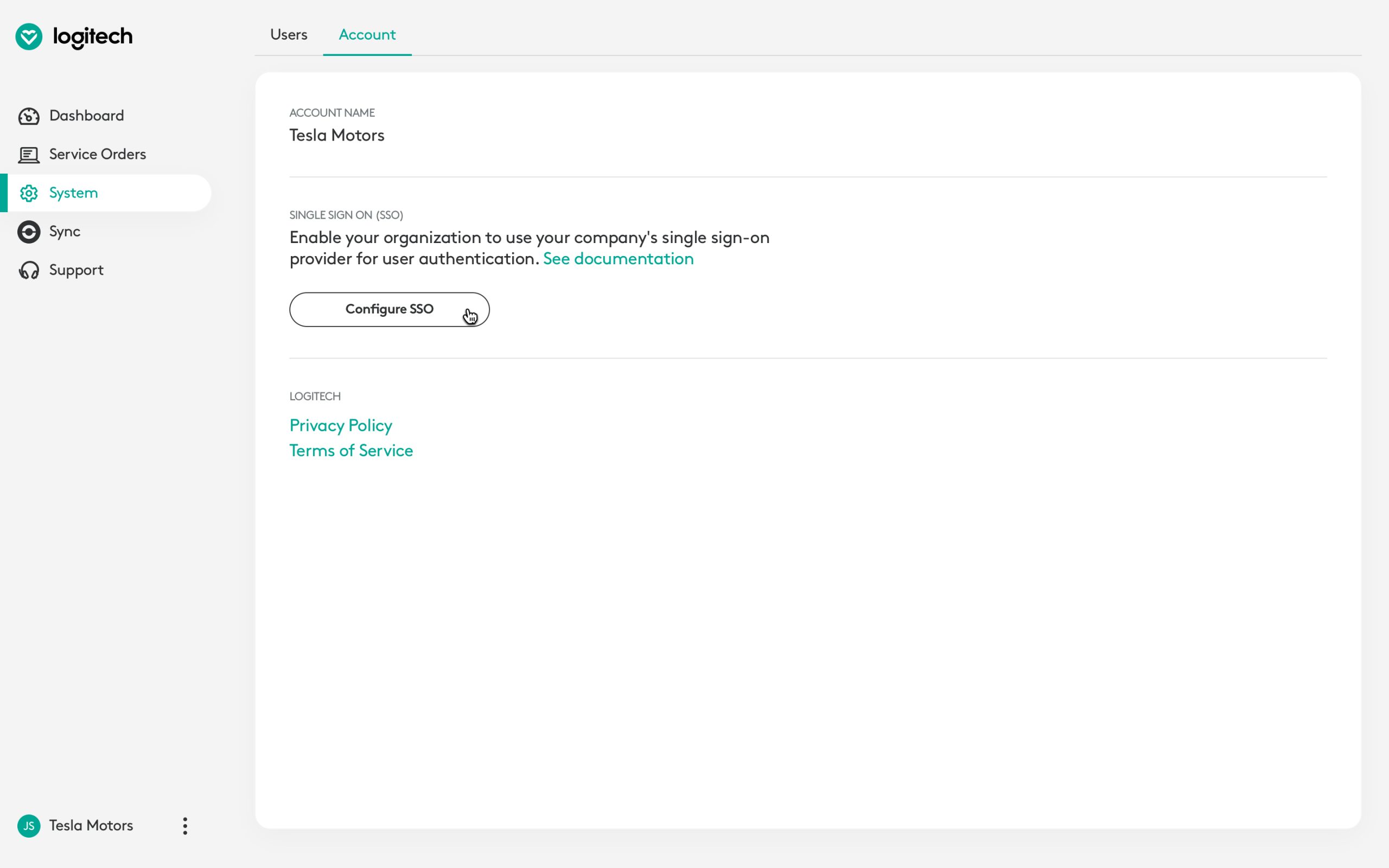
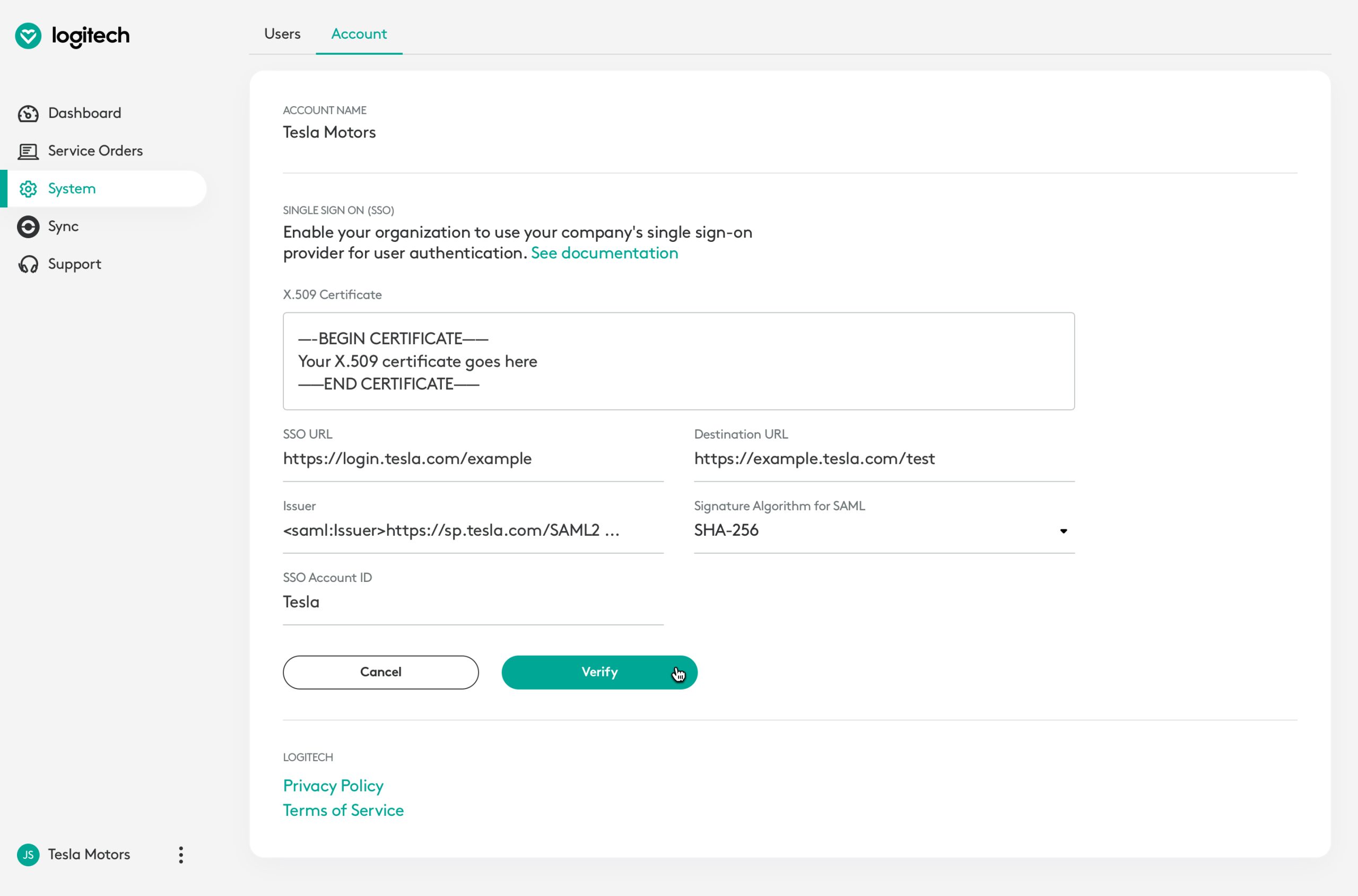
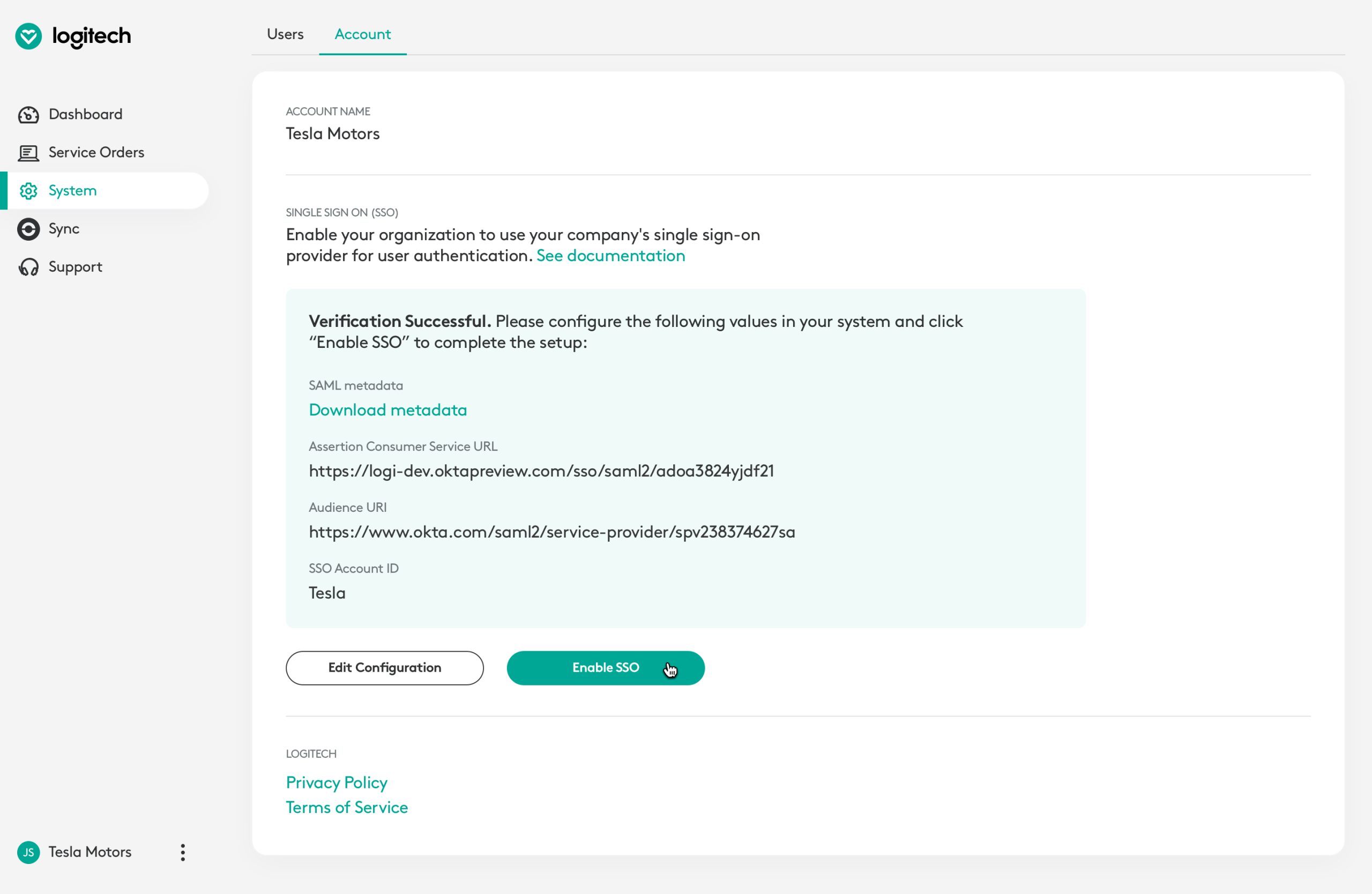
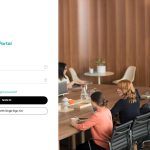
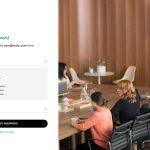
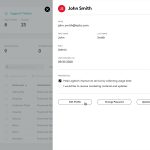
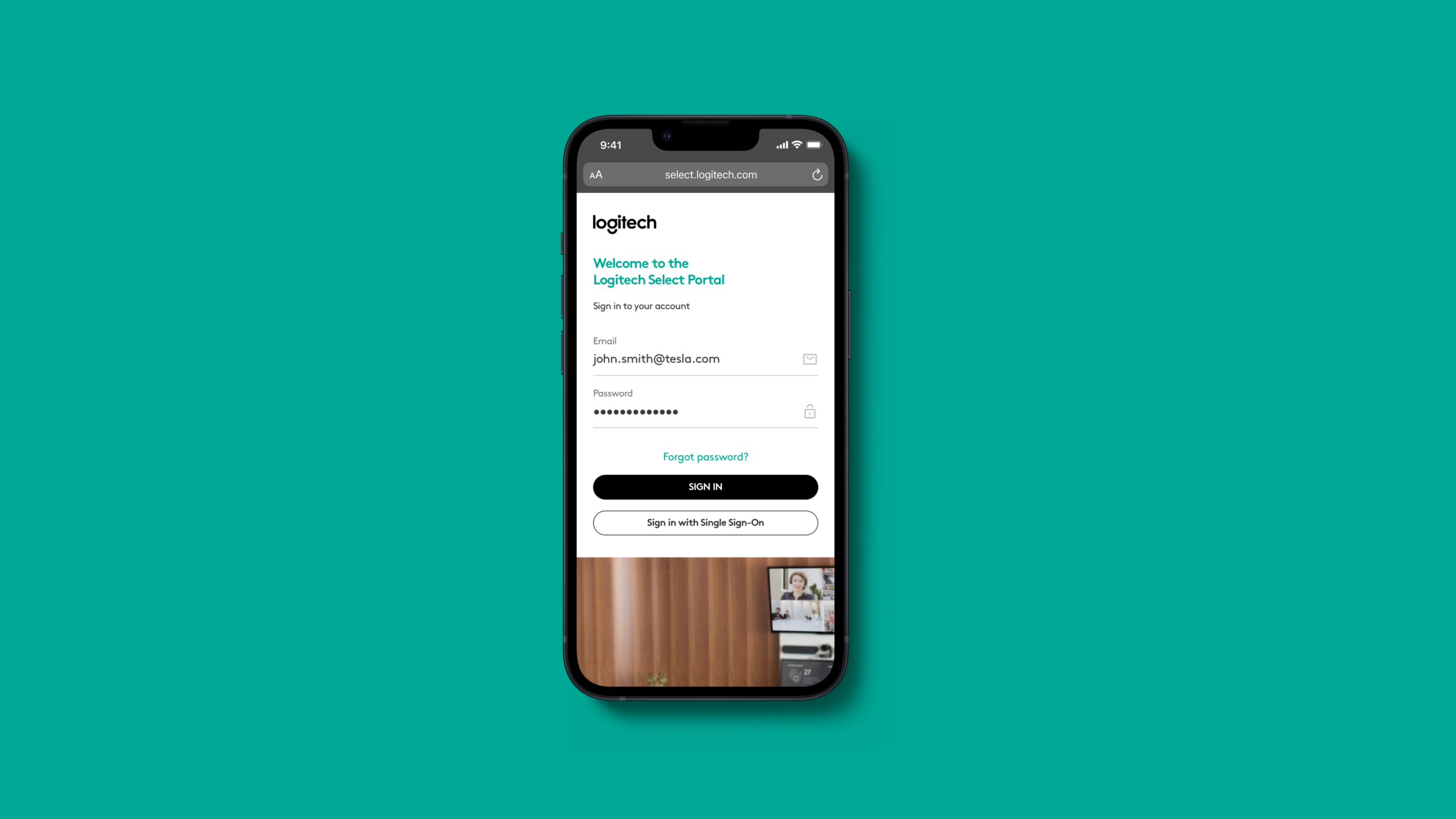
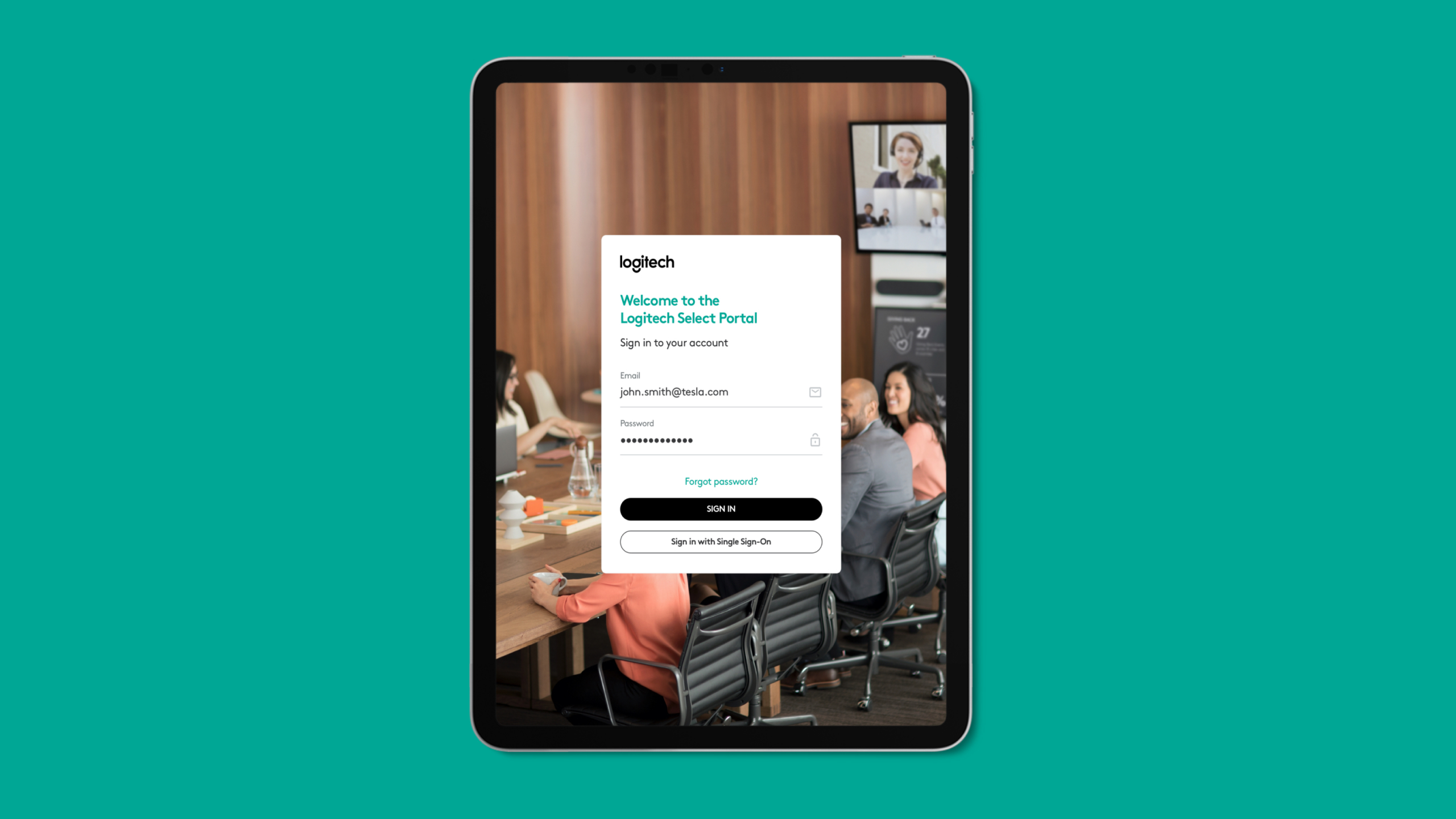
In sprint 5 we designed emails, login screens, the user profile page and the SSO settings page.
The email templates were designed to be single column and used a fluid grid so that they worked well on mobile devices. We designed the purchase confirmation, portal welcome, invitation, password reset and weekly summary emails, among others.
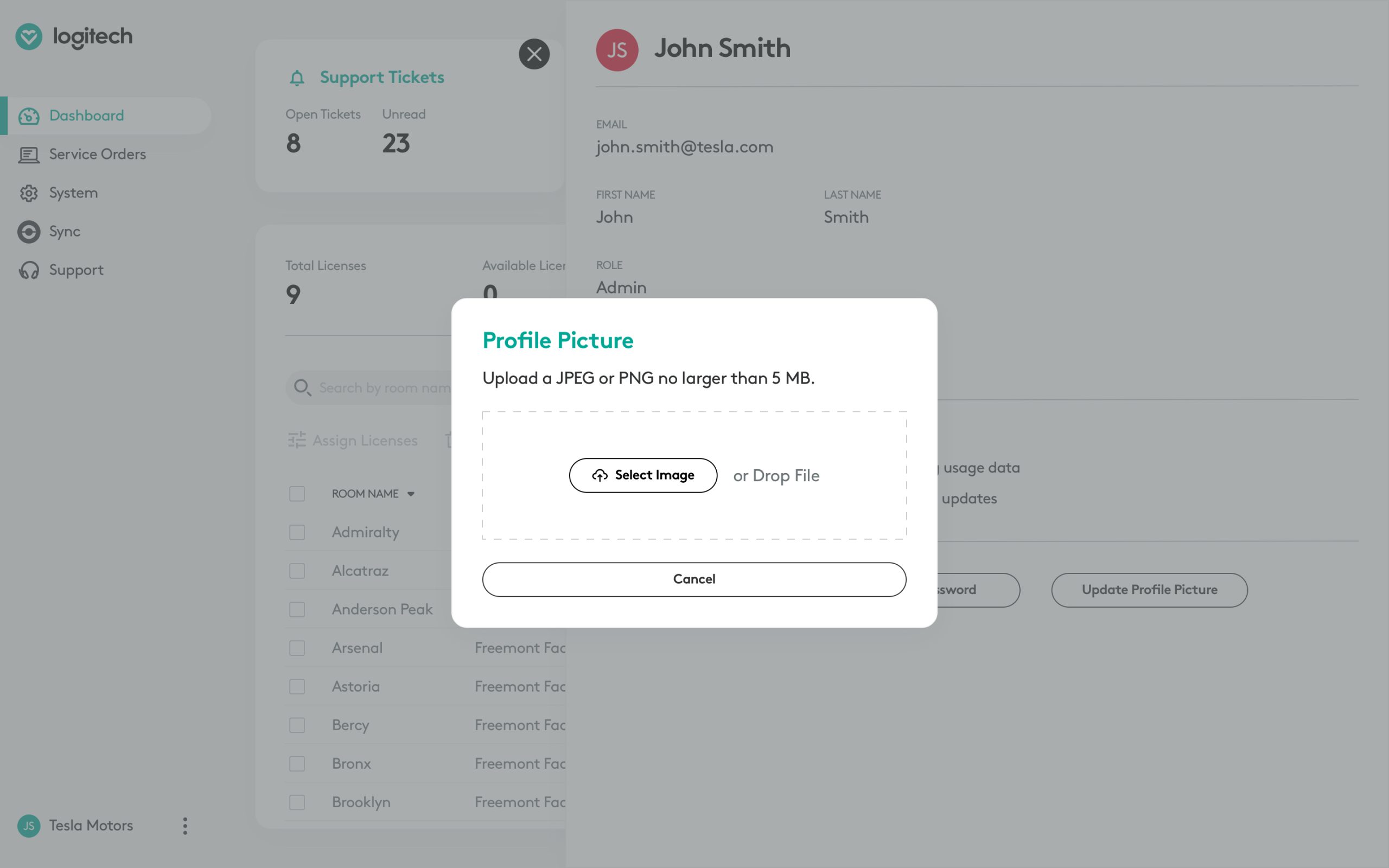
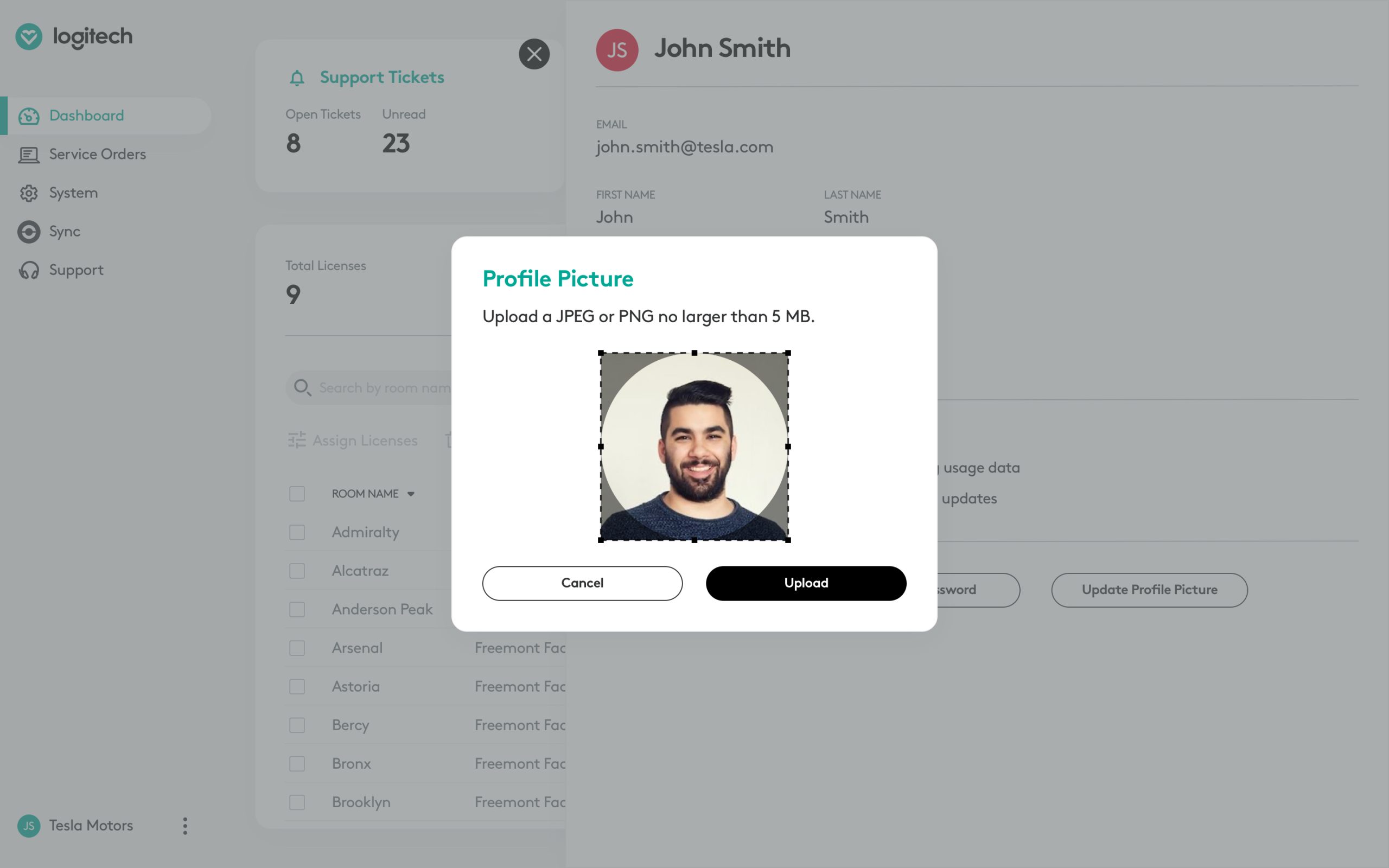
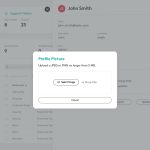
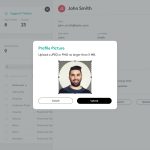
Apart from the various states of the login page, we designed various screens related to editing a user's profile, preferences and profile image.
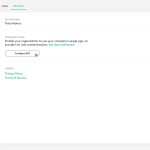
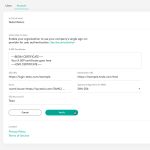
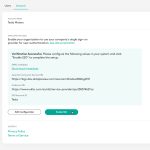
For the SSO settings page, I introduced a tab called "account" under the "system" page where an admin user could configure SSO (single sign on). We worked with the engineering team to understand the inputs required and the configuration and verification steps.
In sprint 6 (not shown in this case study), we designed how the service would handle cancellations. This involved designing emails, showing error messages where applicable and disabling the portal after the grace period was over.
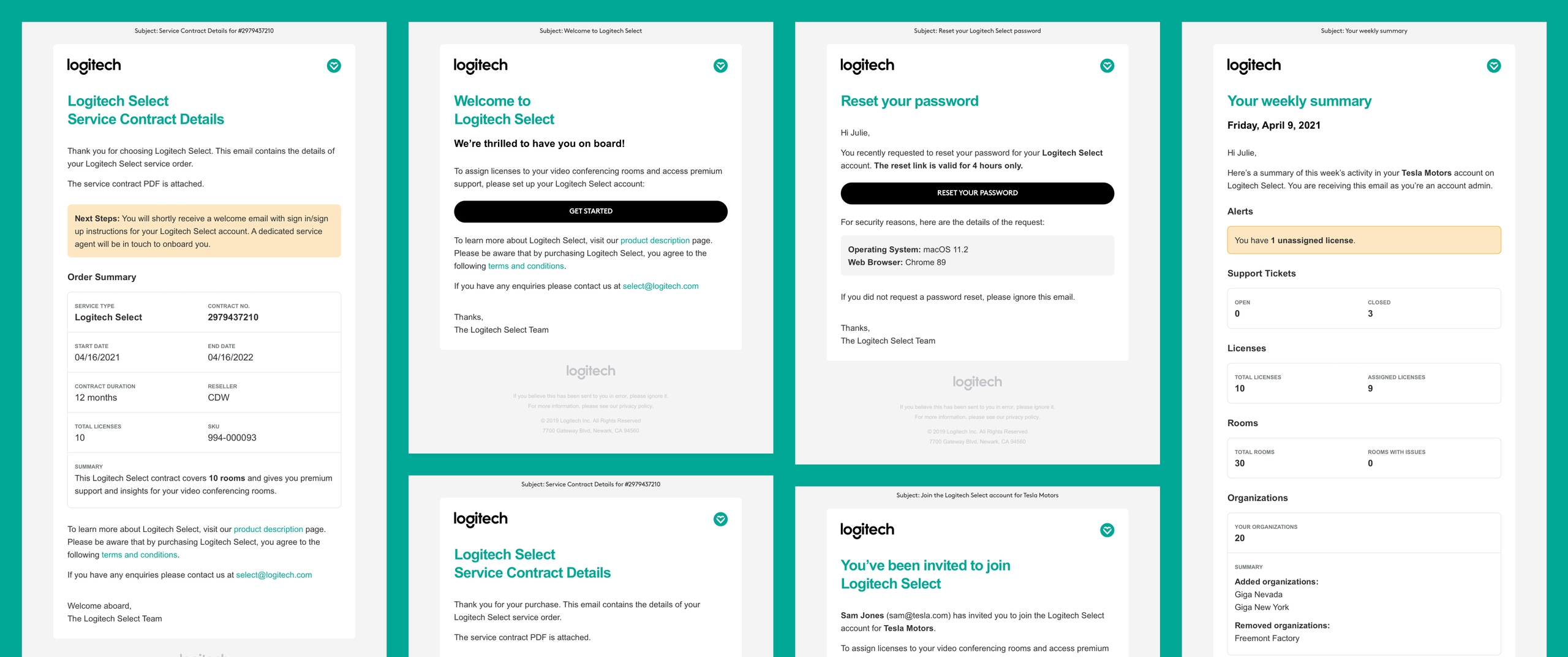
Some email templates we designed for the MVP.
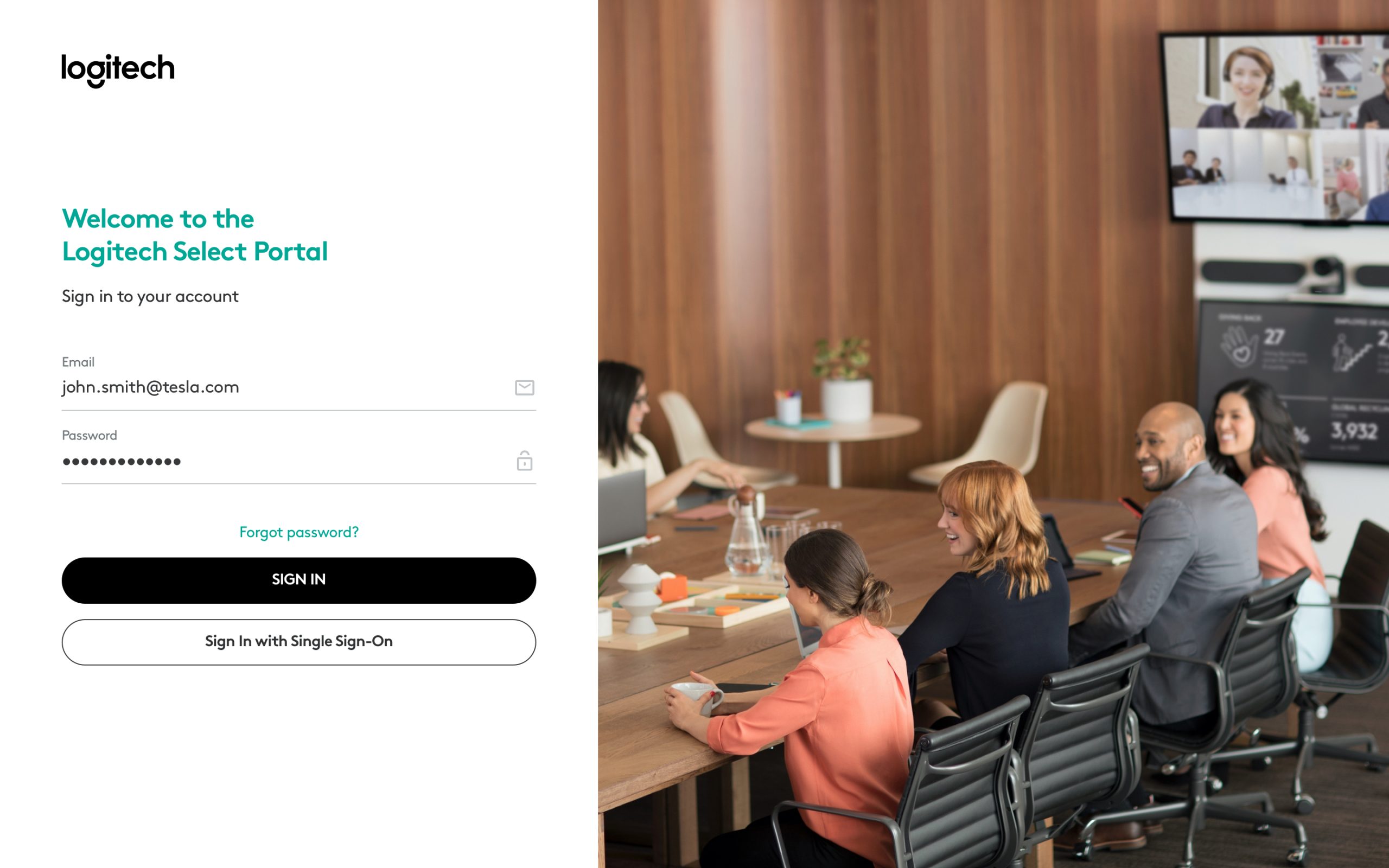
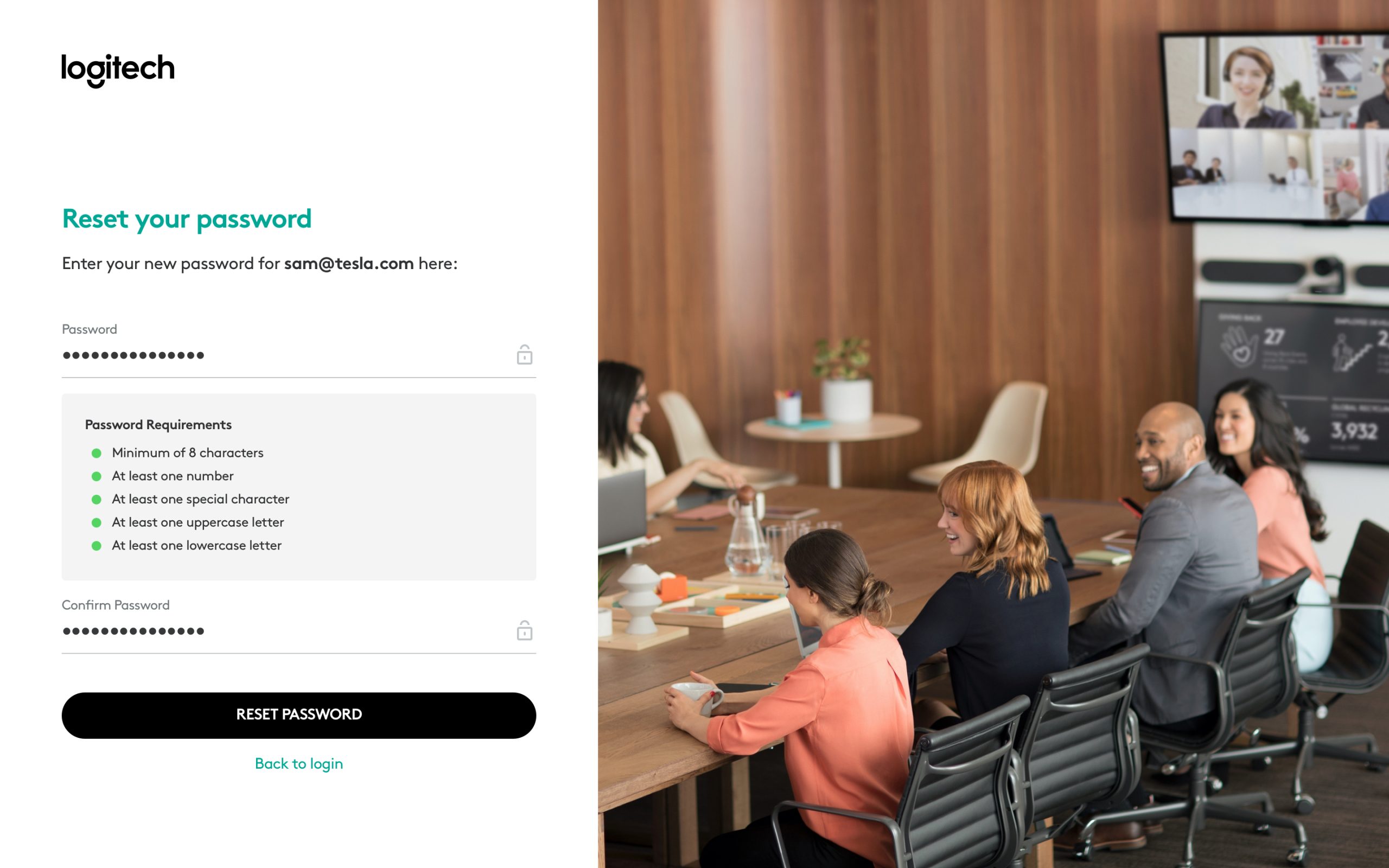
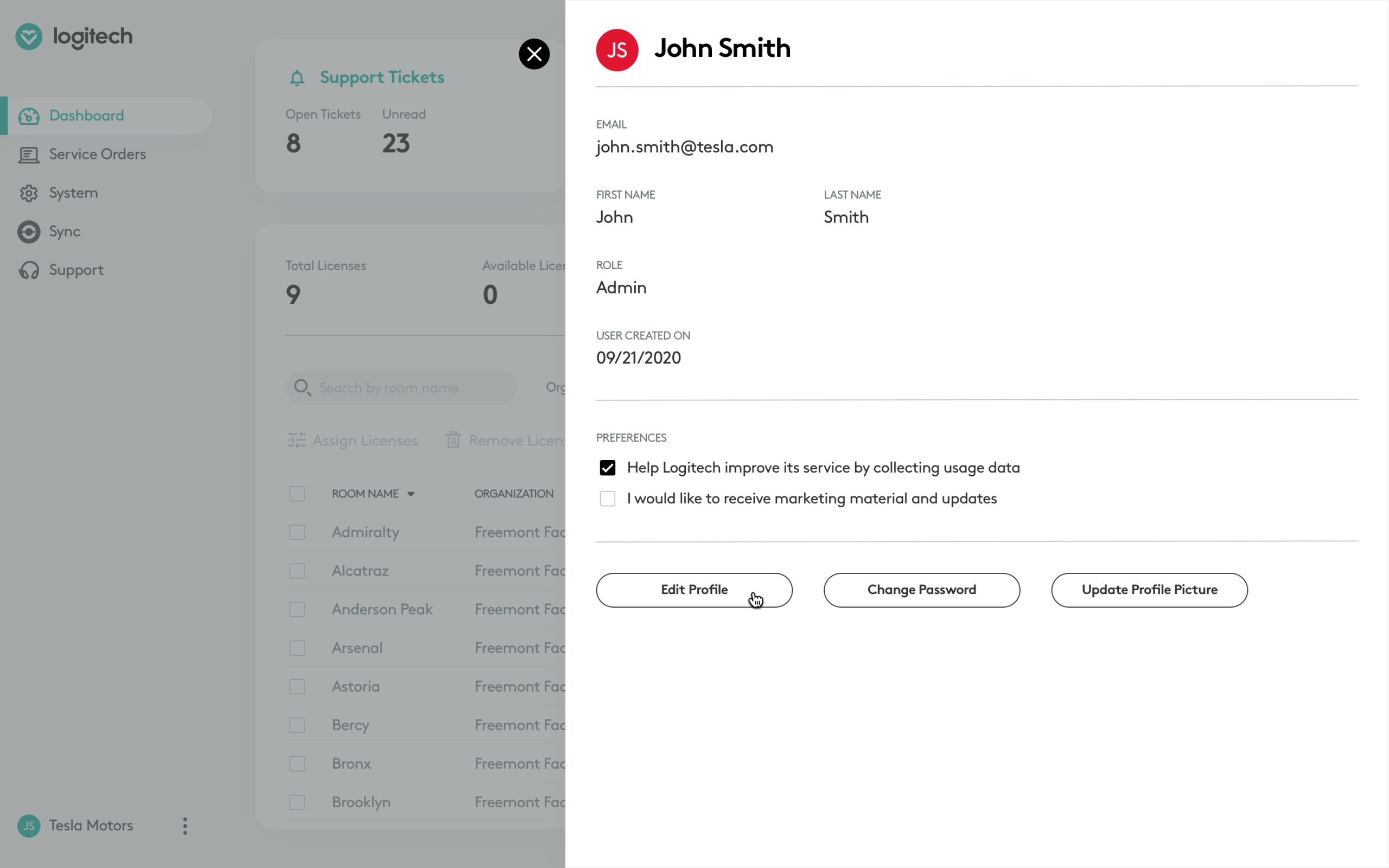
Throughout the project, we uploaded the designs to InVision on a weekly basis. This allowed us to easily gather feedback, create clickable prototypes, and seamlessly hand-off designs to the engineering team.
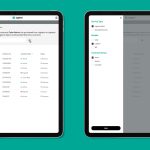
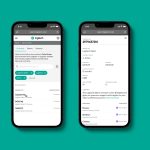
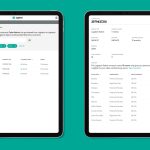
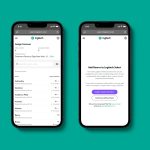
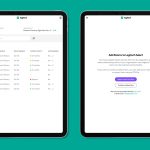
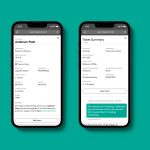
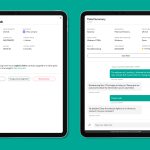
With a large number of screens to consider, we collaborated closely with the engineering team to identify the unique ones that required responsive design. At the end of each sprint, I delivered mobile and tablet versions of these specific screens.
Result
The launch of Logitech Select was a success. The video conferencing business signed up more than 110 enterprise customers with the largest customer purchasing Logitech Select for 250 meeting rooms.
Since the launch of the product in the United States, the service has also expanded to Europe and Asia Pacific.
More than 70% of their customers have expressed interest in renewing the service.
After the successful launch of Select, we also began working with Logitech to transform the application into a services management platform that will let customers manage multiple services such as ones focused on hot desks and remote work.
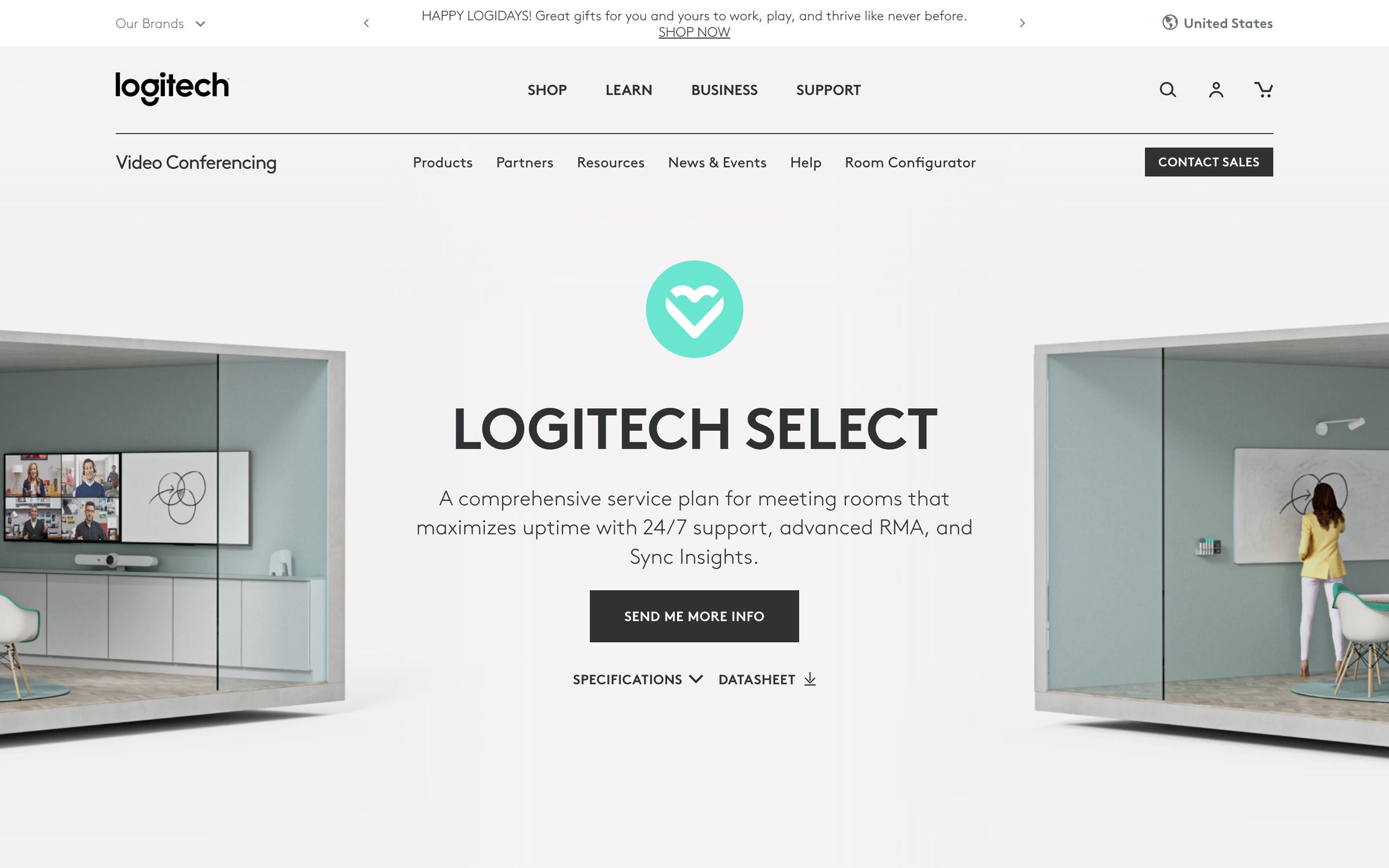
The Logitech Select marketing page