Logitech G
Conversational design for troubleshooting device issues and processing returns and replacements. Read More
Problem Statement
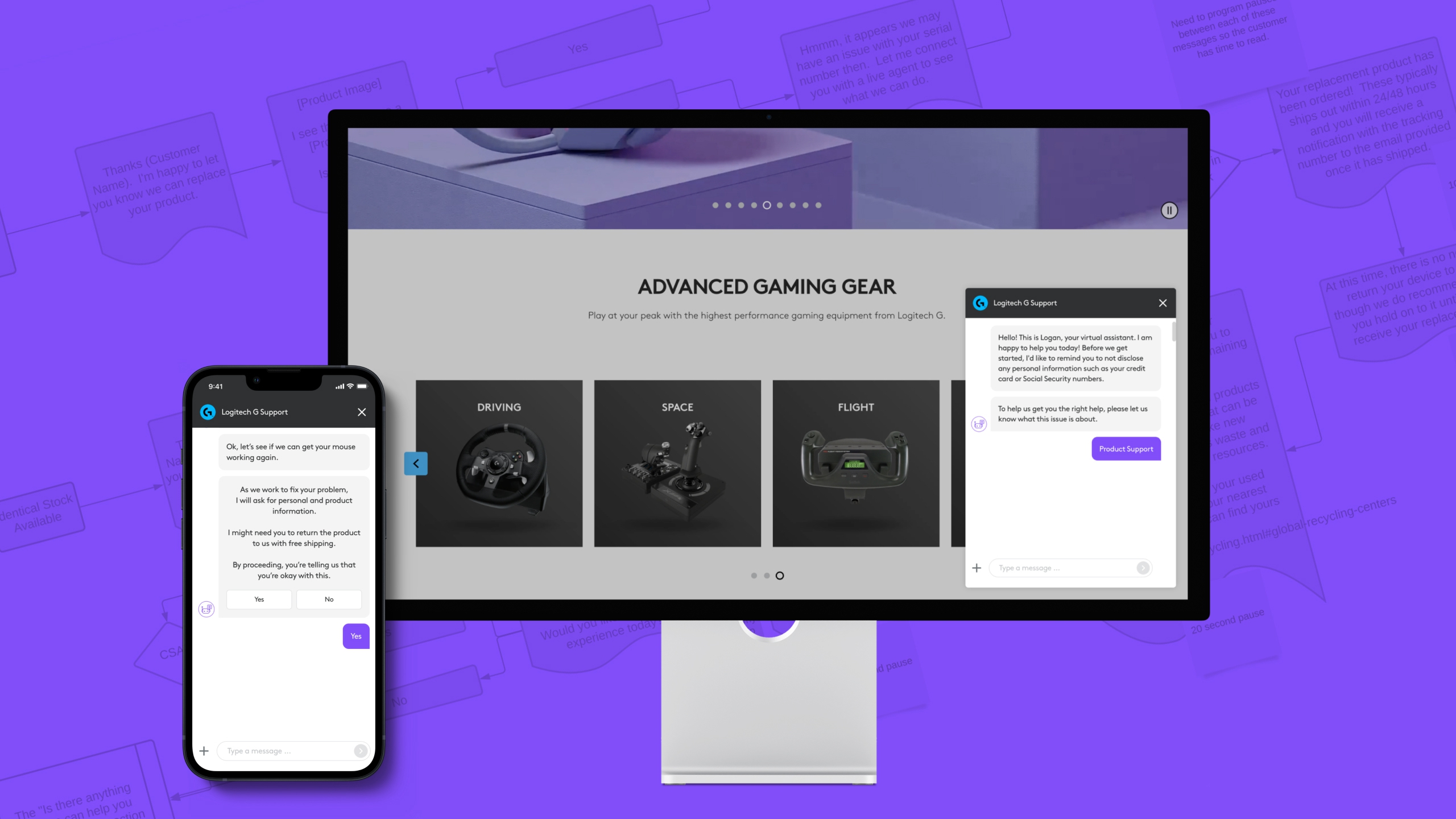
Design an experience to guide customers through device troubleshooting and replacement requests, while helping Logitech G manage and flag fraudulent claims.
Backstory
Logitech G is a team focused on pushing the boundaries of performance and exploring the possibilities of play. They have a big lineup of gaming peripherals and software to support and customize the experience of using their devices.
Through primary research Logitech had determined that users wanted a fast and easy way to troubleshoot device issues and request a replacement, instead of going through support documentation or waiting to get help over the phone. This would mean less interruptions for customers while gaming, and less time spent by support agents troubleshooting common issues, especially during the busy holiday season.
Challenges & Obstacles
Large number of devices with different troubleshooting steps.
The business did not have a formal RMA (return merchandise authorization) process.
RMAs are full of fraud. Some customers employ various methods to pretend they have a faulty product so that they can trick support agents into dispatching free replacements.
As the replacement process for a faulty device is lengthy, it frustrates honest customers who might have a genuine issue with a product.
There were no design and usability standards around the use of chatbots.
Approach
We started the project by talking to customer support agents. We interviewed them to understand troubleshooting steps for various products, the existing processes for returns and replacements and the various types of RMA fraud.
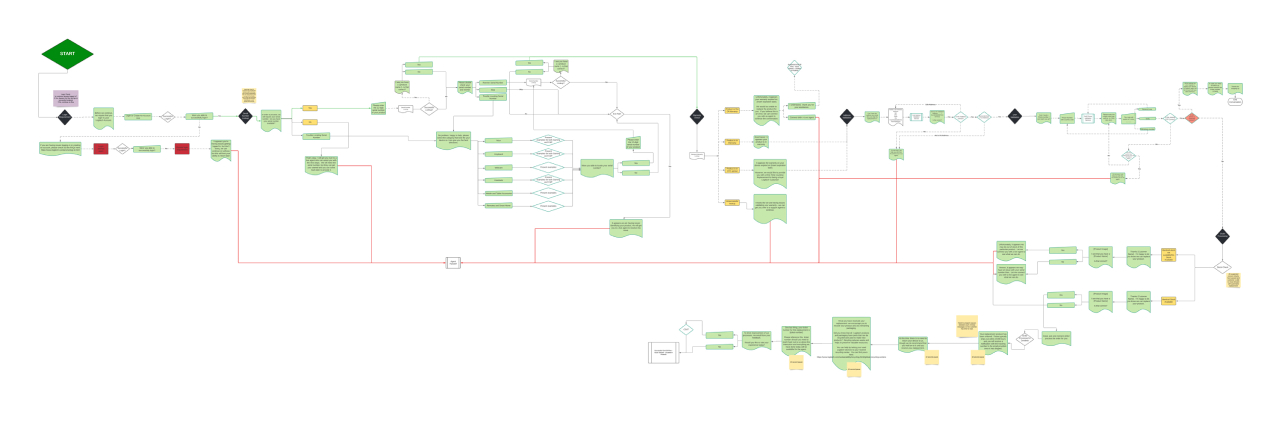
Initially, we mapped the journey as a flowchart. This provided a bird's eye view of the process and helped us ask questions and suggest improvements.
Logitech G makes a large number of different gaming peripherals, but most customers were asking for help with mice, so for this project we decided to focus just on those.
We looked at the troubleshooting flows and came up with a list of the most commonly encountered issues. We also learned about the need for interactive tests, because some customers were faking an issue by doctoring videos of the mouse in use.
We sense-checked with the team if a chatbot was the best approach. Could the return and replacement process be a web form? We learned that there are communities dedicated to reverse-engineering RMA processes and a form would make it easier for fraudsters to find loopholes.
A chatbot would hide some of the flows used to identify genuine customers and we determined it was indeed the best approach moving forward.
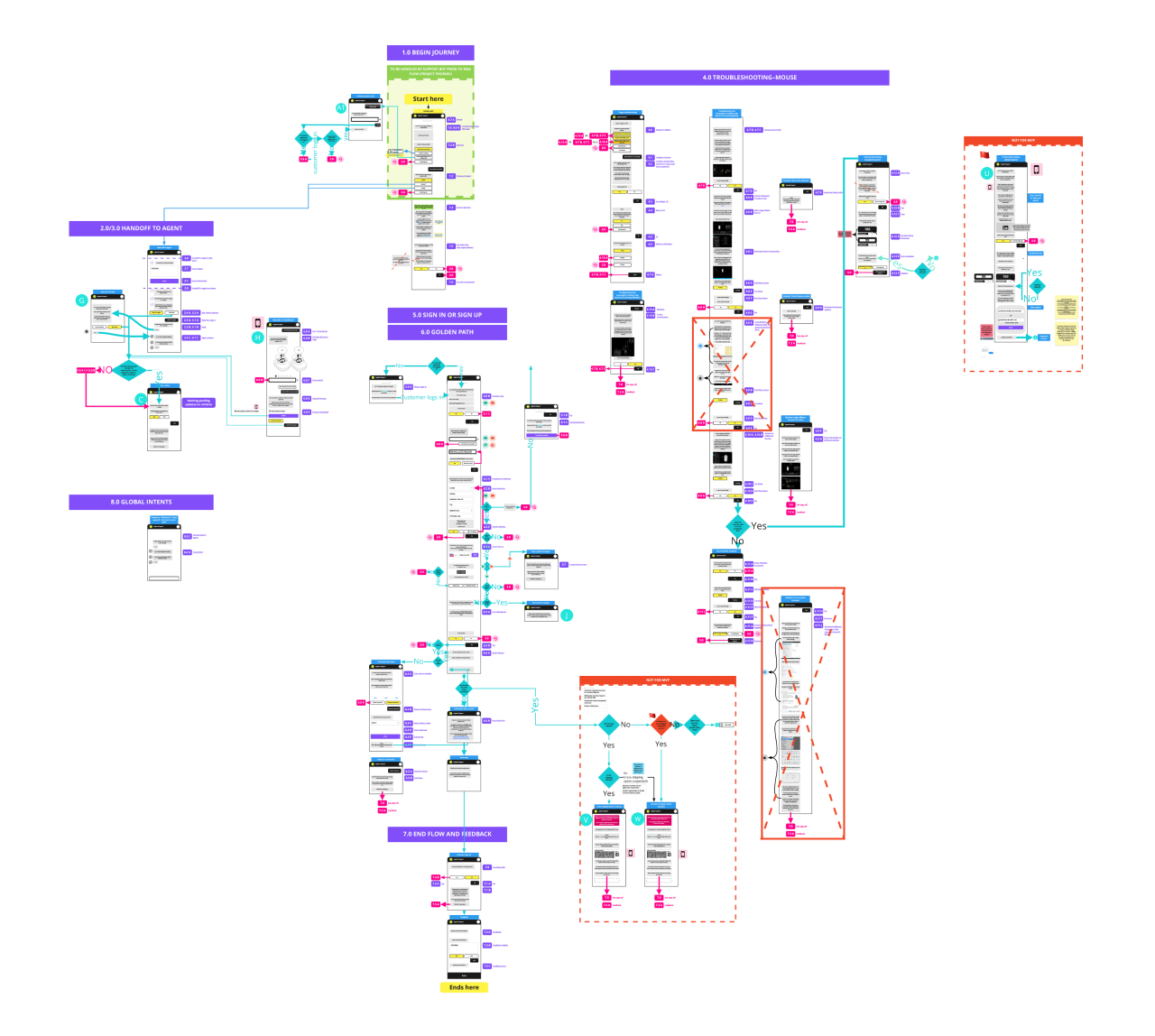
In the second iteration, we updated the flowchart to be more visual. This helped us understand where user input was required and how the conversation with the user would take shape. I grouped the steps into modules to aid in the prototyping and development phases.
After two rounds of wireframing, we identified the various modules we needed to design and prototype the chatbot. They are:
- Begin Journey: Greet the user and direct them to the troubleshooting flows, the e-commerce store or resume a previous conversation.
- Sign In or Sign Up: Resume previous conversation based on a ticket number.
- Handoff to Agent: Connect the user with an agent and inform them of any waiting time.
- Global Intents: Determine if the user is frustrated or has an emergency and handoff to an agent by exiting the current flow.
- Troubleshooting: Direct the user through a number of troubleshooting steps and an interactive test if required.
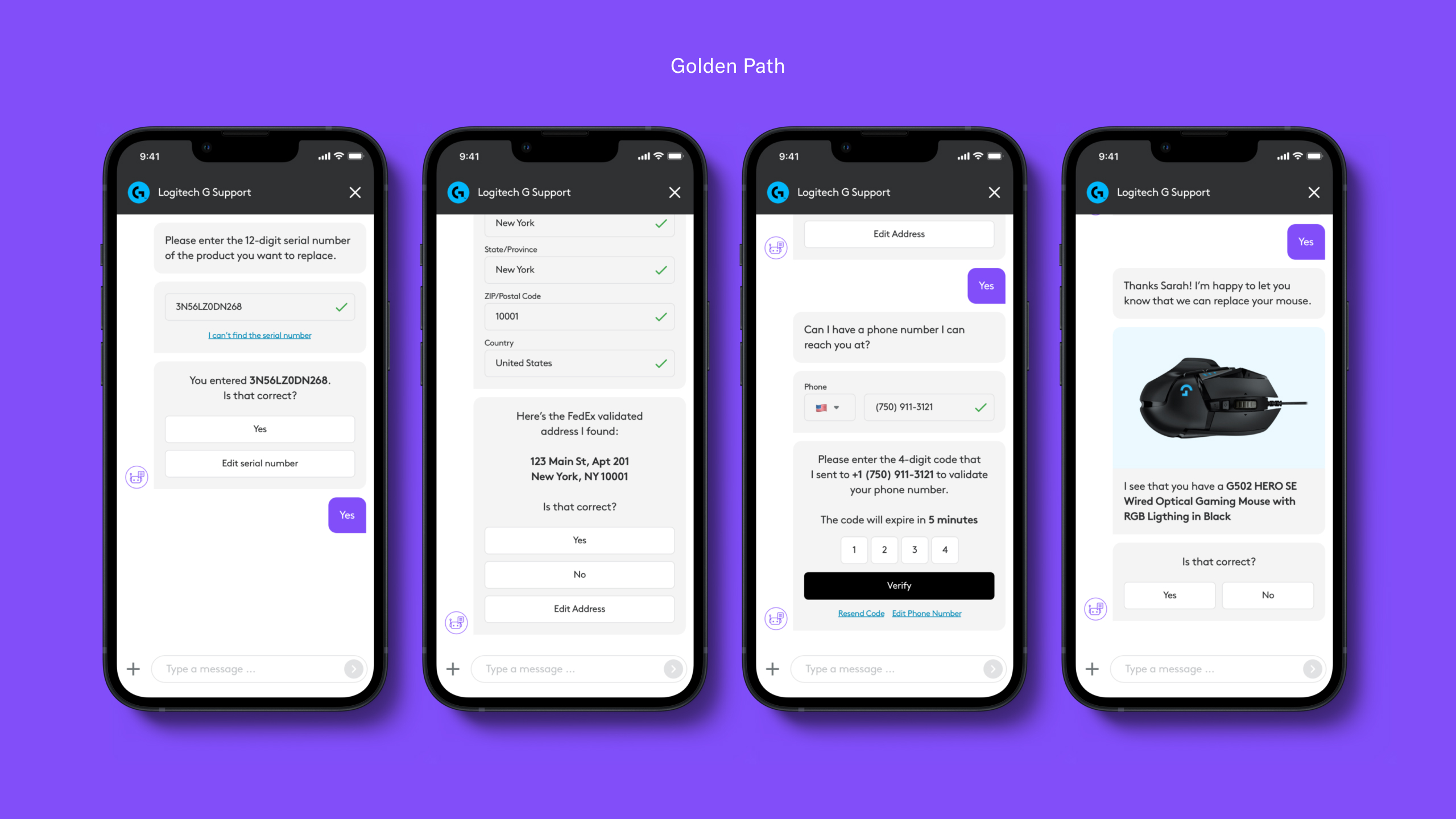
- Golden Path: User is experiencing an issue that cannot be fixed. Take them through a series of steps to help them return and/or replace the faulty device.
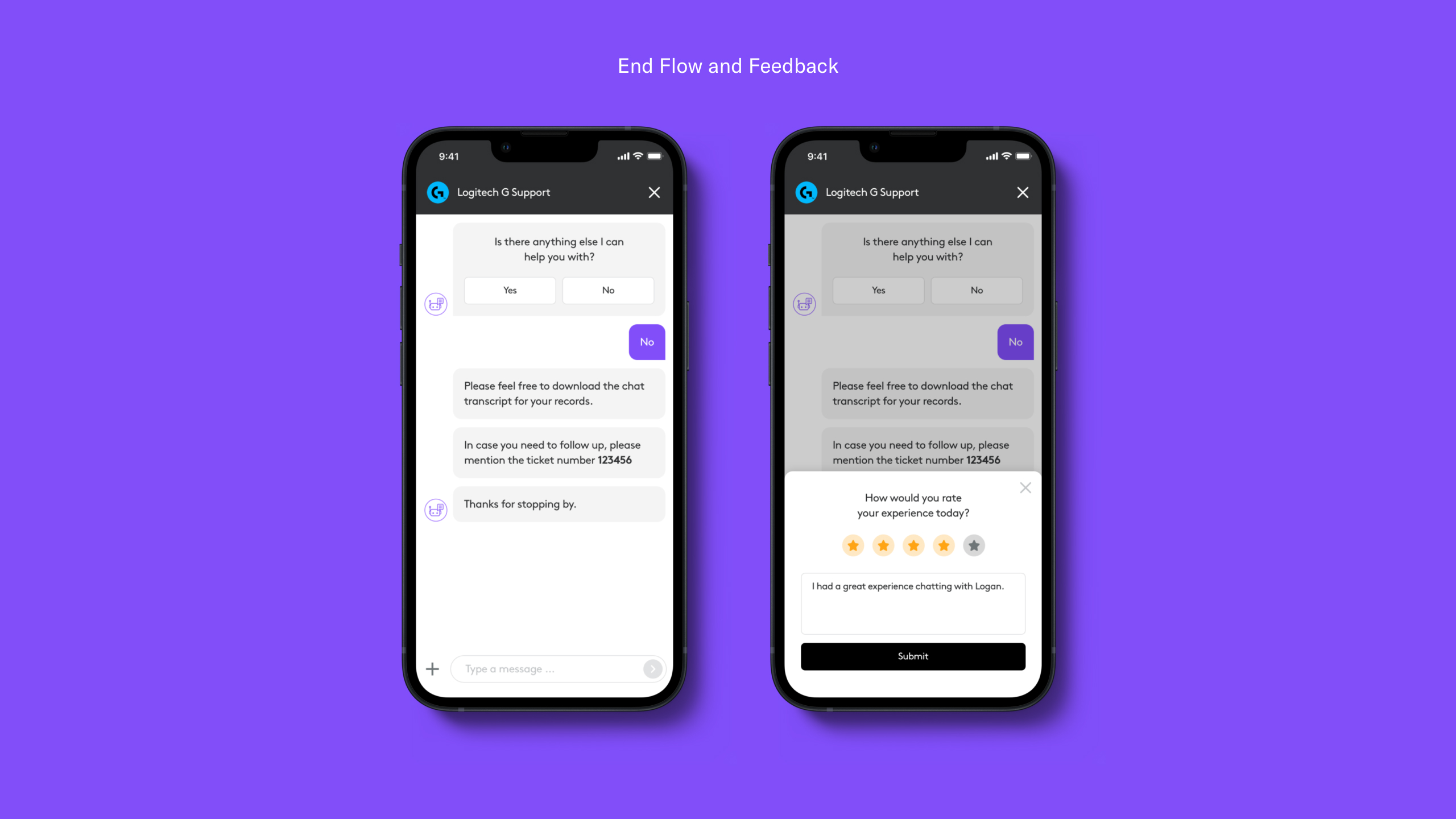
- End Flow and Feedback: Say goodbye and collect feedback.
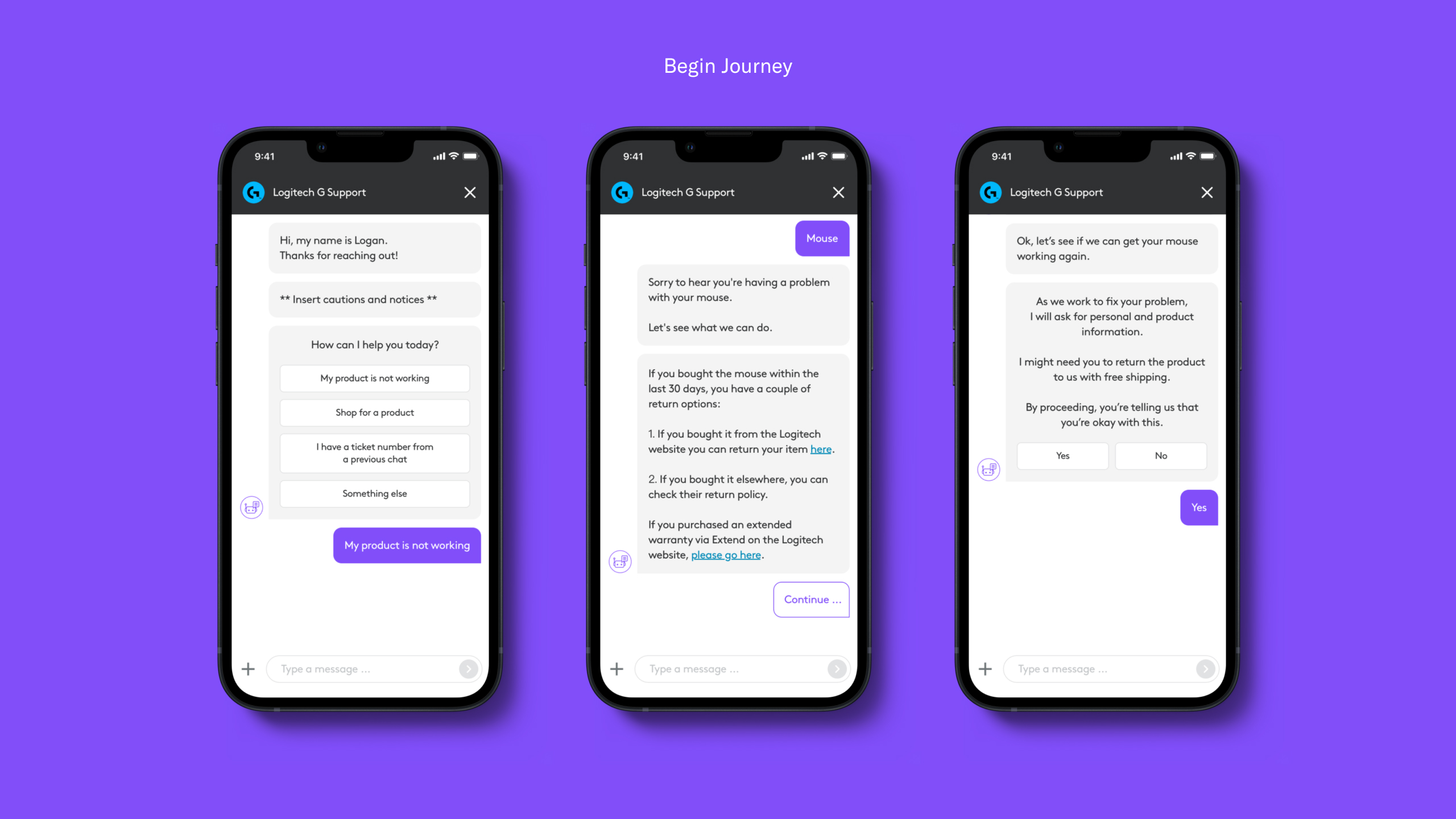
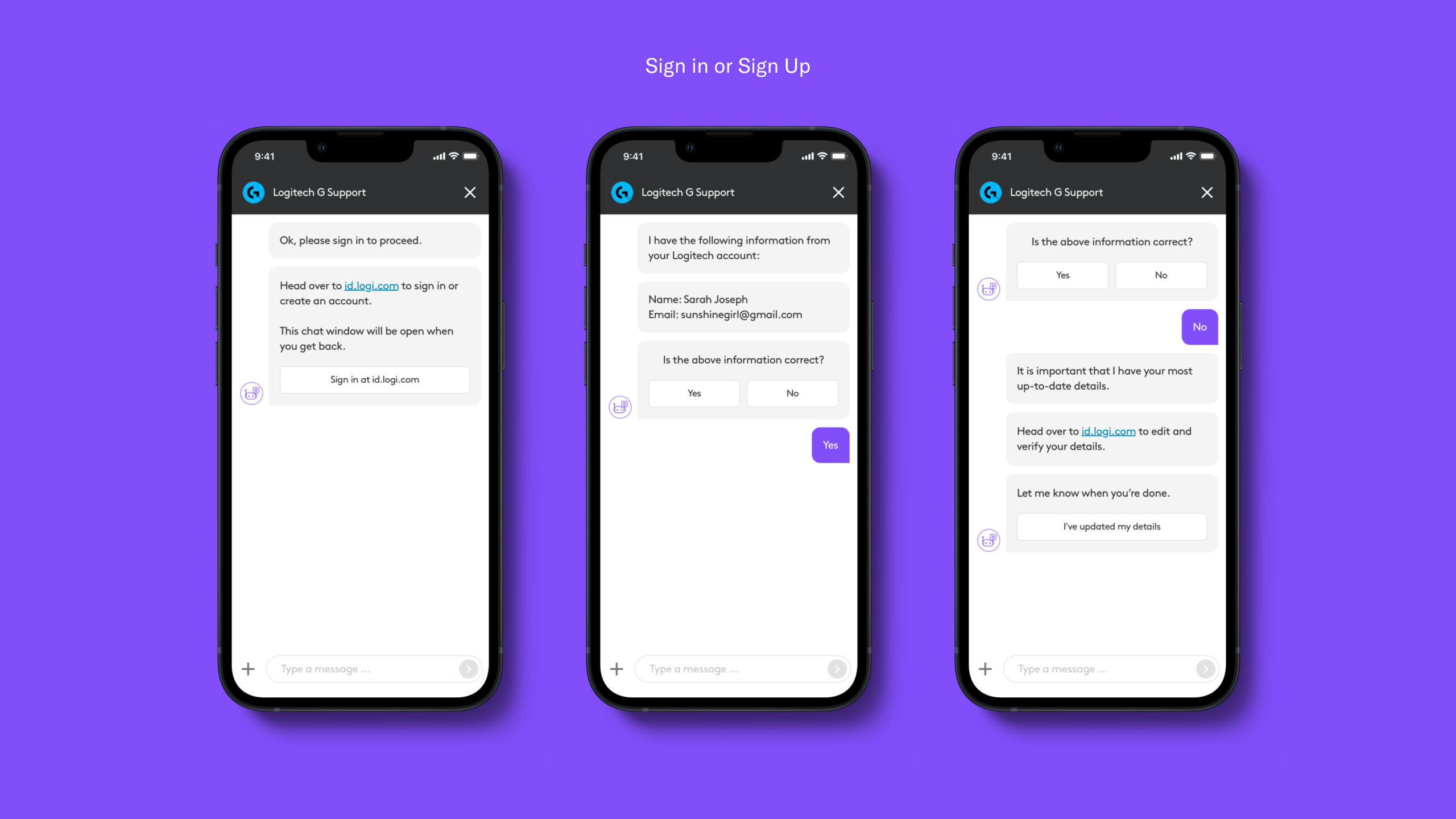
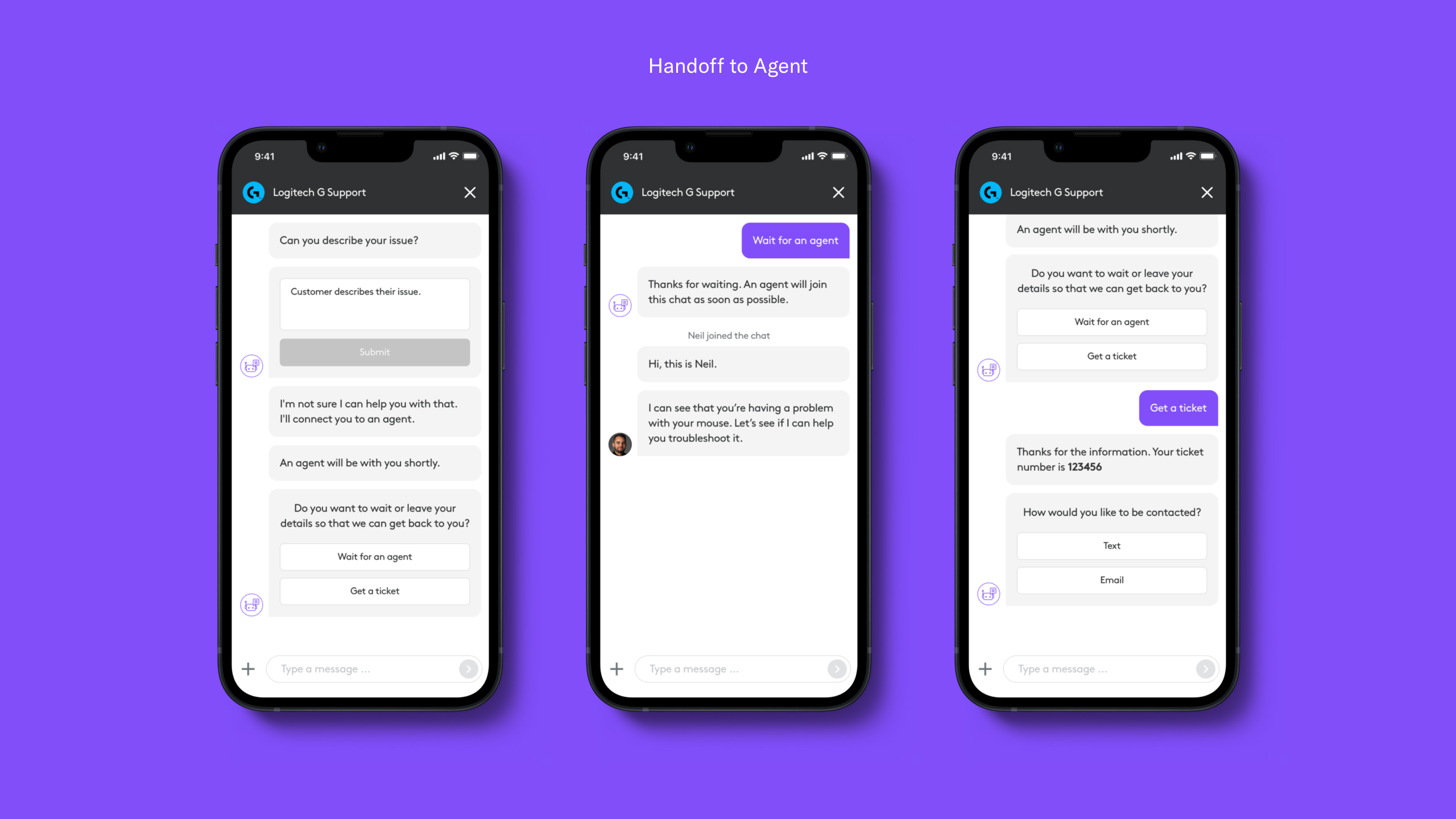
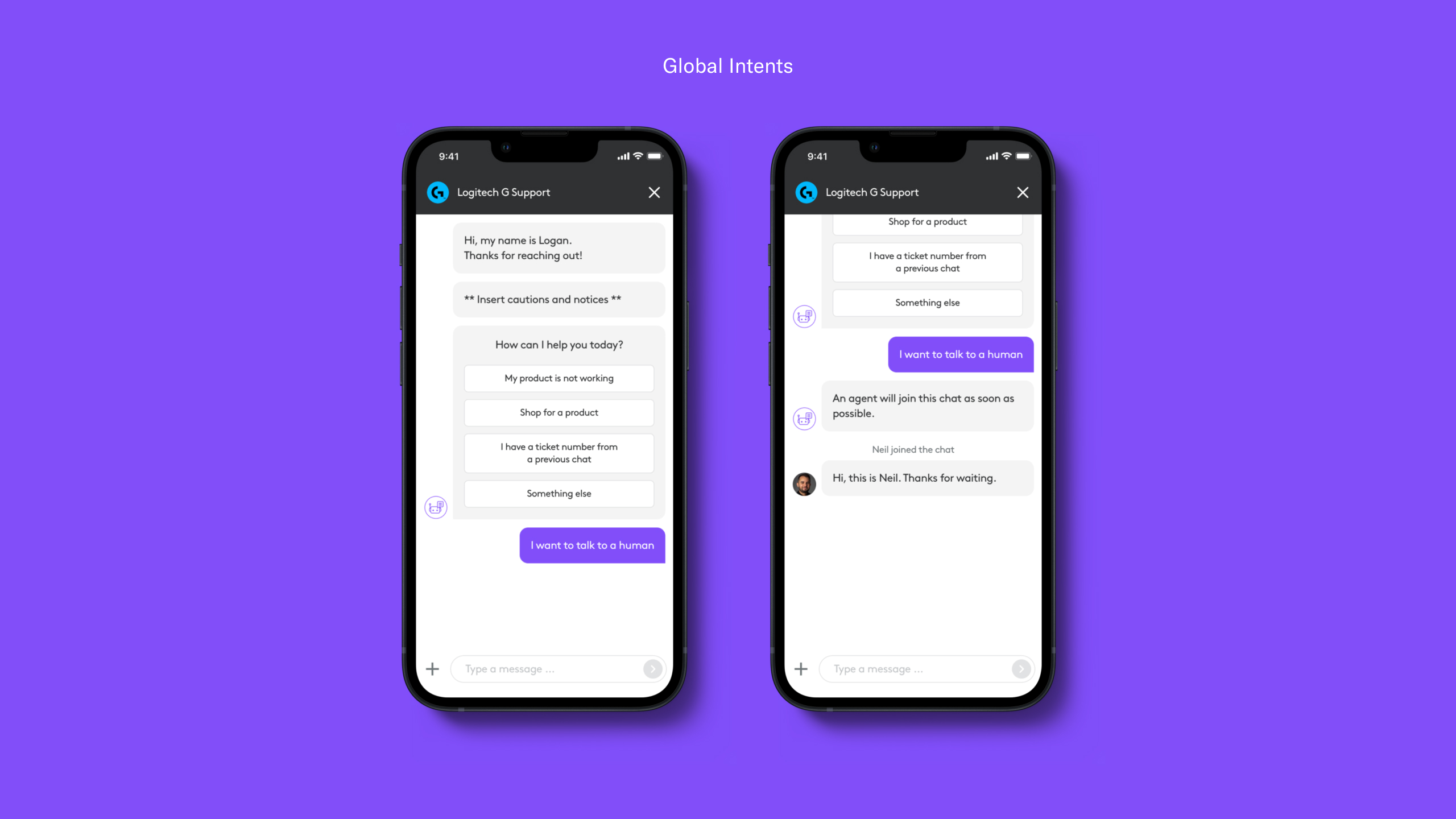
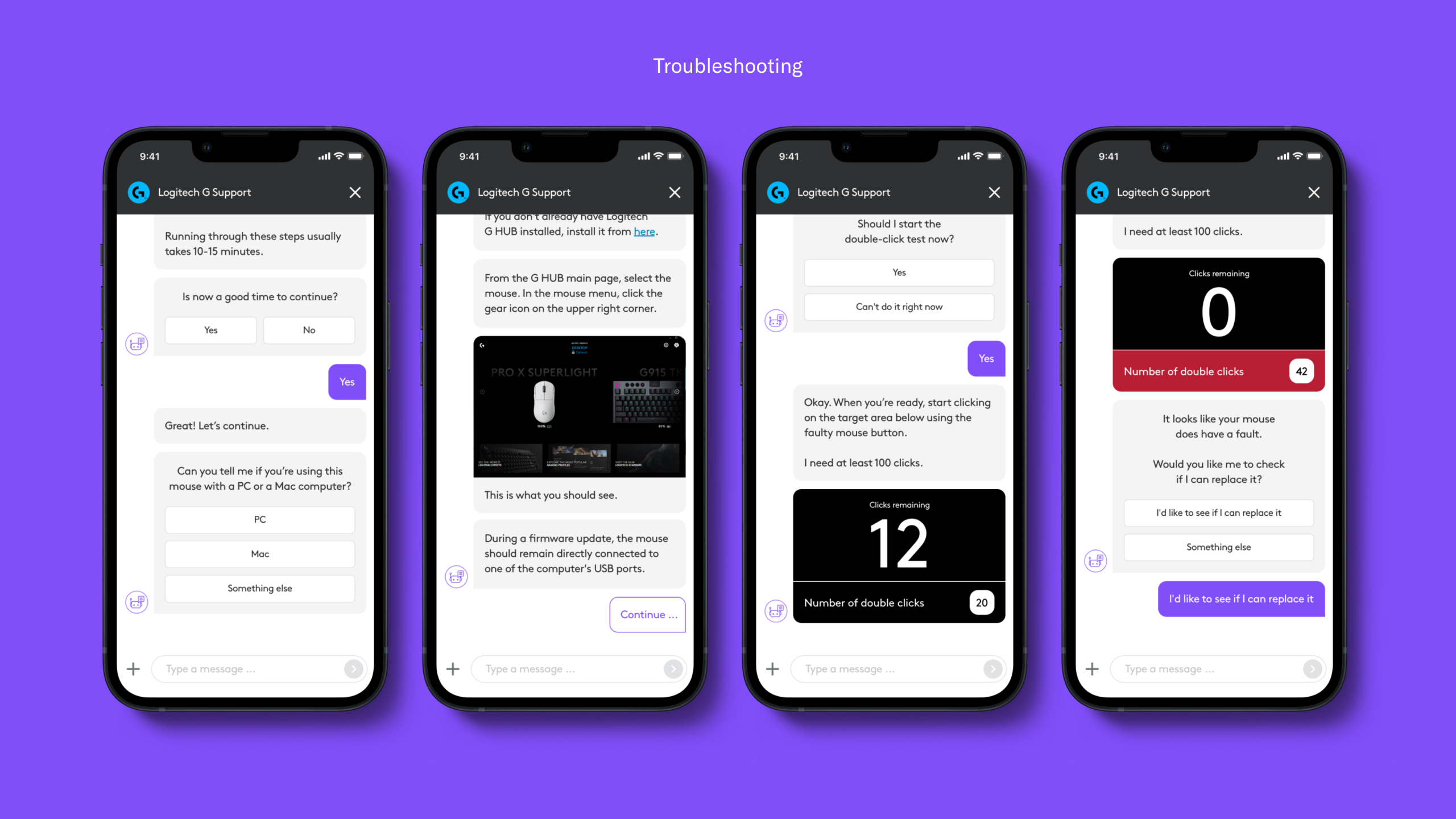
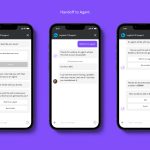
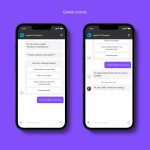
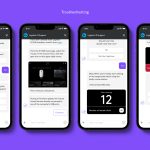
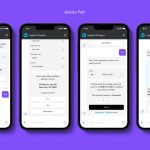
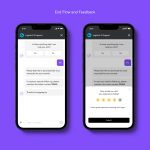
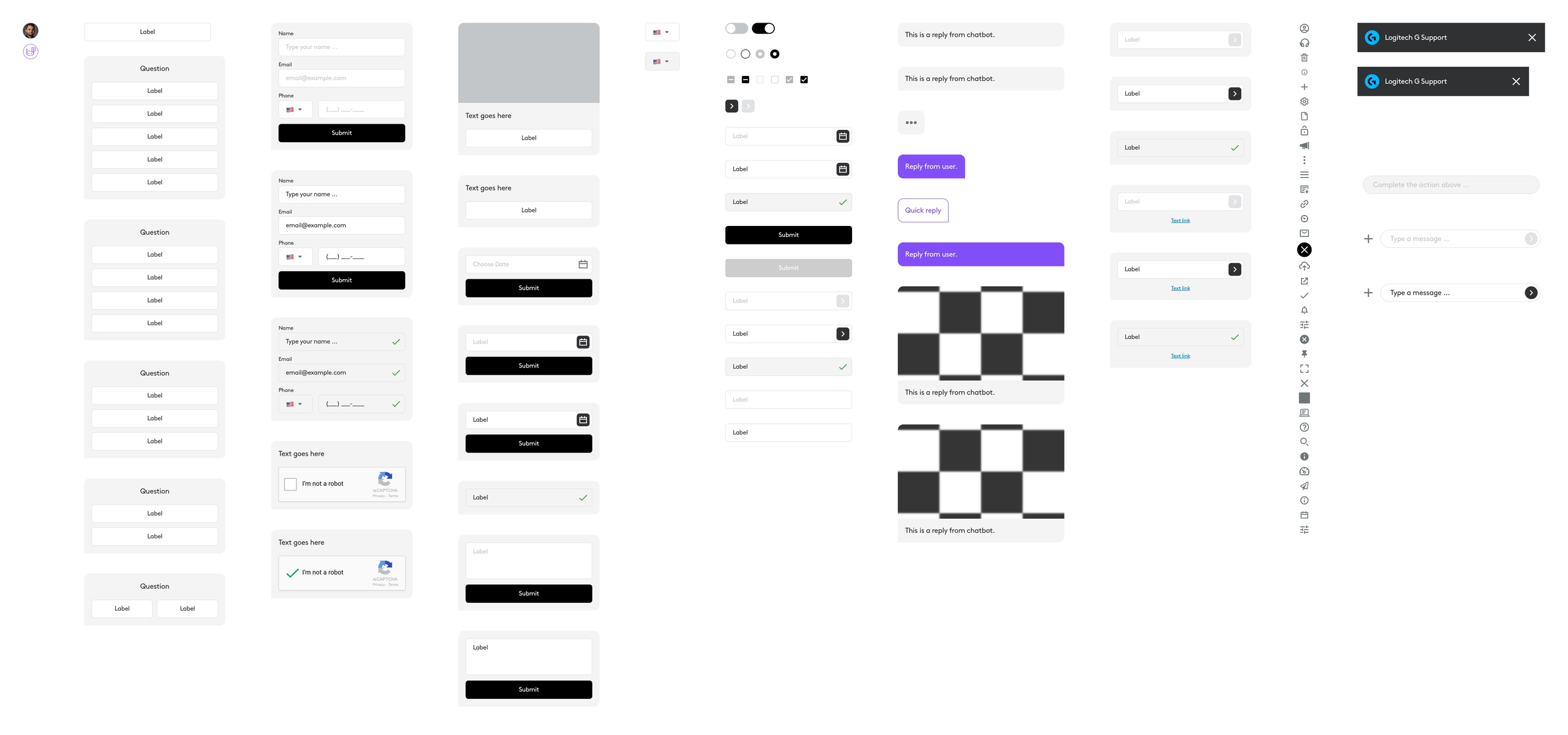
The UI kit we delivered to the client contains a range of components which they can use to mock up chatbot interactions in the future.
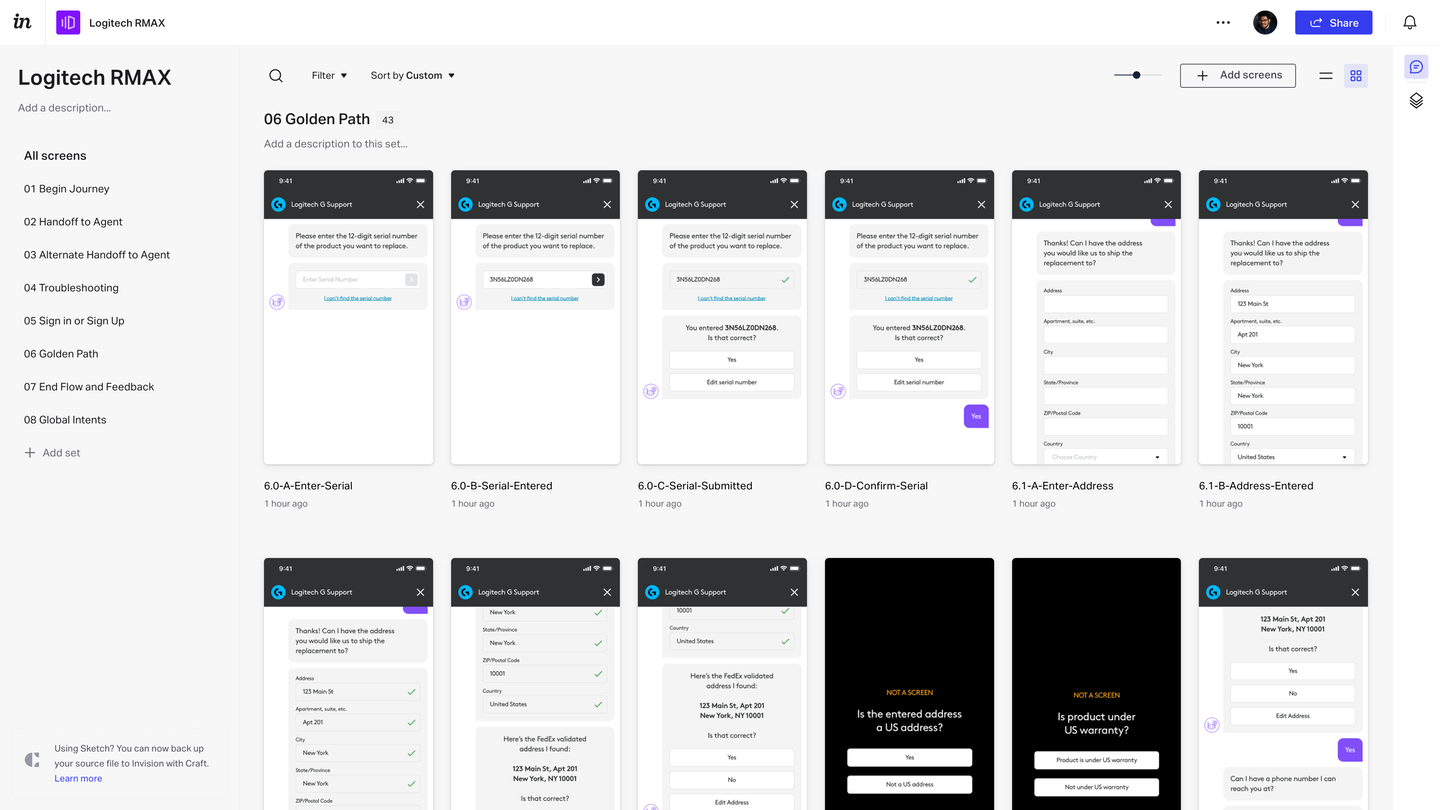
We designed 150+ screens to cover all the use cases and presented them to the client using InVision to collect feedback and make revisions.
Below is a screen capture of the clickable InVision prototype that we created based on the various flows and modules we designed. The dark screens are a way to simulate specific conditions in the prototype (i.e. product in warranty, long wait time, one-time password verified etc.) The video shows a user going through the process of troubleshooting a wireless mouse.
Once the chatbot is able to determine that the mouse has a double-click issue, it offers to replace it. This takes the user down a path where they validate the product serial number, provide contact and shipping information and once the system figures out that the request is genuine the chatbot offers to ship a mouse in a colorway that is available.
Result
Based on our work the business was able to formalize their RMA process and lay the groundwork for future design and development work on chatbot flows. The integrated troubleshooting flows encouraged users to find solutions for common mouse issues on their own. A system was also established to capture details of users who were suspected concerns, which will help them reduce RMA fraud further.
As a follow up, Logitech G approached us for a phase two where we dived deeper into flows for multiple countries, offer free upgrades and process payments for paid upgrades.